
Expense Reimbursement Form
Collect the receipt, the amount, and the reason together, so finance never has to chase a claim for missing paperwork.
Try it in another theme
Powered by Deoochform
Opens in the builder. Nothing is saved until you edit it. Or ask Claude or ChatGPT to build it.
- Fields
- 11 questions
- Layout
- Classic, every question on one page
- Theme
- Forest, switchable in the preview
- Updated
- 11 August 2026
Categories
- Finance form templates
- Finance Forms
- Internal Forms
- Upload Forms
Ideal for
- Finance teams
- Office managers
- Founders
- Bookkeepers
Best used in
- Monthly expense runs
- Travel reimbursement
- Contractor costs
About this template
Almost every rejected expense claim is rejected for a missing receipt or a missing reason, not for being unreasonable. Making the receipt upload required and the purpose field required means the claim arrives complete, and finance stops spending its week sending the same two emails.
Amount and currency are separate fields on purpose. A team spread across countries will otherwise type mixed currencies into one box and the total silently becomes meaningless. Keeping them apart means you can convert on import and still see what was originally spent.
Add a conditional rule so claims over your approval threshold require the approver field, and leave it optional below that. If you reimburse through payroll rather than by transfer, replace the account holder field with an employee number.
Templates are a starting point, not legal or professional advice. Where a form carries consent, medical, or contractual wording, have somebody qualified review it against the rules that apply to you before you publish.
Fields in this template
- Your name*Short text
- Work email*Email
- Department*Dropdown
- Date of spend*Date
- Category*Dropdown
- Amount*Number
- Currency*Dropdown
- What was this for?*Long text
- Receipt*File upload
- Account holder name*Short text
- Who approved this?Short text
Every field can be renamed, reordered, made optional, or removed once the template is open in the builder.
Build this form by asking Claude or ChatGPT
Connect Deoochform to Claude, ChatGPT, or any assistant that supports MCP, then send it the message below. It creates the expense reimbursement form from this template in your account and replies with a link. You can ask it to add, remove, or reword questions in the same chat before you share the form.
Make me a form in Deoochform from your Expense Reimbursement Form template, then send me the link to share.
New to this? See how to connect your assistant. You sign in with your browser, so there is no key to copy.
Frequently asked questions
- What should an expense claim form ask for?
- The date of spend, the category, the amount and currency, what it was for, the receipt, and where to pay it. A claim missing any of those comes back for a second round.
- Can people attach a receipt?
- Yes. The upload field takes a photo or a PDF and stores it with the claim, so finance never has to chase a submission that arrived without its paperwork.
- Can claims export for payroll?
- Yes. Export to Excel or sync to Google Sheets and the claims arrive as rows in the shape your payroll run already expects. Sheets sync is on the free plan.
Related templates
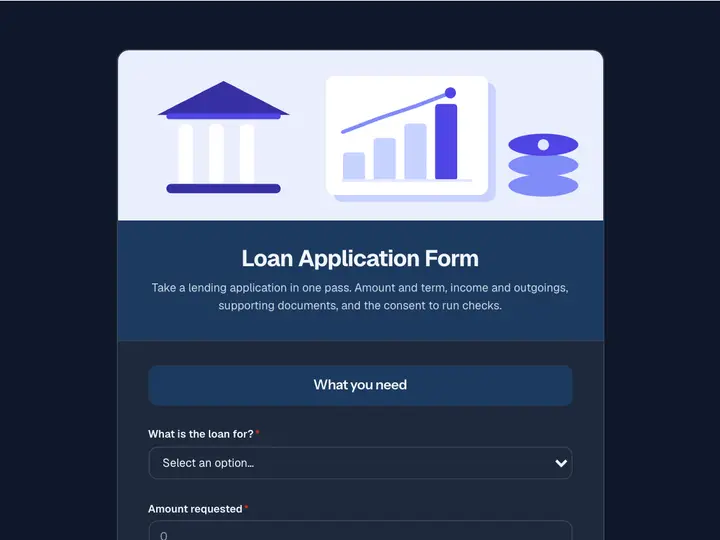 Loan Application Form
Take a lending application in one pass. Amount and term, income and outgoings, supporting documents, and the consent to run checks.
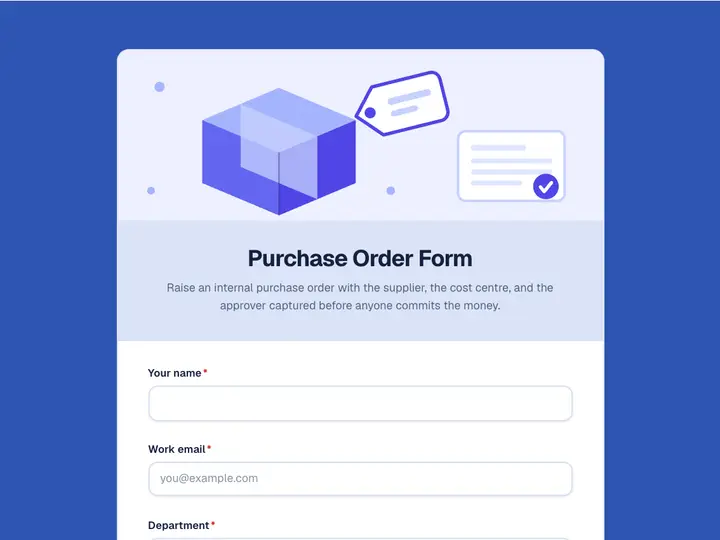 Purchase Order Form
Raise an internal purchase order with the supplier, the cost centre, and the approver captured before anyone commits the money.
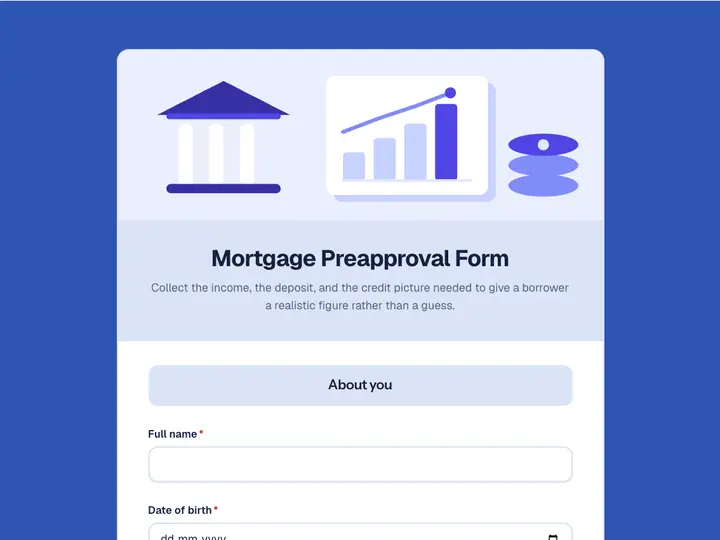 Mortgage Preapproval Form
Collect the income, the deposit, and the credit picture needed to give a borrower a realistic figure rather than a guess.
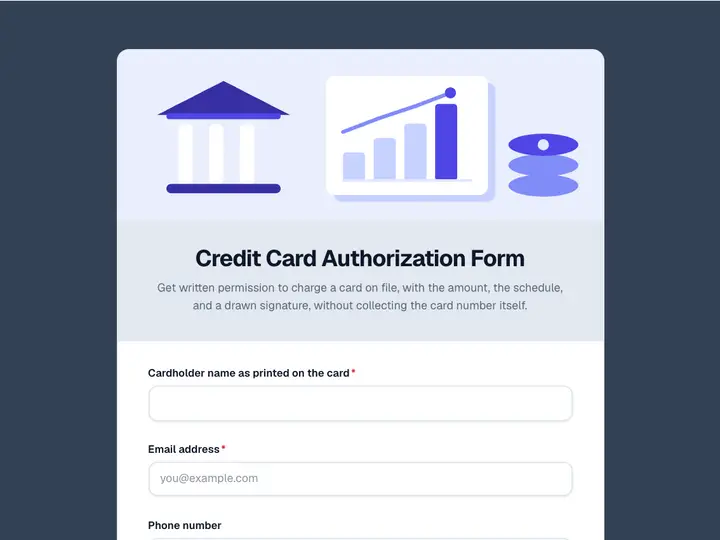 Credit Card Authorization Form
Get written permission to charge a card on file, with the amount, the schedule, and a drawn signature, without collecting the card number itself.
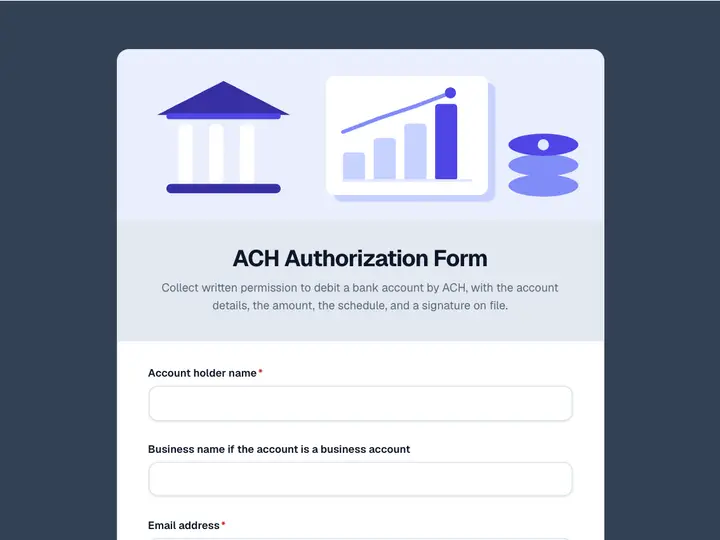 ACH Authorization Form
Collect written permission to debit a bank account by ACH, with the account details, the amount, the schedule, and a signature on file.
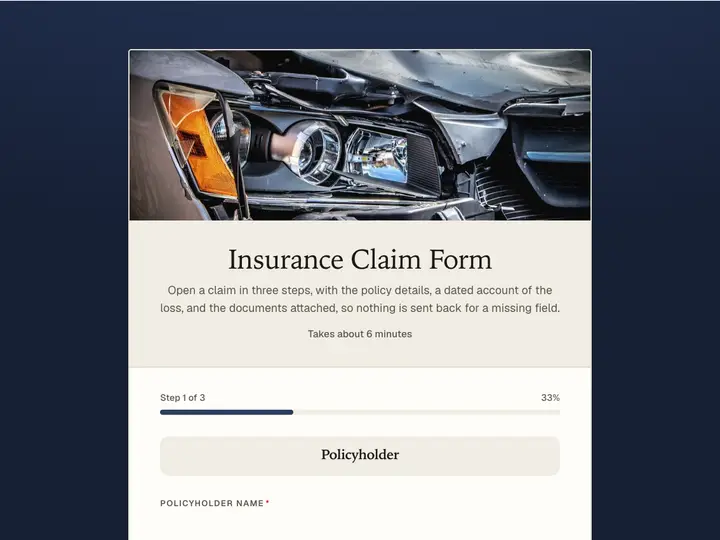 Insurance Claim Form
Open a claim in three steps, with the policy details, a dated account of the loss, and the documents attached, so nothing is sent back for a missing field.