
Mortgage Preapproval Form
Collect the income, the deposit, and the credit picture needed to give a borrower a realistic figure rather than a guess.
Try it in another theme
Powered by Deoochform
Opens in the builder. Nothing is saved until you edit it. Or ask Claude or ChatGPT to build it.
- Fields
- 20 questions
- Layout
- Classic, every question on one page
- Theme
- Royal, switchable in the preview
- Updated
- 11 August 2026
Categories
- Finance form templates
- Finance Forms
- Application Forms
- Qualification Forms
Ideal for
- Mortgage brokers
- Lenders
- Estate agents
- Financial advisers
Best used in
- Preapproval enquiries
- Affordability checks
- Buyer qualification
About this template
Preapproval turns on a small number of figures: income, deposit, existing commitments, and credit history. This form collects all four, which is enough to give a borrower a realistic borrowing range instead of a conversation that ends in please send more information.
Employment status is a dropdown that separates self employed and contractor from salaried, because those cases are assessed on completely different evidence and knowing which one you have determines what you ask for next. Years in role is here for the same reason.
The credit issues checklist ends in none of these so a clean history is stated rather than assumed, and the closing declaration makes clear this is not a formal offer, which matters both legally and for managing expectation. Never collect bank details here; do that after preapproval, outside the form.
Templates are a starting point, not legal or professional advice. Where a form carries consent, medical, or contractual wording, have somebody qualified review it against the rules that apply to you before you publish.
Fields in this template
- Full name*Short text
- Date of birth*Date
- Email address*Email
- Phone number*Phone
- Current address*Address
- Is this a sole or joint application?*Single choice
- Employment status*Dropdown
- Employer nameShort text
- Job titleShort text
- How long in your current role?Dropdown
- Gross annual income*Number
- Any other annual incomeNumber
- What is the mortgage for?*Dropdown
- Property price or estimate*Number
- Deposit available*Number
- Where is the deposit coming from?Dropdown
- Total monthly loan and card paymentsNumber
- Number of dependantsNumber
- Have you had any of these in the last 6 years?Multiple choice
- Consent*Multiple choice
Every field can be renamed, reordered, made optional, or removed once the template is open in the builder.
Build this form by asking Claude or ChatGPT
Connect Deoochform to Claude, ChatGPT, or any assistant that supports MCP, then send it the message below. It creates the mortgage preapproval form from this template in your account and replies with a link. You can ask it to add, remove, or reword questions in the same chat before you share the form.
Make me a form in Deoochform from your Mortgage Preapproval Form template, then send me the link to share.
New to this? See how to connect your assistant. You sign in with your browser, so there is no key to copy.
Frequently asked questions
- What should a mortgage preapproval form collect?
- Applicant details, sole or joint, employment and income, outgoings and existing credit, the deposit, and the property in mind. Outgoings are as decisive as income and are often left out.
- Can applicants upload payslips?
- Yes. Upload fields take payslips, bank statements and proof of deposit, all stored with the application rather than arriving as separate attachments to be matched up.
- Is this a credit check?
- No. It gathers what a lender or broker needs to give a realistic figure. Any actual check runs in your own systems, and the consent to run one is recorded as a checkbox with its date.
Related templates
 Loan Application Form
Take a lending application in one pass. Amount and term, income and outgoings, supporting documents, and the consent to run checks.
 Expense Reimbursement Form
Collect the receipt, the amount, and the reason together, so finance never has to chase a claim for missing paperwork.
 Purchase Order Form
Raise an internal purchase order with the supplier, the cost centre, and the approver captured before anyone commits the money.
 Credit Card Authorization Form
Get written permission to charge a card on file, with the amount, the schedule, and a drawn signature, without collecting the card number itself.
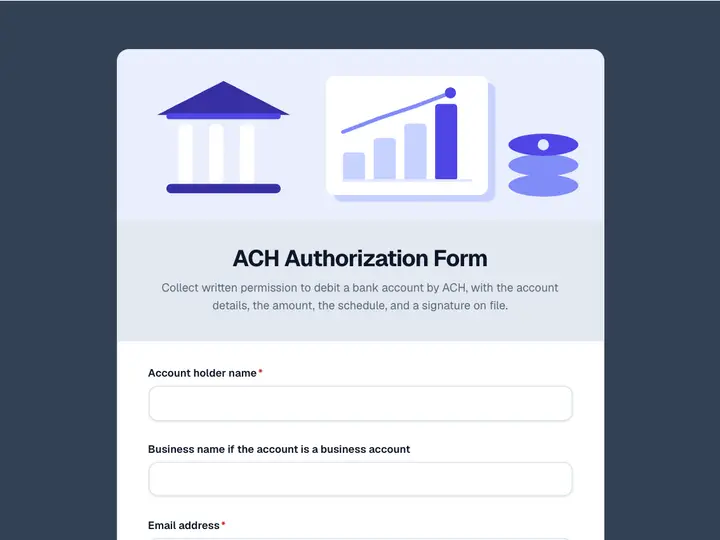 ACH Authorization Form
Collect written permission to debit a bank account by ACH, with the account details, the amount, the schedule, and a signature on file.
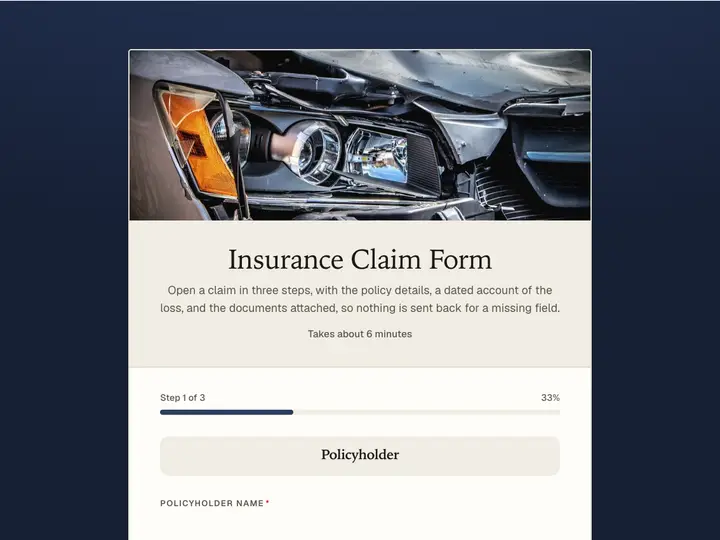 Insurance Claim Form
Open a claim in three steps, with the policy details, a dated account of the loss, and the documents attached, so nothing is sent back for a missing field.