
General Knowledge Quiz
A scored multiple choice quiz that marks itself the moment someone submits, and shows them their result on the way out.
Try it in another theme
Powered by Deoochform
Opens in the builder. Nothing is saved until you edit it. Or ask Claude or ChatGPT to build it.
- Fields
- 8 questions
- Layout
- Classic, every question on one page
- Theme
- Plum, switchable in the preview
- Updated
- 10 September 2026
Categories
- Education form templates
- Quizzes
- Education Forms
- Scored Forms
Form type
Ideal for
- Teachers
- Trainers
- Event hosts
- Community managers
Best used in
- Classrooms
- Online courses
- Team socials
About this template
This is a quiz rather than a form, which means the answers are marked. Every question carries an answer key, the score is worked out when the response is stored, and the person taking it sees their result on the confirmation screen instead of waiting for somebody to mark it by hand.
The marking is deliberately all or nothing on the multiple answer questions. Ticking every box on a question with three correct options out of four is not a near miss, it is a guess, and giving it part credit rewards the one strategy that beats the format. Single answer questions score one point by default and the two multiple answer questions here are set to two, which is how a quiz built by only ticking correct answers still adds up to a sensible total.
Scores are recalculated from the stored answers every time rather than frozen at submission, so correcting a wrong answer key remarks every response already collected instead of preserving the mistake.
Replace the six questions with your own. The scoring follows whatever you put in, and questions without an answer key still appear on the form and simply do not count toward the total.
Templates are a starting point, not legal or professional advice. Where a form carries consent, medical, or contractual wording, have somebody qualified review it against the rules that apply to you before you publish.
Fields in this template
- Your name*Short text
- Email addressEmail
- Which planet is closest to the Sun?*Single choice
- How many continents are there?*Single choice
- What is the largest ocean on Earth?*Single choice
- In which year did a human first walk on the Moon?*Single choice
- Which of these are primary colours in the traditional painting model?*Multiple choice
- Which of these countries share a land border with France?*Multiple choice
Every field can be renamed, reordered, made optional, or removed once the template is open in the builder.
Build this form by asking Claude or ChatGPT
Connect Deoochform to Claude, ChatGPT, or any assistant that supports MCP, then send it the message below. It creates the general knowledge quiz from this template in your account and replies with a link. You can ask it to add, remove, or reword questions in the same chat before you share the form.
Make me a form in Deoochform from your General Knowledge Quiz template, then send me the link to share.
New to this? See how to connect your assistant. You sign in with your browser, so there is no key to copy.
Frequently asked questions
- Does this quiz mark itself?
- Yes. Each question carries an answer key, and the score is calculated from the stored answers when the response arrives. The person taking the quiz sees their result on the confirmation screen, and you see the score against every response without marking anything by hand.
- Can a respondent see the answer key by looking at the page source?
- No. The answer key is stripped out before the form is sent to the browser, so it is never in the page a respondent can read. Scoring happens on the server against the stored answers, which also means a score cannot be faked by editing anything client side.
- What happens if I add a question and forget to set the correct answer?
- It renders normally and does not count toward the total. That is deliberate: the alternative is every respondent losing a point for an answer key the quiz author forgot to define, which would make an editing mistake look like a run of bad results.
Related templates
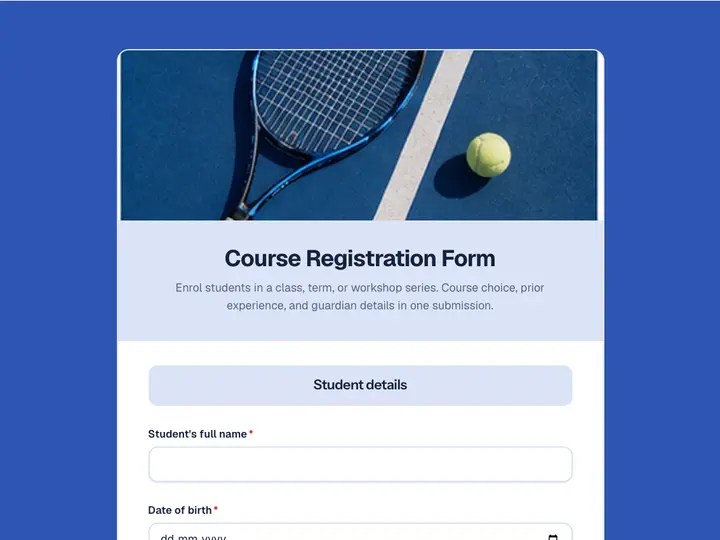 Course Registration Form
Enrol students in a class, term, or workshop series. Course choice, prior experience, and guardian details in one submission.
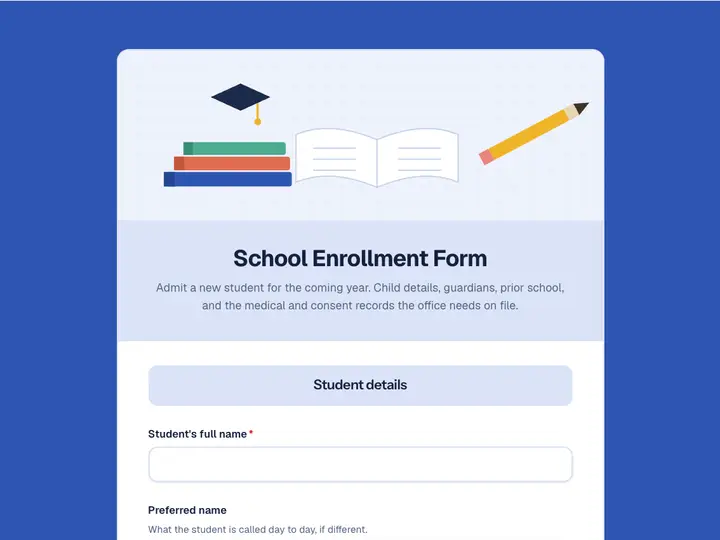 School Enrollment Form
Admit a new student for the coming year. Child details, guardians, prior school, and the medical and consent records the office needs on file.
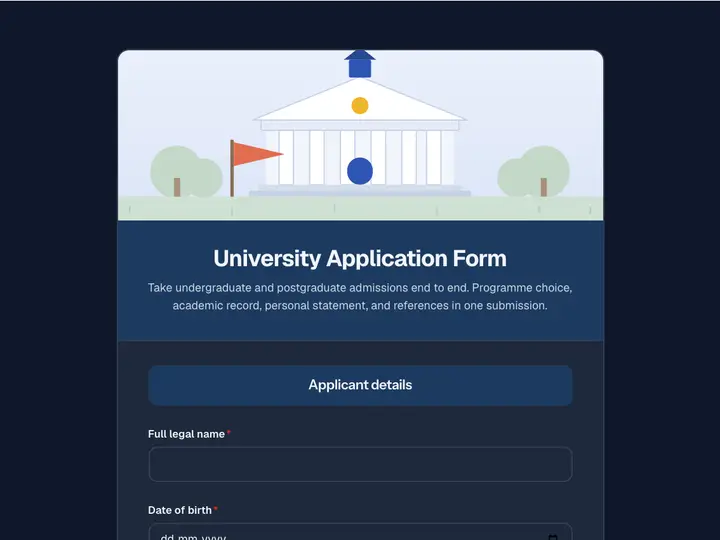 University Application Form
Take undergraduate and postgraduate admissions end to end. Programme choice, academic record, personal statement, and references in one submission.
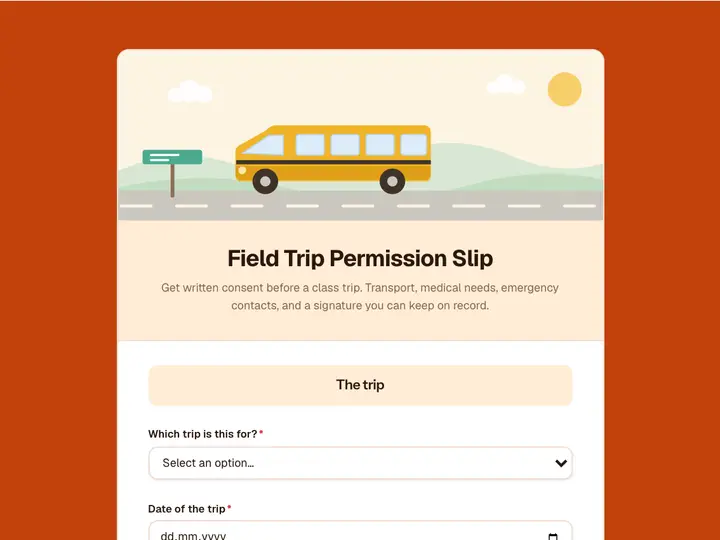 Field Trip Permission Slip
Get written consent before a class trip. Transport, medical needs, emergency contacts, and a signature you can keep on record.
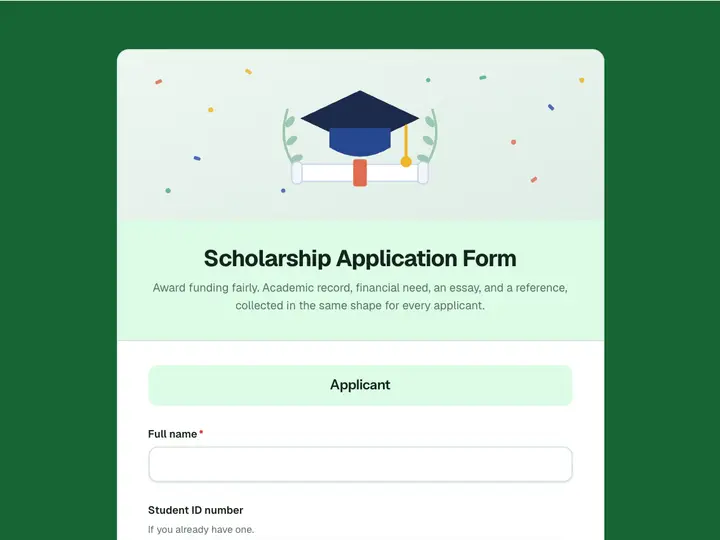 Scholarship Application Form
Award funding fairly. Academic record, financial need, an essay, and a reference, collected in the same shape for every applicant.
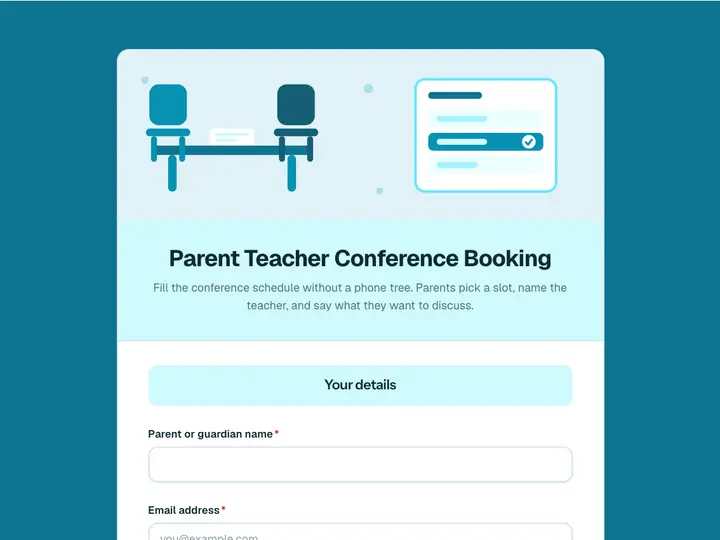 Parent Teacher Conference Booking
Fill the conference schedule without a phone tree. Parents pick a slot, name the teacher, and say what they want to discuss.