
Student Registration Form
Register a student for a course or a term with the guardian details, the year group, and any support needs captured in one pass.
Try it in another theme
Powered by Deoochform
Opens in the builder. Nothing is saved until you edit it. Or ask Claude or ChatGPT to build it.
- Fields
- 13 questions
- Layout
- Classic, every question on one page
- Theme
- Default, switchable in the preview
- Updated
- 11 August 2026
Categories
- Education form templates
- Education Forms
- Registration Forms
- Parent Forms
Form type
Ideal for
- Schools
- Colleges
- Course providers
- Administrators
Best used in
- Term enrolment
- New intake
- Course signup
About this template
Registration season produces the same three follow up emails every year: a missing emergency contact, an unanswered photo permission, and a guardian phone number nobody can read. Making those three required means the record is complete the first time, and the office stops spending September on the phone.
The form is split into student, guardian, and support so it can be filled in by whoever has the information to hand, and so the support section reads as an offer rather than an interrogation. The additional needs checklist ends in an explicit none, which gets a far higher completion rate than leaving the whole question blank.
The photo permission answer is the one to route somewhere useful, because it has to be checked before any newsletter goes out. Add a second guardian block if you need two contacts on file, or a transport question if you run school buses.
Templates are a starting point, not legal or professional advice. Where a form carries consent, medical, or contractual wording, have somebody qualified review it against the rules that apply to you before you publish.
Fields in this template
- Student full name*Short text
- Date of birth*Date
- Year group*Dropdown
- Guardian full name*Short text
- Guardian email*Email
- Guardian phone*Phone
- Home address*Address
- Medical conditions or allergies we should know aboutLong text
- Does the student have any additional needs?Multiple choice
- Emergency contact name*Short text
- Emergency contact phone*Phone
- May we use photographs of the student in school communications?*Single choice
- Guardian signature*Signature
Every field can be renamed, reordered, made optional, or removed once the template is open in the builder.
Build this form by asking Claude or ChatGPT
Connect Deoochform to Claude, ChatGPT, or any assistant that supports MCP, then send it the message below. It creates the student registration form from this template in your account and replies with a link. You can ask it to add, remove, or reword questions in the same chat before you share the form.
Make me a form in Deoochform from your Student Registration Form template, then send me the link to share.
New to this? See how to connect your assistant. You sign in with your browser, so there is no key to copy.
Frequently asked questions
- What should a student registration form ask for?
- Student details and year group, guardian contact details, the home address, and any support or safety needs. The last one is what the form exists to surface early.
- Can one form cover several children?
- Better to send it once per child. One submission per student keeps the response table usable and stops details from two children being merged in an export.
- Can it be filled in on a phone?
- Yes. Every form works on a phone without an app, which for a guardian registration form usually means it is completed the same evening rather than printed and forgotten.
Related templates
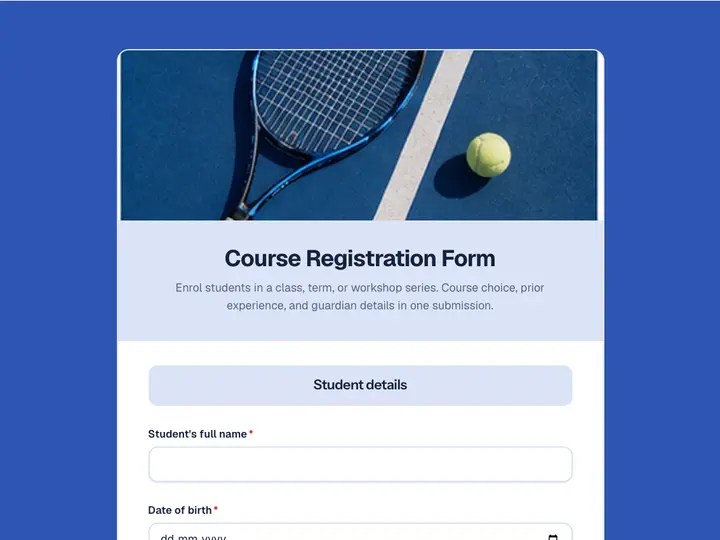 Course Registration Form
Enrol students in a class, term, or workshop series. Course choice, prior experience, and guardian details in one submission.
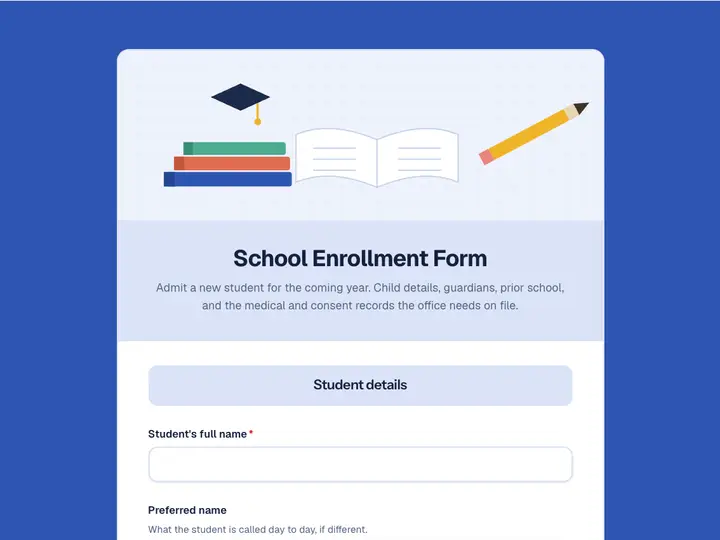 School Enrollment Form
Admit a new student for the coming year. Child details, guardians, prior school, and the medical and consent records the office needs on file.
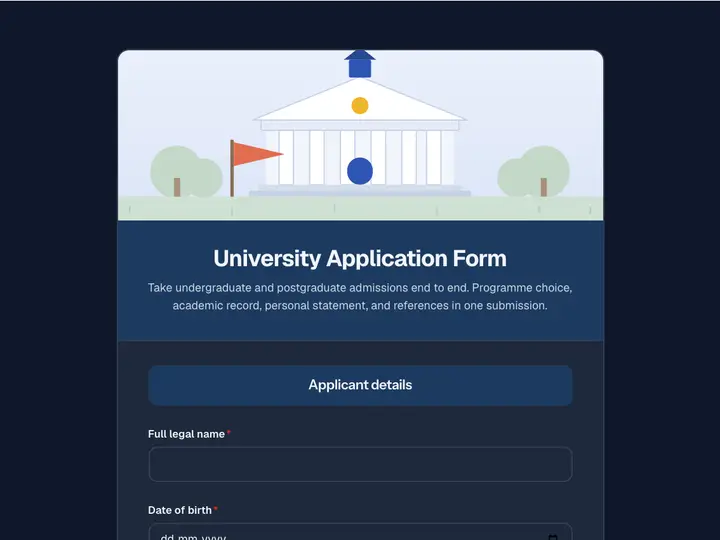 University Application Form
Take undergraduate and postgraduate admissions end to end. Programme choice, academic record, personal statement, and references in one submission.
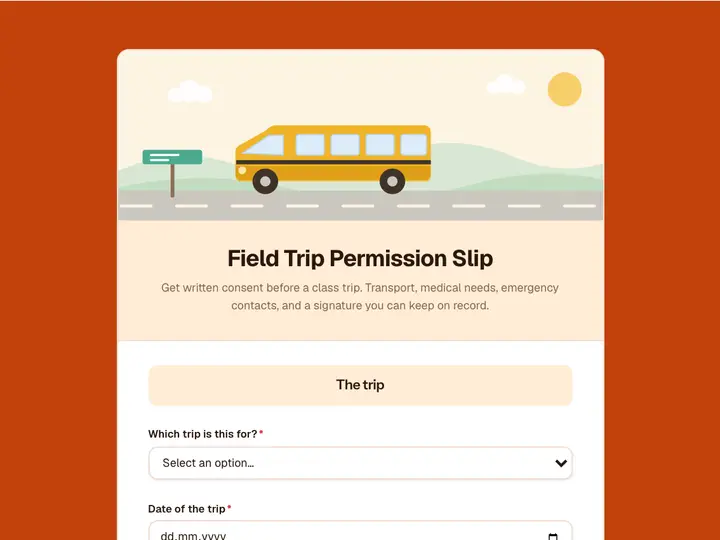 Field Trip Permission Slip
Get written consent before a class trip. Transport, medical needs, emergency contacts, and a signature you can keep on record.
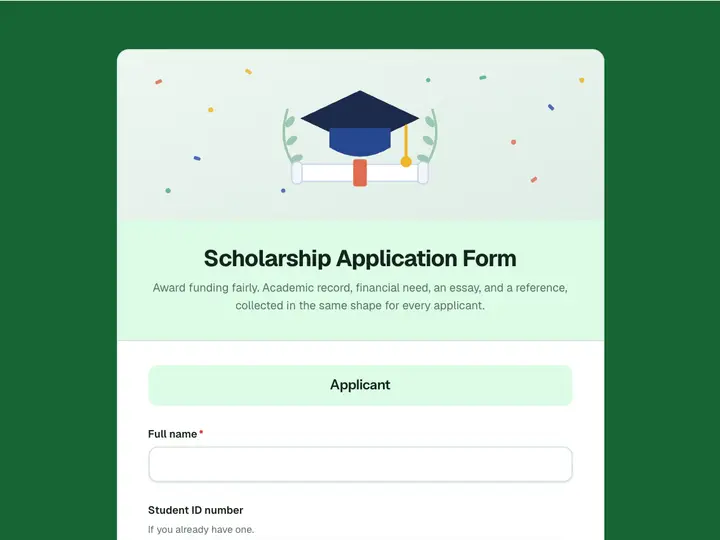 Scholarship Application Form
Award funding fairly. Academic record, financial need, an essay, and a reference, collected in the same shape for every applicant.
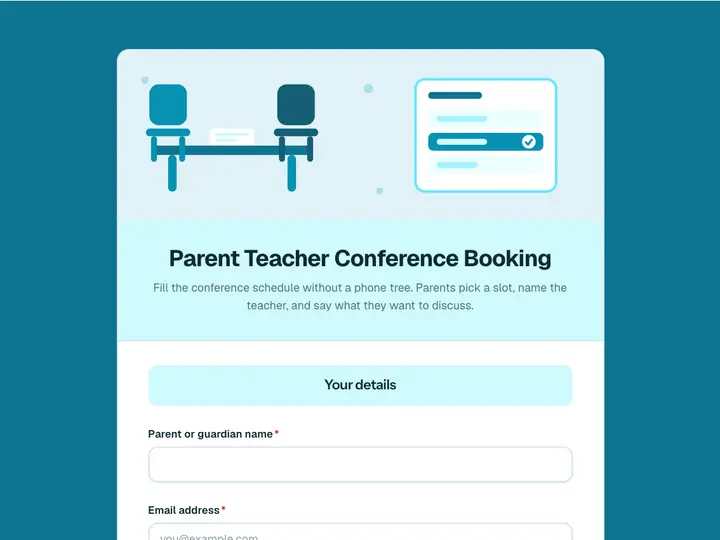 Parent Teacher Conference Booking
Fill the conference schedule without a phone tree. Parents pick a slot, name the teacher, and say what they want to discuss.