
Spa Appointment Form
Book a treatment with the allergies, the pregnancy question, and the pressure preference asked before the therapist meets the guest.
Try it in another theme
Powered by Deoochform
Opens in the builder. Nothing is saved until you edit it. Or ask Claude or ChatGPT to build it.
- Fields
- 13 questions
- Layout
- Classic, every question on one page
- Theme
- Blush, switchable in the preview
- Updated
- 11 August 2026
Categories
- Beauty & Wellness form templates
- Wellness Forms
- Booking Forms
- Intake Forms
Form type
Ideal for
- Spas
- Salons
- Massage therapists
- Hotels
Best used in
- Treatment bookings
- Hotel spa reservations
- Gift vouchers
About this template
Spa treatments have contraindications, and finding out about one while the guest is already on the table is bad for everyone. The conditions checklist and the required allergies field move that conversation to the booking, where a treatment can still be changed.
The allergies field is required with help text telling people to write none, because oils and fragrances are the most common cause of a reaction and a blank field cannot be distinguished from a forgotten one. Asking about pressure and areas to avoid in the same section means the therapist starts already briefed.
The cancellation confirmation is what makes a late cancellation charge collectable, since it is the record the guest agreed to it. Add a payment field for a deposit on longer treatments, and a rule so the pregnancy answer flags the booking for review.
Templates are a starting point, not legal or professional advice. Where a form carries consent, medical, or contractual wording, have somebody qualified review it against the rules that apply to you before you publish.
Fields in this template
- Full name*Short text
- Email address*Email
- Mobile number*Phone
- Which treatment?*Dropdown
- How long?*Dropdown
- Pick a date and time*Appointment
- Therapist preferenceSingle choice
- Allergies, including to oils and fragrances*Long text
- Do any of these apply?Multiple choice
- How much pressure do you like?Single choice
- Any areas you would rather we avoided?Long text
- Is this for a special occasion?Short text
- Please confirm*Multiple choice
Every field can be renamed, reordered, made optional, or removed once the template is open in the builder.
Build this form by asking Claude or ChatGPT
Connect Deoochform to Claude, ChatGPT, or any assistant that supports MCP, then send it the message below. It creates the spa appointment form from this template in your account and replies with a link. You can ask it to add, remove, or reword questions in the same chat before you share the form.
Make me a form in Deoochform from your Spa Appointment Form template, then send me the link to share.
New to this? See how to connect your assistant. You sign in with your browser, so there is no key to copy.
Frequently asked questions
- What should a spa booking form ask for?
- The treatment and duration, a date and time, therapist preference, and the health questions: allergies, pregnancy, and pressure preference. Those three change what the therapist can do.
- Why ask about pregnancy at booking?
- Because several common treatments and oils are contraindicated, and finding out at the table means a cancelled appointment. Asked quietly on a form, it is a routine question.
- Can guests pay in advance?
- Yes. Add a payment field and the treatment is paid at booking through Stripe, which reduces no shows on the slots that are hardest to refill.
Related templates
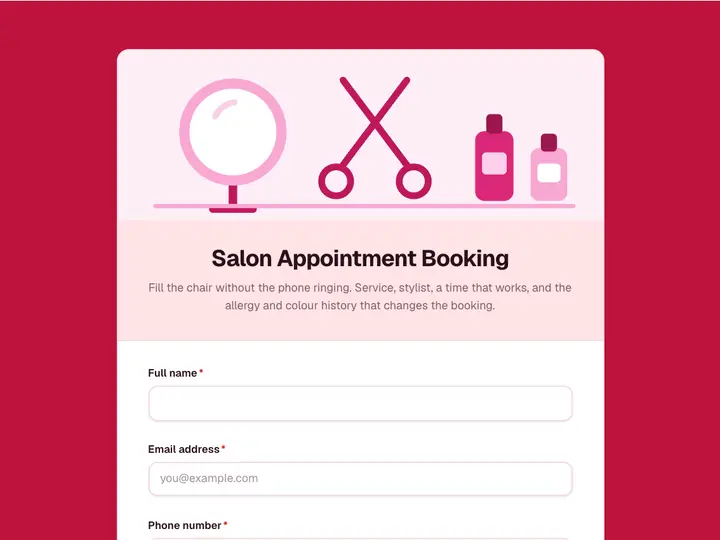 Salon Appointment Booking
Fill the chair without the phone ringing. Service, stylist, a time that works, and the allergy and colour history that changes the booking.
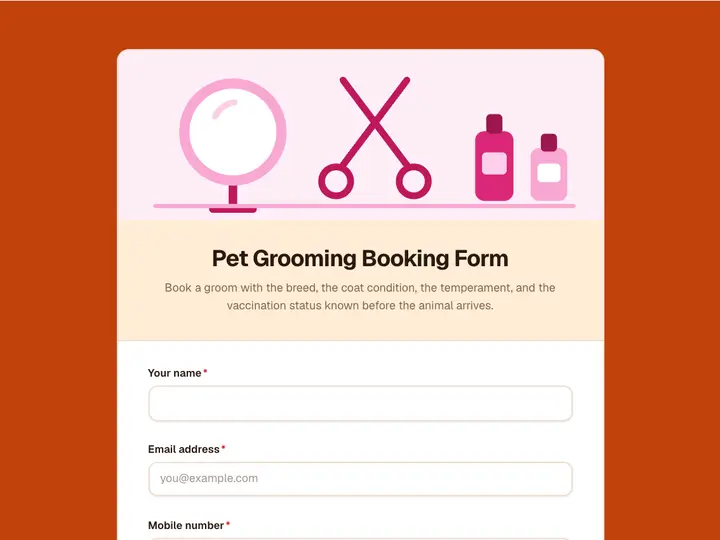 Pet Grooming Booking Form
Book a groom with the breed, the coat condition, the temperament, and the vaccination status known before the animal arrives.
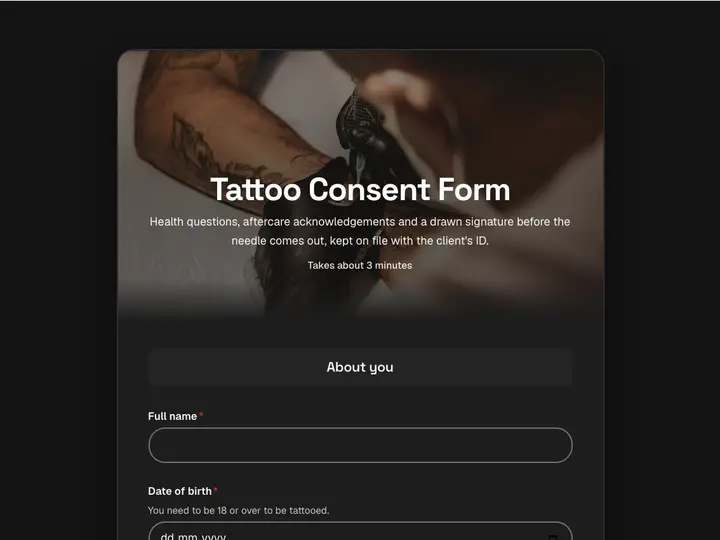 Tattoo Consent Form
Health questions, aftercare acknowledgements and a drawn signature before the needle comes out, kept on file with the client's ID.
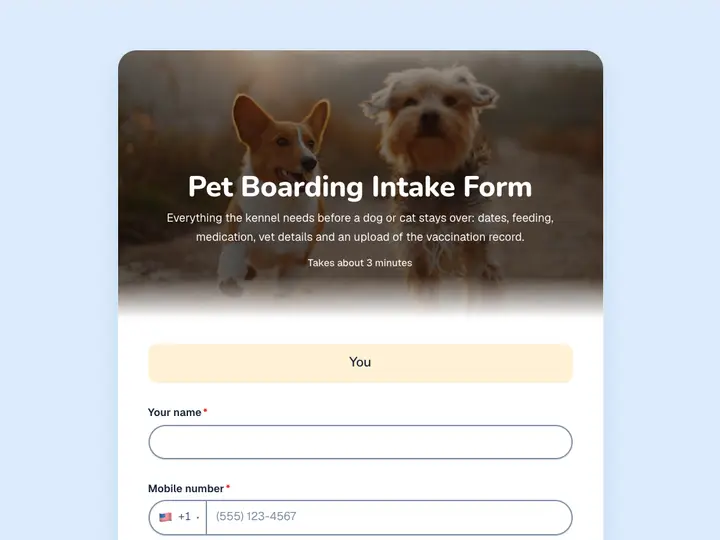 Pet Boarding Intake Form
Everything the kennel needs before a dog or cat stays over: dates, feeding, medication, vet details and an upload of the vaccination record.
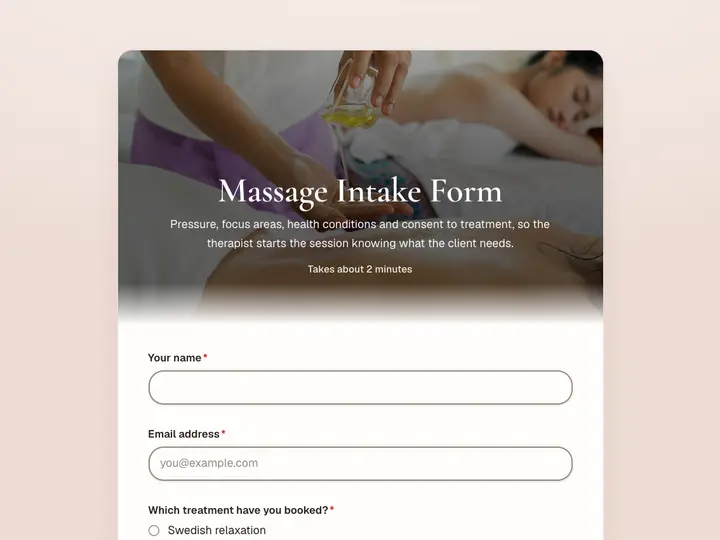 Massage Intake Form
Pressure, focus areas, health conditions and consent to treatment, so the therapist starts the session knowing what the client needs.
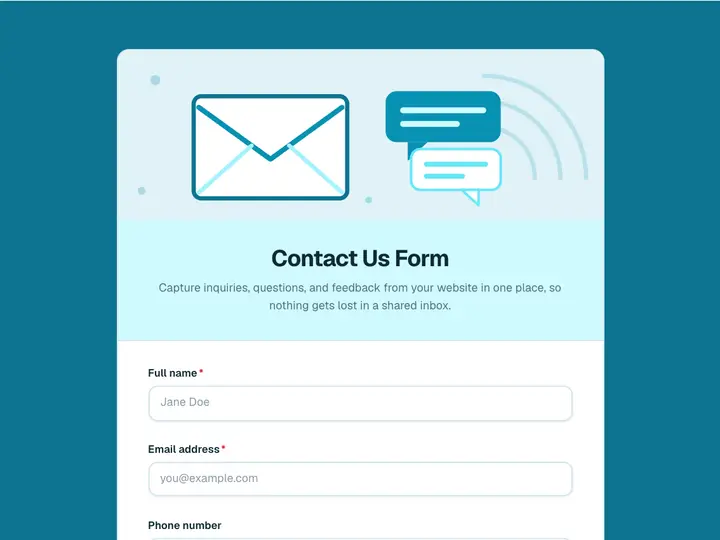 Contact Us Form
Capture inquiries, questions, and feedback from your website in one place, so nothing gets lost in a shared inbox.