
Patient Intake Form
Gather medical history, medication, and insurance details before a first appointment instead of on the clipboard in reception.
Try it in another theme
Powered by Deoochform
Opens in the builder. Nothing is saved until you edit it. Or ask Claude or ChatGPT to build it.
- Fields
- 13 questions
- Layout
- Classic, every question on one page
- Theme
- Clinic, switchable in the preview
- Updated
- 19 July 2026
Categories
- Healthcare form templates
- Intake Forms
- Medical Forms
- Information Forms
Form type
Ideal for
- Clinics
- Dentists
- Therapists
Best used in
- Healthcare
- Private practice
About this template
Intake on a clipboard in the waiting room is intake somebody has to type up afterwards. This form moves it to the days before the appointment: personal details, insurance, current medications, allergies, medical history, and the emergency contact.
Allergies and current medications sit near the top because they change the visit if they are missed. Everything below them is context the clinician reads once and refers back to.
Check the wording against your own privacy obligations before you publish it. Practices handling health records usually restrict who can open submissions as well.
Templates are a starting point, not legal or professional advice. Where a form carries consent, medical, or contractual wording, have somebody qualified review it against the rules that apply to you before you publish.
Fields in this template
- Full name*Short text
- Date of birth*Date
- Email address*Email
- Phone number*Phone
- Home address*Address
- Reason for today's visit*Long text
- Have you been diagnosed with any of the following?Multiple choice
- Current medication and dosage*Long text
- Allergies*Long text
- Insurance providerShort text
- Policy or member numberShort text
- Emergency contact name and number*Short text
- Patient signature*Signature
Every field can be renamed, reordered, made optional, or removed once the template is open in the builder.
Build this form by asking Claude or ChatGPT
Connect Deoochform to Claude, ChatGPT, or any assistant that supports MCP, then send it the message below. It creates the patient intake form from this template in your account and replies with a link. You can ask it to add, remove, or reword questions in the same chat before you share the form.
Make me a form in Deoochform from your Patient Intake Form template, then send me the link to share.
New to this? See how to connect your assistant. You sign in with your browser, so there is no key to copy.
Frequently asked questions
- What should a patient intake form include?
- At minimum: full name, date of birth, contact details, the reason for the visit, current medications, known allergies, and however you handle billing. This template asks for all of those plus a medical history section, so the clinician reads the background before the appointment rather than during it.
- Can patients fill it in before they arrive?
- Yes. Share the public link by email or text and the answers are in your dashboard before the patient walks in. Nobody has to create an account to complete it, which is the usual reason intake forms get abandoned.
- Is a general form builder enough for protected health information?
- In the United States, handling protected health information requires a business associate agreement with every vendor that touches it. Confirm your own obligations before putting clinical detail into any general purpose form builder, this one included. For intake that does not carry that requirement, the template works as it stands.
- How is this different from a medical history form?
- A medical history form is one section of it. Intake covers identity, contact, insurance and consent as well, so it is the wider document. If you only need the history, delete the other sections and keep the rest.
Related templates
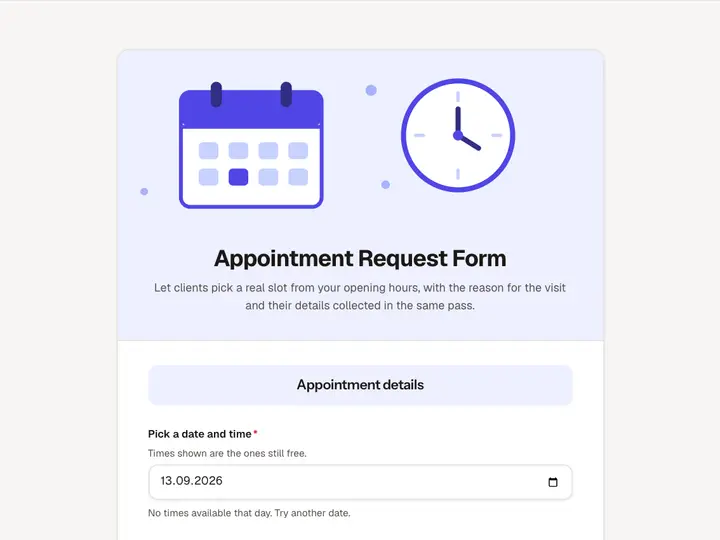 Appointment Request Form
Let clients pick a real slot from your opening hours, with the reason for the visit and their details collected in the same pass.
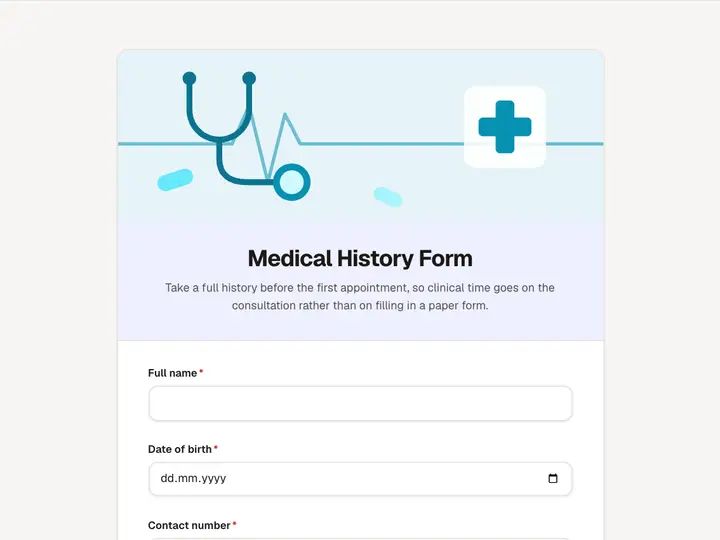 Medical History Form
Take a full history before the first appointment, so clinical time goes on the consultation rather than on filling in a paper form.
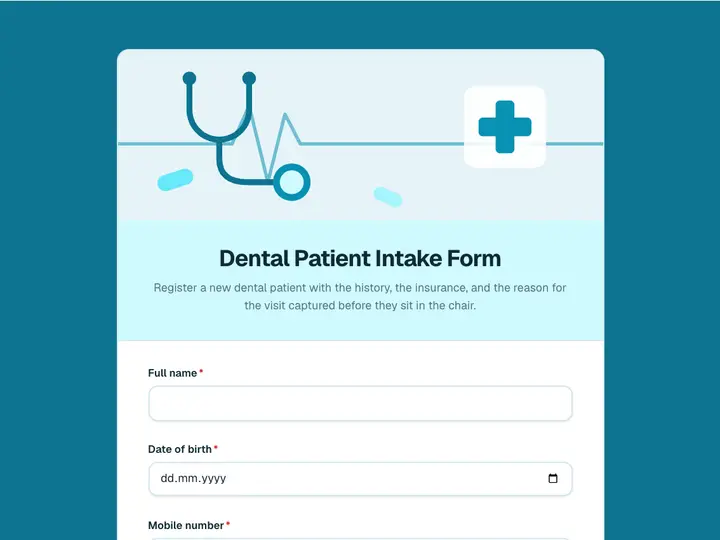 Dental Patient Intake Form
Register a new dental patient with the history, the insurance, and the reason for the visit captured before they sit in the chair.
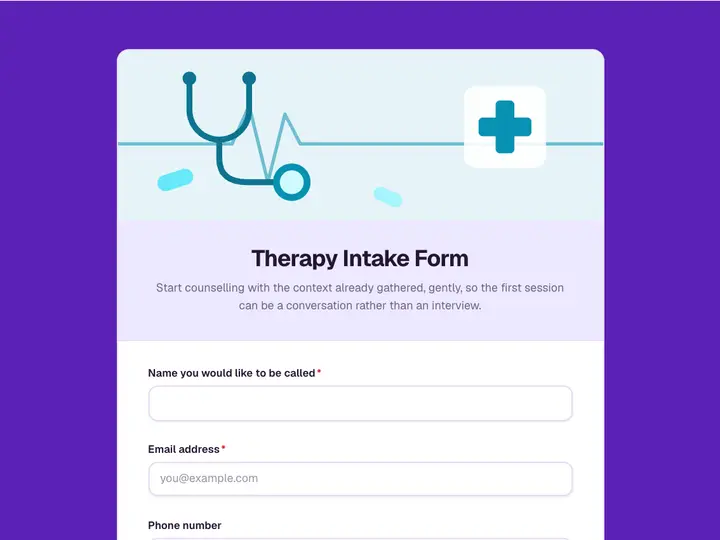 Therapy Intake Form
Start counselling with the context already gathered, gently, so the first session can be a conversation rather than an interview.
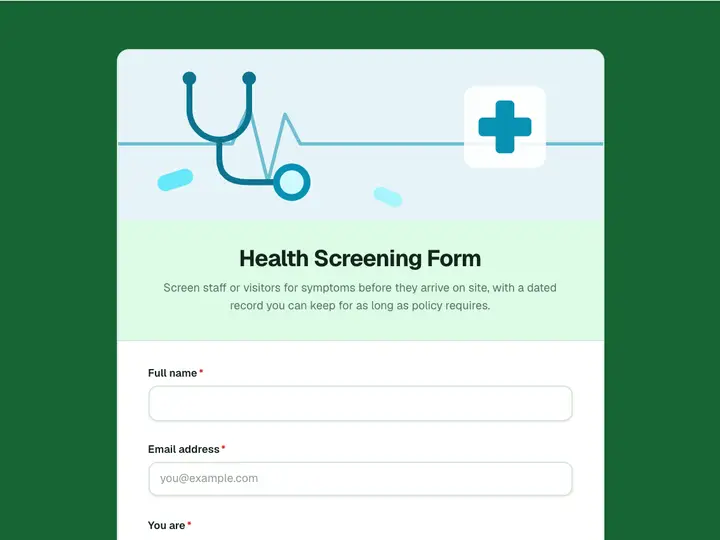 Health Screening Form
Screen staff or visitors for symptoms before they arrive on site, with a dated record you can keep for as long as policy requires.
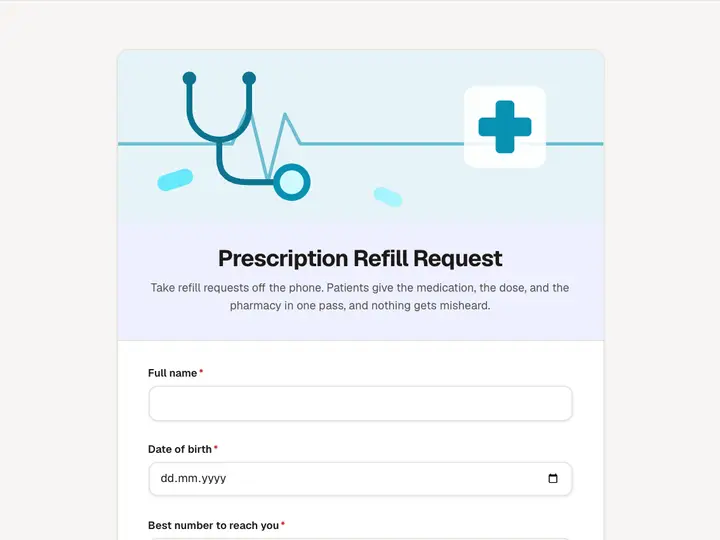 Prescription Refill Request
Take refill requests off the phone. Patients give the medication, the dose, and the pharmacy in one pass, and nothing gets misheard.