
Vaccination Record Form
Collect proof of vaccination once, with the dates, the batch, and the certificate attached, so you never have to ask twice.
Try it in another theme
Powered by Deoochform
Opens in the builder. Nothing is saved until you edit it. Or ask Claude or ChatGPT to build it.
- Fields
- 12 questions
- Layout
- Classic, every question on one page
- Theme
- Ocean, switchable in the preview
- Updated
- 11 August 2026
Categories
- Healthcare form templates
- Healthcare Forms
- Compliance Forms
- Upload Forms
Ideal for
- Clinics
- HR teams
- Schools
- Care providers
Best used in
- Staff compliance
- School enrolment
- Travel requirements
About this template
Collecting proof of vaccination by email produces a folder of attachments with no structure, and no way to answer a question like which staff are due a booster. This form captures the vaccine, the dates, and the batch as separate fields alongside the certificate, so the record is queryable rather than just stored.
Two dose date fields rather than one is the small decision that makes this useful later. Schedules differ per vaccine, and keeping the doses apart means you can calculate who is due without opening a single certificate. The batch number is there because it is the first thing asked for if a batch is ever recalled.
The reactions field is worth keeping even though most people leave it blank, since it is the only place an adverse event gets written down. Make the second dose required if the vaccine you are tracking always needs two, and set a retention period before you launch it.
Templates are a starting point, not legal or professional advice. Where a form carries consent, medical, or contractual wording, have somebody qualified review it against the rules that apply to you before you publish.
Fields in this template
- Full name*Short text
- Date of birth*Date
- Email address*Email
- Which vaccination is this?*Dropdown
- If other, which one?Short text
- Date of first dose*Date
- Date of second dose, if you had oneDate
- Batch or lot numberShort text
- Who administered it?Short text
- Vaccination certificate*File upload
- Did you have any reaction we should record?Long text
- Consent*Multiple choice
Every field can be renamed, reordered, made optional, or removed once the template is open in the builder.
Build this form by asking Claude or ChatGPT
Connect Deoochform to Claude, ChatGPT, or any assistant that supports MCP, then send it the message below. It creates the vaccination record form from this template in your account and replies with a link. You can ask it to add, remove, or reword questions in the same chat before you share the form.
Make me a form in Deoochform from your Vaccination Record Form template, then send me the link to share.
New to this? See how to connect your assistant. You sign in with your browser, so there is no key to copy.
Frequently asked questions
- What should a vaccination record form collect?
- Which vaccination, the dose dates, the batch number where available, and the certificate as an attachment. The batch is the field most records leave out and later need.
- Can people upload a certificate?
- Yes. The upload field takes a photo or a PDF and stores it with the record, so you are not asking the same person for the same document a second time.
- Can I check records later?
- Yes. Responses sit in a table you can search, sort and export, and syncing to Google Sheets keeps a copy wherever the rest of your compliance records already live.
Related templates
 Appointment Request Form
Let clients pick a real slot from your opening hours, with the reason for the visit and their details collected in the same pass.
 Patient Intake Form
Gather medical history, medication, and insurance details before a first appointment instead of on the clipboard in reception.
 Medical History Form
Take a full history before the first appointment, so clinical time goes on the consultation rather than on filling in a paper form.
 Dental Patient Intake Form
Register a new dental patient with the history, the insurance, and the reason for the visit captured before they sit in the chair.
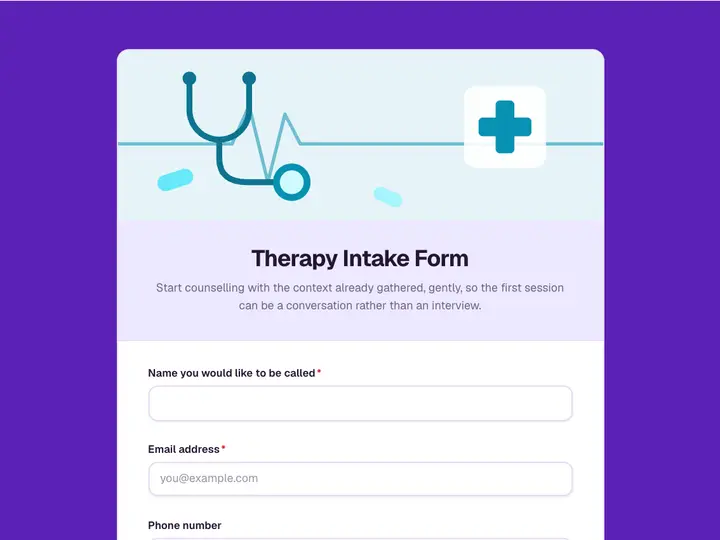 Therapy Intake Form
Start counselling with the context already gathered, gently, so the first session can be a conversation rather than an interview.
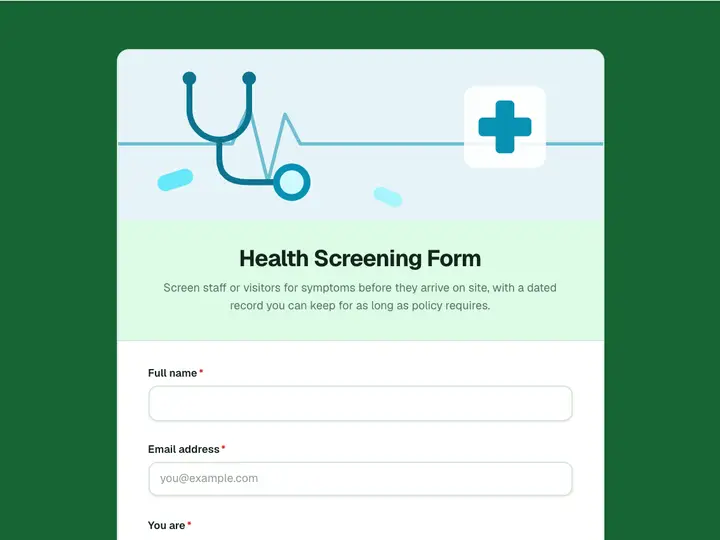 Health Screening Form
Screen staff or visitors for symptoms before they arrive on site, with a dated record you can keep for as long as policy requires.