
Conference Registration Form
Register delegates with the ticket type, the sessions they want, and the badge name spelled the way they want it printed.
Try it in another theme
Powered by Deoochform
Opens in the builder. Nothing is saved until you edit it. Or ask Claude or ChatGPT to build it.
- Fields
- 13 questions
- Layout
- Classic, every question on one page
- Theme
- Noir, switchable in the preview
- Updated
- 11 August 2026
Categories
- Events form templates
- Event Forms
- Registration Forms
- Ticketing Forms
Form type
Ideal for
- Event organisers
- Conference teams
- Marketing teams
- Communities
Best used in
- Ticketed conferences
- Industry summits
- Internal events
About this template
Conference registration has one detail everybody forgets until the badges are printed: the name people actually want on them. A separate badge name field, with help text saying it can be left blank, prevents a stack of wrong badges and the queue at the desk that follows.
Ticket type and days attended are asked separately because they price and cater differently. A speaker attending one day costs you a badge and a lunch, and a standard delegate attending three costs considerably more, and merging the two makes the numbers you hand the venue guesswork.
Dietary and accessibility requirements sit together near the end as open fields rather than checklists, since neither has a fixed list and both matter enough to read individually. Add a payment field for paid tickets, and use the track answers to size rooms before you publish the programme.
Templates are a starting point, not legal or professional advice. Where a form carries consent, medical, or contractual wording, have somebody qualified review it against the rules that apply to you before you publish.
Fields in this template
- Full name*Short text
- Name as it should appear on your badgeShort text
- Email address*Email
- Company or organisationShort text
- Job titleShort text
- Ticket type*Dropdown
- Which days are you attending?*Multiple choice
- Which tracks interest you?Multiple choice
- Pick one workshopDropdown
- Dietary requirementsLong text
- Accessibility requirementsLong text
- Is this your first time with us?Single choice
- How did you hear about the conference?Dropdown
Every field can be renamed, reordered, made optional, or removed once the template is open in the builder.
Build this form by asking Claude or ChatGPT
Connect Deoochform to Claude, ChatGPT, or any assistant that supports MCP, then send it the message below. It creates the conference registration form from this template in your account and replies with a link. You can ask it to add, remove, or reword questions in the same chat before you share the form.
Make me a form in Deoochform from your Conference Registration Form template, then send me the link to share.
New to this? See how to connect your assistant. You sign in with your browser, so there is no key to copy.
Frequently asked questions
- What should a conference registration form ask?
- The delegate name, the name for the badge, contact details, the ticket type, which days, and session choices. The badge name is asked separately because people rarely want their legal name printed.
- Can I sell tickets through the form?
- Yes. A payment field charges the ticket through Stripe at registration, with the money going to your own Stripe account. It works on the free plan.
- Can I track session capacity?
- Collect session choices here and count them in the export. For hard capacity limits, close a session choice once it is full rather than relying on a live counter.
Related templates
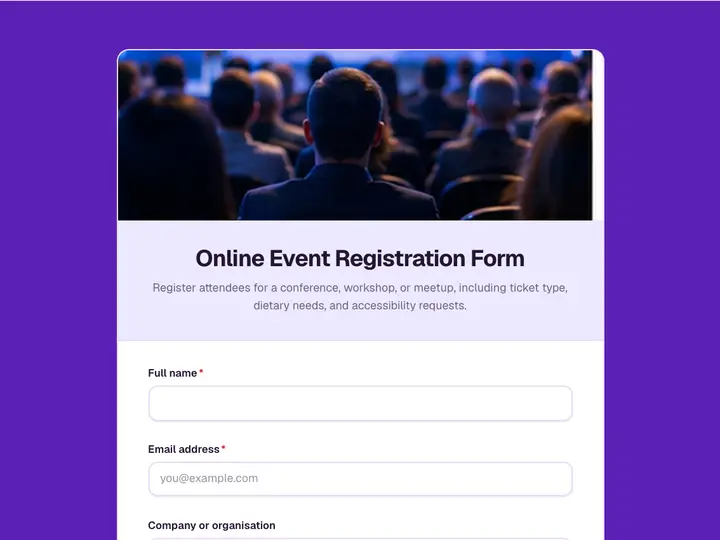 Online Event Registration Form
Register attendees for a conference, workshop, or meetup, including ticket type, dietary needs, and accessibility requests.
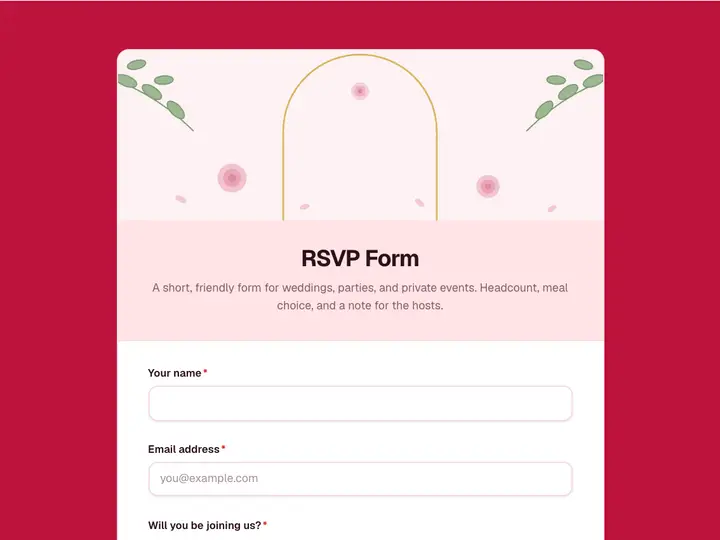 RSVP Form
A short, friendly form for weddings, parties, and private events. Headcount, meal choice, and a note for the hosts.
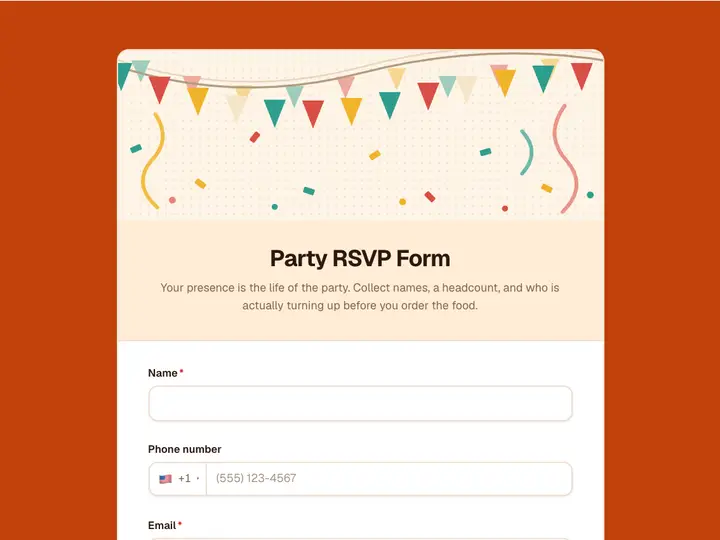 Party RSVP Form
Your presence is the life of the party. Collect names, a headcount, and who is actually turning up before you order the food.
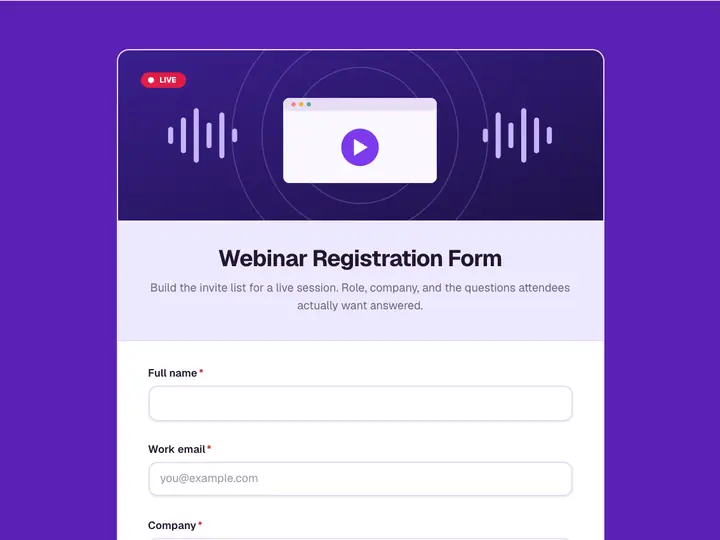 Webinar Registration Form
Build the invite list for a live session. Role, company, and the questions attendees actually want answered.
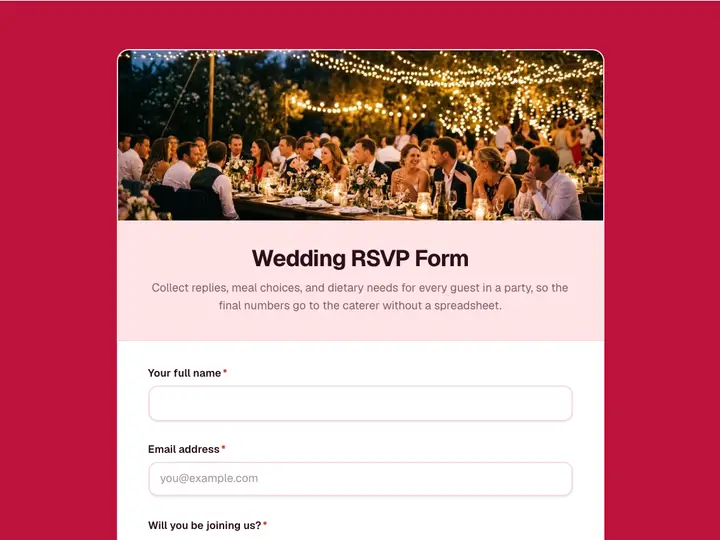 Wedding RSVP Form
Collect replies, meal choices, and dietary needs for every guest in a party, so the final numbers go to the caterer without a spreadsheet.
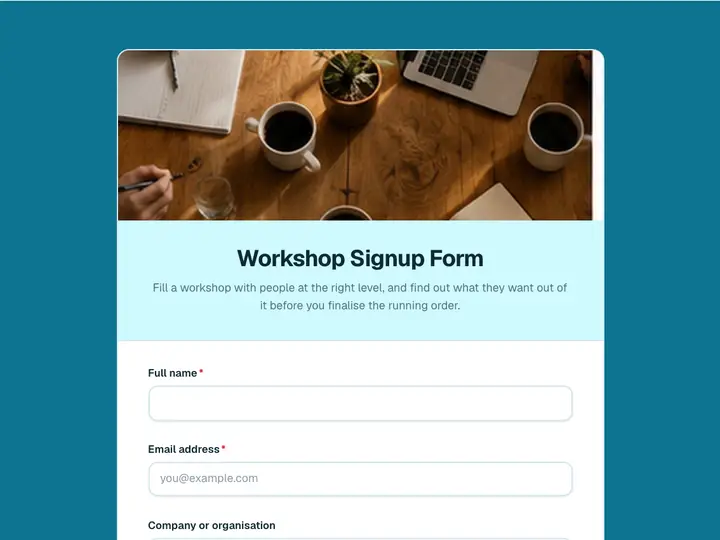 Workshop Signup Form
Fill a workshop with people at the right level, and find out what they want out of it before you finalise the running order.