
RSVP Form
A short, friendly form for weddings, parties, and private events. Headcount, meal choice, and a note for the hosts.
Try it in another theme
Powered by Deoochform
Opens in the builder. Nothing is saved until you edit it. Or ask Claude or ChatGPT to build it.
- Fields
- 6 questions
- Layout
- Classic, every question on one page
- Theme
- Blush, switchable in the preview
- Updated
- 29 July 2026
Categories
- Events form templates
- RSVP Forms
- Event Registration Forms
- Wedding Forms
Form type
Ideal for
- Couples
- Wedding planners
- Hosts
Best used in
- Weddings
- Receptions
- Private events
About this template
Guest numbers move until the week before, and every change costs money once catering is booked. This RSVP asks whether each invitee is attending, how many people are coming with them, what they eat, and which song they want played.
Because the answers arrive as structured data rather than replies scattered across an email thread, the final headcount is a sum rather than a reconstruction. Dietary notes stay attached to the name they belong to, which is what the caterer actually needs.
Add a guest name field if seating is assigned, or an accommodation question for people travelling in.
Templates are a starting point, not legal or professional advice. Where a form carries consent, medical, or contractual wording, have somebody qualified review it against the rules that apply to you before you publish.
Fields in this template
- Your name*Short text
- Email address*Email
- Will you be joining us?*Single choice
- How many guests are you bringing?Number
- Meal preferenceDropdown
- A note for the hostsLong text
Every field can be renamed, reordered, made optional, or removed once the template is open in the builder.
Build this form by asking Claude or ChatGPT
Connect Deoochform to Claude, ChatGPT, or any assistant that supports MCP, then send it the message below. It creates the rsvp form from this template in your account and replies with a link. You can ask it to add, remove, or reword questions in the same chat before you share the form.
Make me a form in Deoochform from your RSVP Form template, then send me the link to share.
New to this? See how to connect your assistant. You sign in with your browser, so there is no key to copy.
Frequently asked questions
- What should an RSVP form ask for?
- Who is replying, whether they are coming, how many are in their party, and anything the caterer needs to know. This template asks for those and leaves room for a note to the hosts.
- Can I collect meal choices?
- Yes. The meal preference field is a single choice list you can edit to match what the kitchen is actually offering, and the answers export to Excel in one column for the caterer.
- How do I chase people who have not replied?
- Export the responses, compare them against the invite list, and send a reminder to the difference. The response table can be sorted and starred, so a second round takes a few minutes rather than an evening.
Related templates
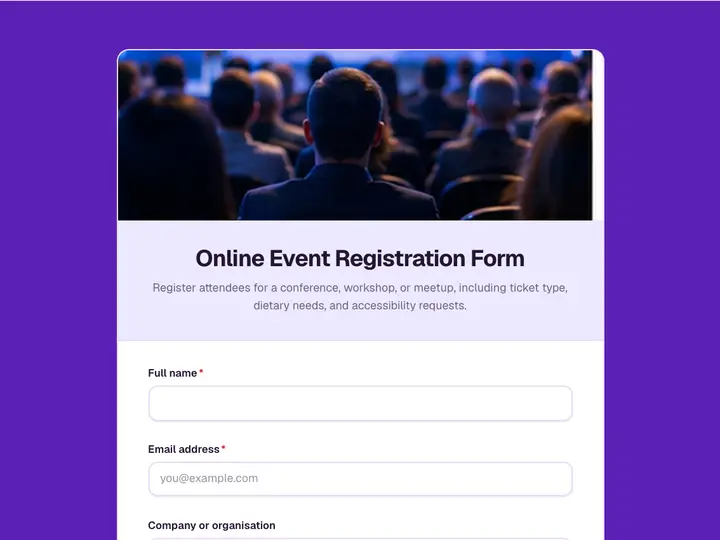 Online Event Registration Form
Register attendees for a conference, workshop, or meetup, including ticket type, dietary needs, and accessibility requests.
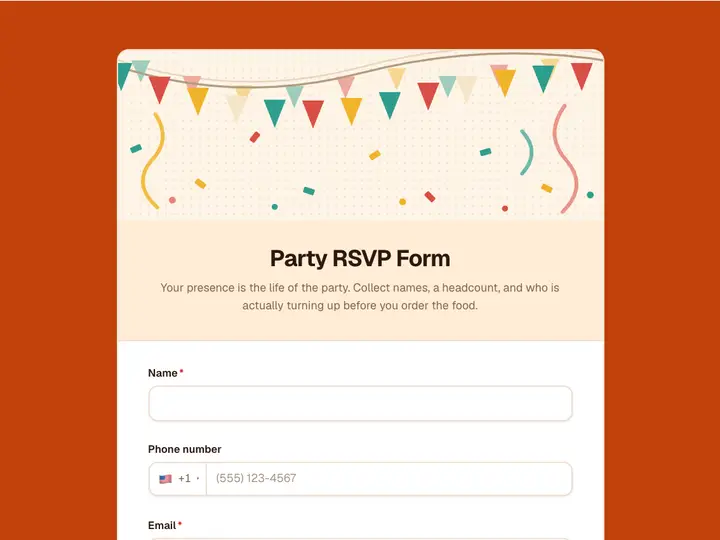 Party RSVP Form
Your presence is the life of the party. Collect names, a headcount, and who is actually turning up before you order the food.
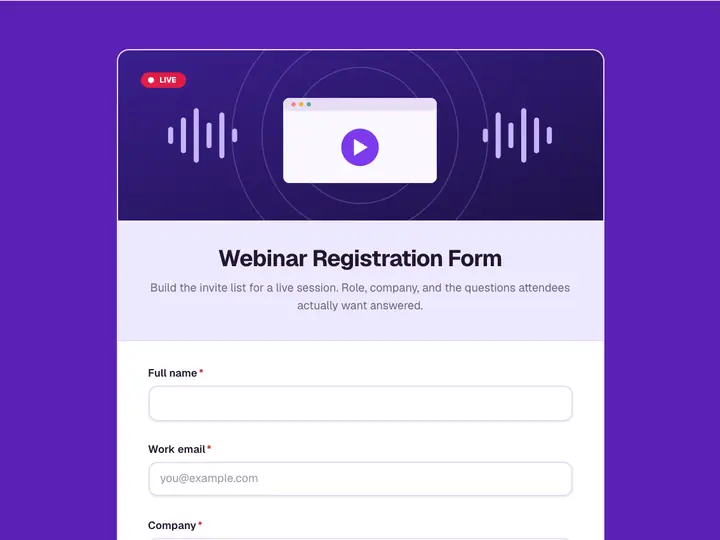 Webinar Registration Form
Build the invite list for a live session. Role, company, and the questions attendees actually want answered.
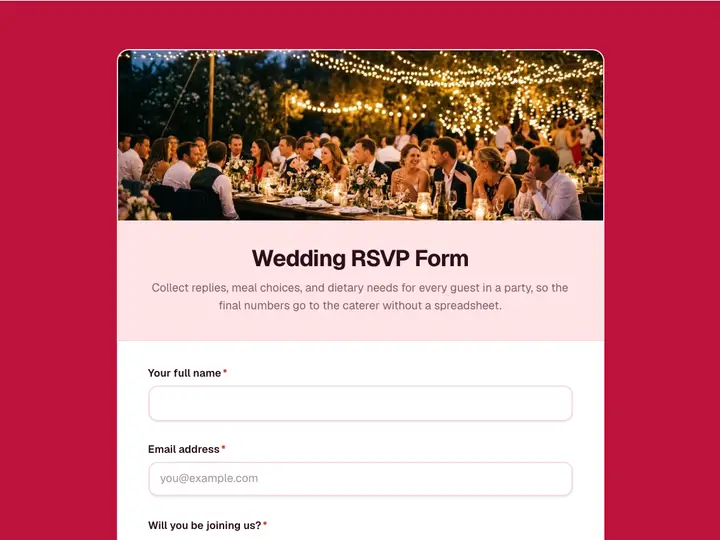 Wedding RSVP Form
Collect replies, meal choices, and dietary needs for every guest in a party, so the final numbers go to the caterer without a spreadsheet.
 Conference Registration Form
Register delegates with the ticket type, the sessions they want, and the badge name spelled the way they want it printed.
 Workshop Signup Form
Fill a workshop with people at the right level, and find out what they want out of it before you finalise the running order.