
Customer Satisfaction Survey
A short CSAT survey that asks one question per screen, so customers finish it on a phone in under a minute.
Try it in another theme
Powered by Deoochform
Opens in the builder. Nothing is saved until you edit it. Or ask Claude or ChatGPT to build it.
- Fields
- 6 questions
- Layout
- One question per screen
- Theme
- Ocean, switchable in the preview
- Updated
- 13 September 2026
Categories
- Support form templates
- Survey Templates
- CSAT Surveys
- Feedback Forms
- Conversational Forms
Form type
Ideal for
- Customer success teams
- Small business owners
- Ecommerce stores
- Service businesses
Best used in
- After a purchase
- After a support case
- Quarterly check ins
About this template
This customer satisfaction survey shows one question per screen, the way people are used to answering on a phone. It opens with a star rating for overall satisfaction, which is your CSAT score, and follows with a 0 to 10 recommendation scale, so you get both headline numbers from the first two taps.
After the numbers come the reasons. One multiple choice question asks what you do best and one open question asks what to improve. Those two answers tell you what to protect and what to fix, which a score alone cannot.
The email question comes last and is optional. People answer more honestly when they know they can stay anonymous, and the ones who leave an address are usually the ones worth calling back.
Keep it to six questions if you can. Every extra screen costs you completed responses, so add a question only when you know what you will do with the answer.
Templates are a starting point, not legal or professional advice. Where a form carries consent, medical, or contractual wording, have somebody qualified review it against the rules that apply to you before you publish.
Fields in this template
- How satisfied are you with us overall?*Star rating
- How likely are you to recommend us to a friend?*Opinion scale
- What did we do best?Single choice
- What is one thing we could do better?Long text
- Would you buy from us again?Single choice
- Your email, if you are happy for us to follow upEmail
Every field can be renamed, reordered, made optional, or removed once the template is open in the builder.
Build this form by asking Claude or ChatGPT
Connect Deoochform to Claude, ChatGPT, or any assistant that supports MCP, then send it the message below. It creates the customer satisfaction survey from this template in your account and replies with a link. You can ask it to add, remove, or reword questions in the same chat before you share the form.
Make me a form in Deoochform from your Customer Satisfaction Survey template, then send me the link to share.
New to this? See how to connect your assistant. You sign in with your browser, so there is no key to copy.
Frequently asked questions
- What questions should a customer satisfaction survey ask?
- Start with an overall satisfaction rating and a likelihood to recommend score, then ask what the customer liked most and what you could do better. Finish with an optional email for follow up. That covers the score and the reason behind it in about a minute.
- How do I calculate a CSAT score from this survey?
- Count the responses that gave 4 or 5 stars on the first question, divide by the total number of responses, and multiply by 100. Export your responses to a spreadsheet, or check the form analytics for the rating breakdown.
- Why show one question at a time?
- Short surveys on a phone feel quicker when each question has the whole screen, and people are less likely to skim or abandon a form that never looks long. You can switch the form back to the classic layout in the builder if you prefer every question on one page.
Related templates
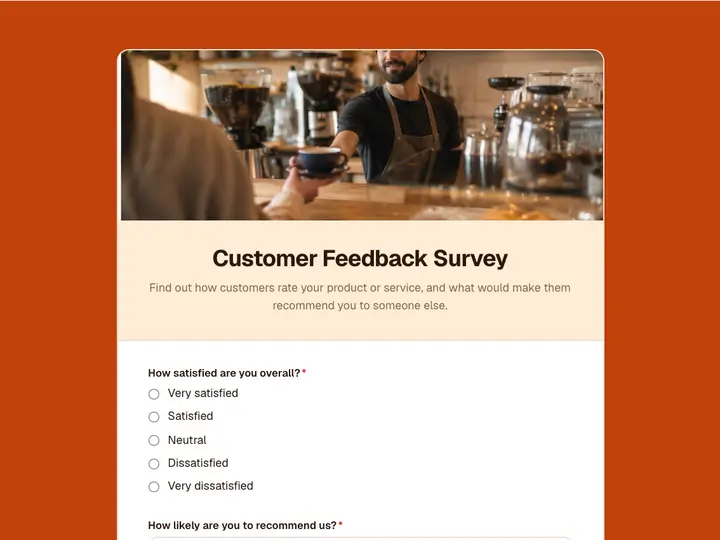 Customer Feedback Survey
Find out how customers rate your product or service, and what would make them recommend you to someone else.
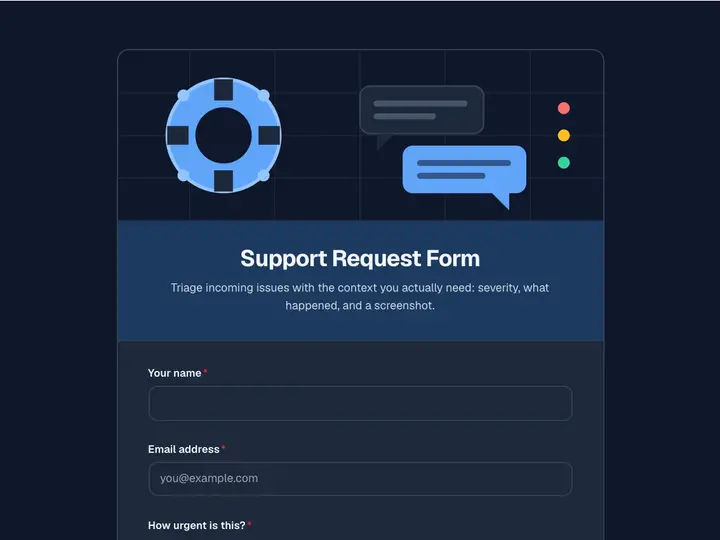 Support Request Form
Triage incoming issues with the context you actually need: severity, what happened, and a screenshot.
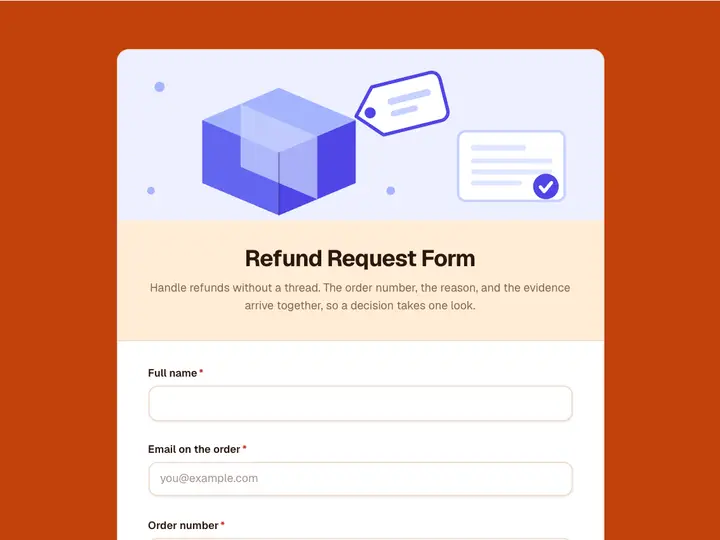 Refund Request Form
Handle refunds without a thread. The order number, the reason, and the evidence arrive together, so a decision takes one look.
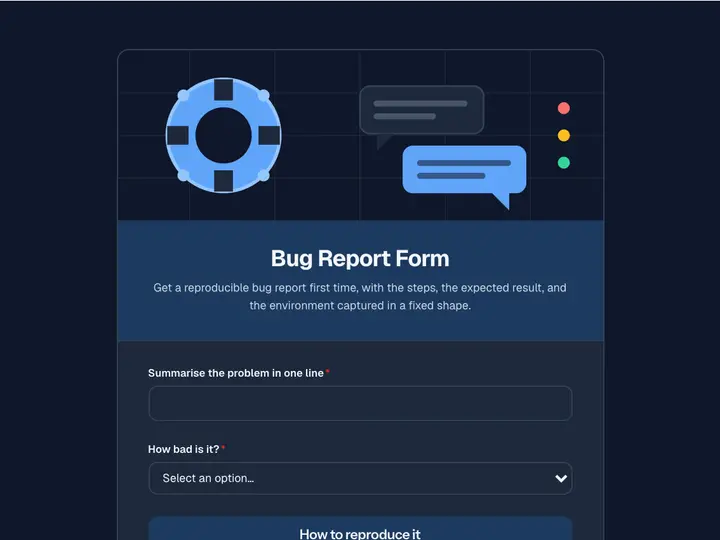 Bug Report Form
Get a reproducible bug report first time, with the steps, the expected result, and the environment captured in a fixed shape.
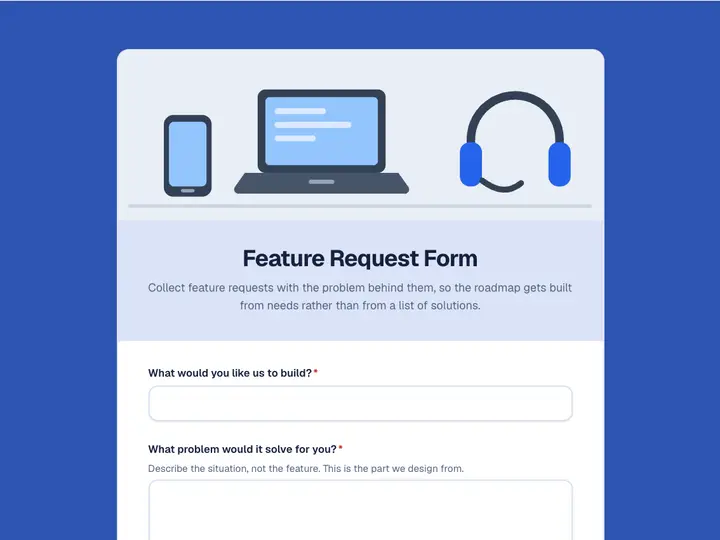 Feature Request Form
Collect feature requests with the problem behind them, so the roadmap gets built from needs rather than from a list of solutions.
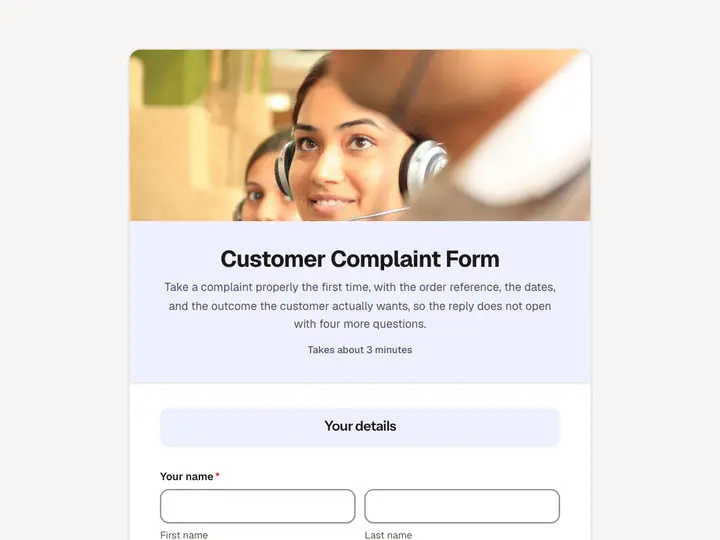 Customer Complaint Form
Take a complaint properly the first time, with the order reference, the dates, and the outcome the customer actually wants, so the reply does not open with four more questions.