
Job Application Form
Collect candidate details, work history, and a CV in a single structured application instead of a pile of email attachments.
Try it in another theme
Powered by Deoochform
Opens in the builder. Nothing is saved until you edit it. Or ask Claude or ChatGPT to build it.
- Fields
- 10 questions
- Layout
- Classic, every question on one page
- Theme
- Slate, switchable in the preview
- Updated
- 15 July 2026
Categories
- HR form templates
- Employment Forms
- Application Forms
- HR Forms
Form type
Ideal for
- Recruiters
- HR managers
- Hiring managers
Best used in
- Careers pages
- Job boards
About this template
A posting that ends in “send us your CV” produces a folder of attachments in no fixed order. This form gives every application the same shape: contact details, the role applied for, notice period, salary expectation, and the CV itself as an upload.
Asking about notice and salary at the top of the funnel saves the conversation nobody enjoys having at offer stage. It also lets you sort a long list quickly, without opening every document to find one number.
Add a portfolio link field for design and engineering roles, or a right to work question where your jurisdiction requires one.
Templates are a starting point, not legal or professional advice. Where a form carries consent, medical, or contractual wording, have somebody qualified review it against the rules that apply to you before you publish.
Fields in this template
- Full name*Short text
- Email address*Email
- Phone number*Phone
- Home addressAddress
- Position applying for*Short text
- Earliest start date*Date
- Years of relevant experience*Dropdown
- LinkedIn or portfolio linkFile link
- Upload your CV*File upload
- Why are you a good fit?Long text
Every field can be renamed, reordered, made optional, or removed once the template is open in the builder.
Build this form by asking Claude or ChatGPT
Connect Deoochform to Claude, ChatGPT, or any assistant that supports MCP, then send it the message below. It creates the job application form from this template in your account and replies with a link. You can ask it to add, remove, or reword questions in the same chat before you share the form.
Make me a form in Deoochform from your Job Application Form template, then send me the link to share.
New to this? See how to connect your assistant. You sign in with your browser, so there is no key to copy.
Frequently asked questions
- What should a job application form ask for?
- Contact details, the role applied for, relevant experience, a CV, and a short answer explaining the interest. This template asks for all of those in a fixed shape, so two candidates can actually be compared.
- Can candidates upload a CV?
- Yes. The upload field takes a PDF or a Word document and stores it against the application, so the file arrives attached to the answers rather than in a separate email you have to match up later.
- How do I screen applications quickly?
- Keep the structured fields at the top and the free text at the bottom, then sort the response table by the years of experience column. Starring the ones worth a second look keeps a shortlist without a spreadsheet.
Related templates
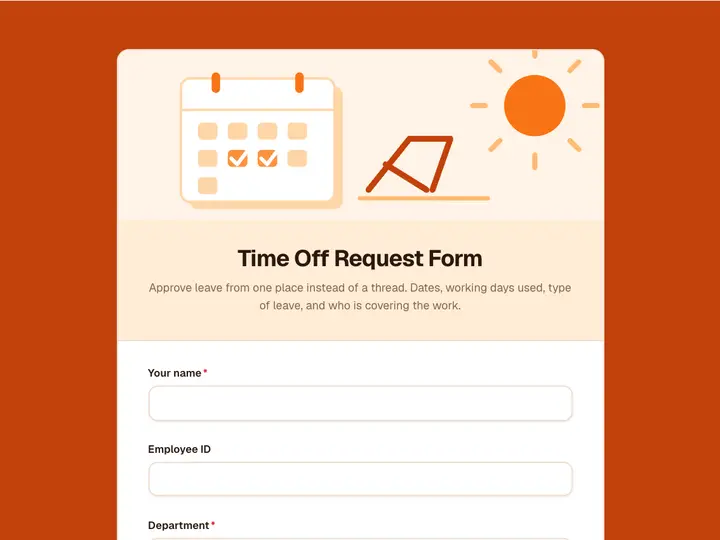 Time Off Request Form
Approve leave from one place instead of a thread. Dates, working days used, type of leave, and who is covering the work.
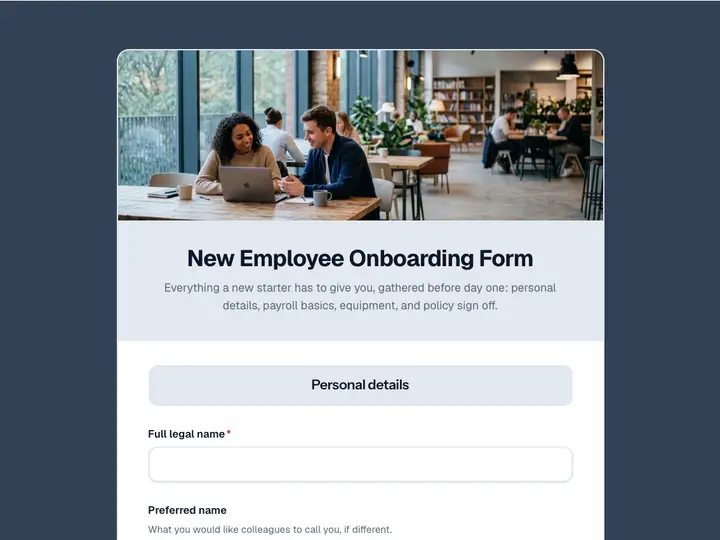 New Employee Onboarding Form
Everything a new starter has to give you, gathered before day one: personal details, payroll basics, equipment, and policy sign off.
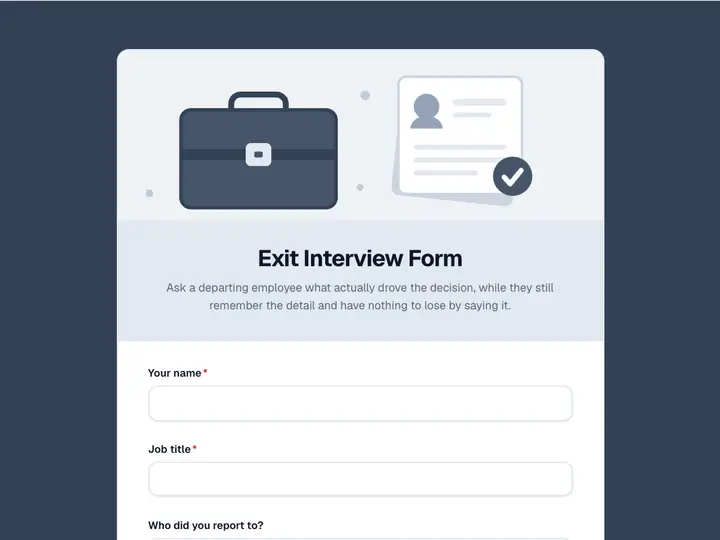 Exit Interview Form
Ask a departing employee what actually drove the decision, while they still remember the detail and have nothing to lose by saying it.
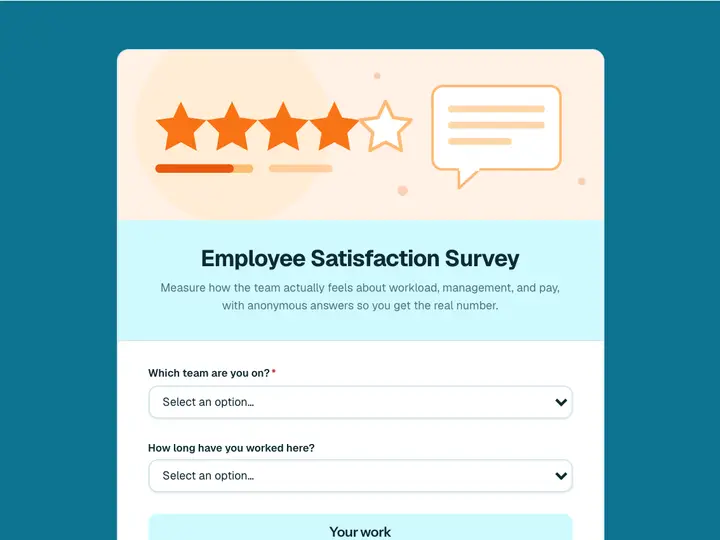 Employee Satisfaction Survey
Measure how the team actually feels about workload, management, and pay, with anonymous answers so you get the real number.
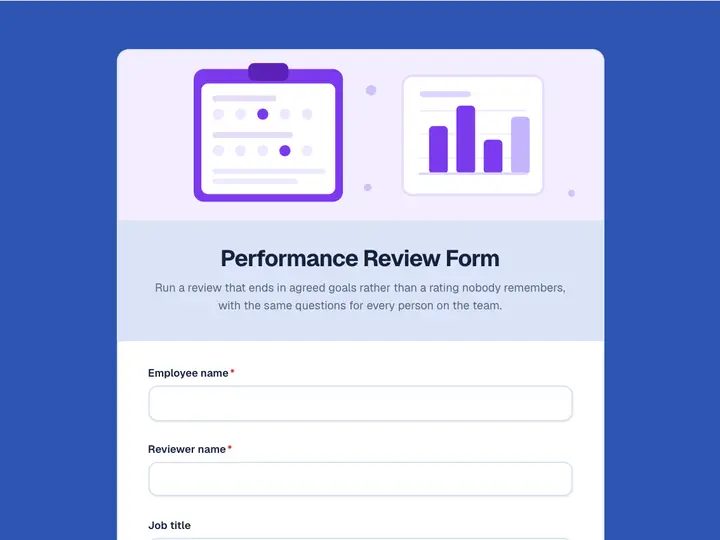 Performance Review Form
Run a review that ends in agreed goals rather than a rating nobody remembers, with the same questions for every person on the team.
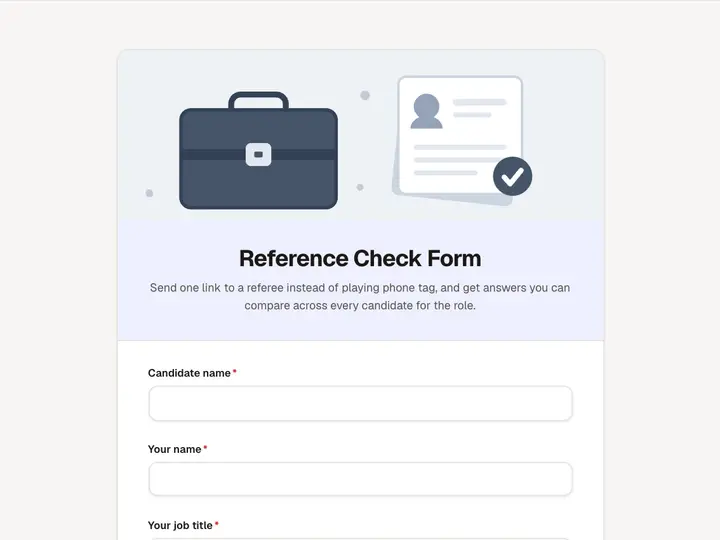 Reference Check Form
Send one link to a referee instead of playing phone tag, and get answers you can compare across every candidate for the role.