
Product Order Form
Take orders without a storefront. Product, quantity, delivery address, and any special instructions.
Try it in another theme
Powered by Deoochform
Opens in the builder. Nothing is saved until you edit it. Or ask Claude or ChatGPT to build it.
- Fields
- 8 questions
- Layout
- Classic, every question on one page
- Theme
- Default, switchable in the preview
- Updated
- 11 July 2026
Categories
- Order form templates
- Order Forms
- Product Order Forms
- Payment Forms
Form type
Ideal for
- Merchants
- Small businesses
- Managers
Best used in
- Ecommerce
- Wholesale
About this template
Selling by email means retyping every order into whatever system fulfils it. This form takes the product, the quantity, the delivery address, and the contact details in the shape your fulfilment process already expects.
The delivery and billing split is there because the two differ often enough to matter. Gift orders, office deliveries, and anything sent to a site rather than a head office all break a single address field.
Connect a payment field to take money at submission, or leave it off and invoice from the export.
Templates are a starting point, not legal or professional advice. Where a form carries consent, medical, or contractual wording, have somebody qualified review it against the rules that apply to you before you publish.
Fields in this template
- Full name*Short text
- Email address*Email
- Phone number*Phone
- Product*Dropdown
- Quantity*Number
- Delivery address*Address
- Shipping method*Single choice
- Special instructionsLong text
Every field can be renamed, reordered, made optional, or removed once the template is open in the builder.
Build this form by asking Claude or ChatGPT
Connect Deoochform to Claude, ChatGPT, or any assistant that supports MCP, then send it the message below. It creates the product order form from this template in your account and replies with a link. You can ask it to add, remove, or reword questions in the same chat before you share the form.
Make me a form in Deoochform from your Product Order Form template, then send me the link to share.
New to this? See how to connect your assistant. You sign in with your browser, so there is no key to copy.
Frequently asked questions
- Can I take orders without a storefront?
- Yes. That is what this template is for. Product, quantity, delivery address and instructions arrive in one submission, which is enough to fulfil an order without setting up a shop.
- Can the form take payment?
- Yes. Add a payment field and the order is charged through Stripe at submission, with the money going to your own Stripe account. Payment fields are available on the free plan.
- How do I handle different shipping rates?
- Keep the shipping method as a single choice field and price each option on the payment field. For anything more complex, collect the order here and invoice once you have confirmed the real cost.
Related templates
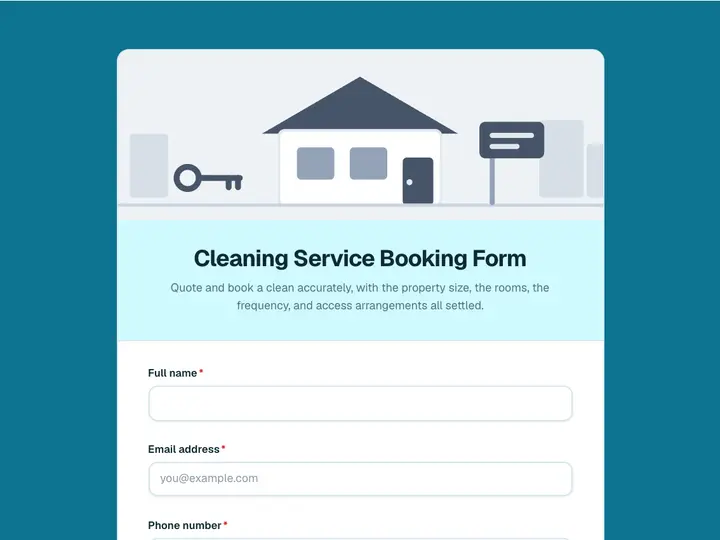 Cleaning Service Booking Form
Quote and book a clean accurately, with the property size, the rooms, the frequency, and access arrangements all settled.
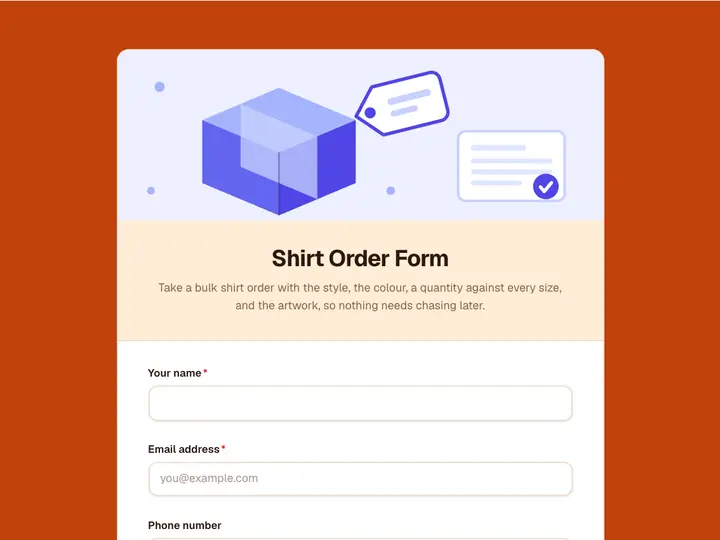 Shirt Order Form
Take a bulk shirt order with the style, the colour, a quantity against every size, and the artwork, so nothing needs chasing later.
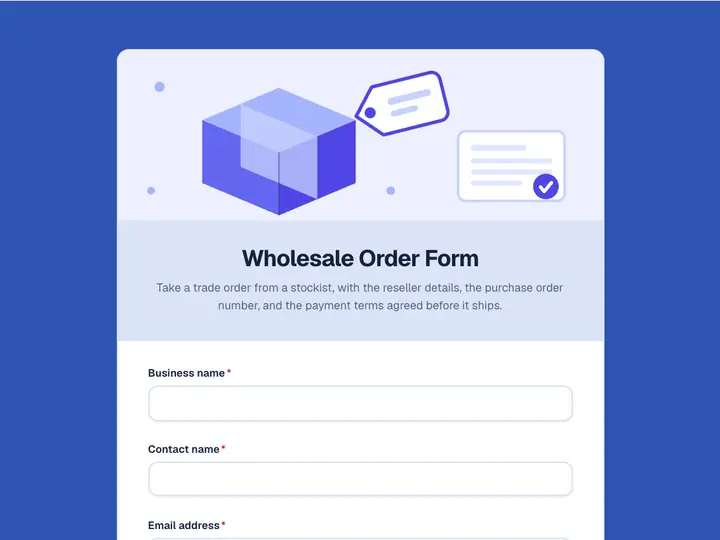 Wholesale Order Form
Take a trade order from a stockist, with the reseller details, the purchase order number, and the payment terms agreed before it ships.
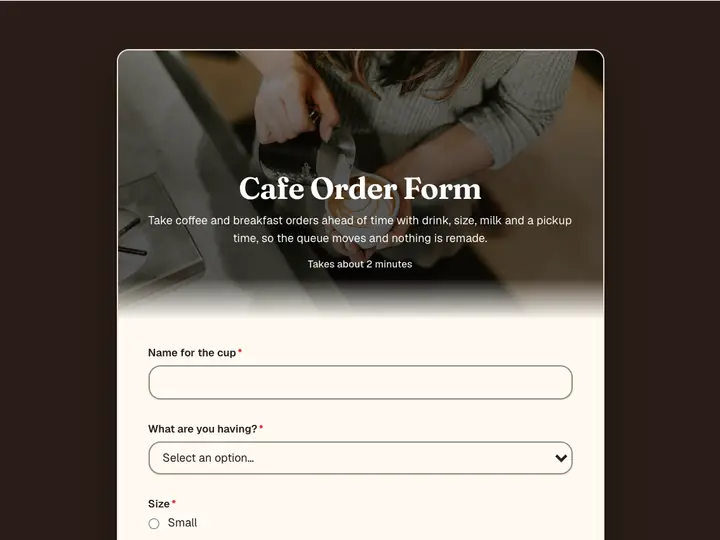 Cafe Order Form
Take coffee and breakfast orders ahead of time with drink, size, milk and a pickup time, so the queue moves and nothing is remade.
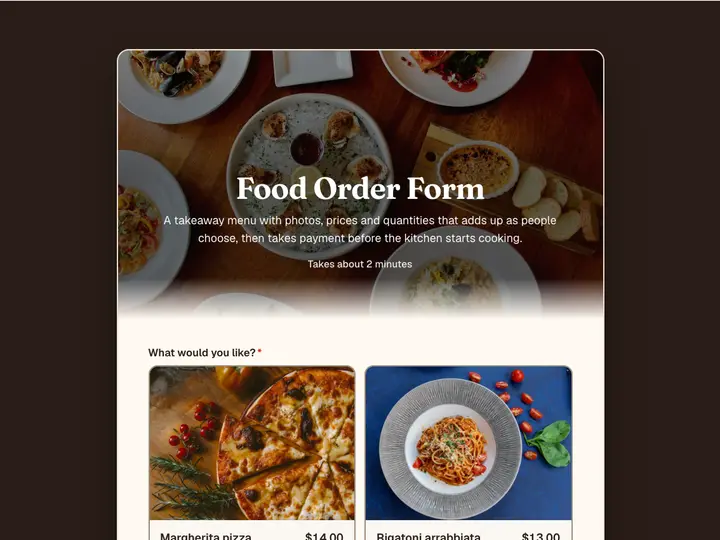 Food Order Form
A takeaway menu with photos, prices and quantities that adds up as people choose, then takes payment before the kitchen starts cooking.
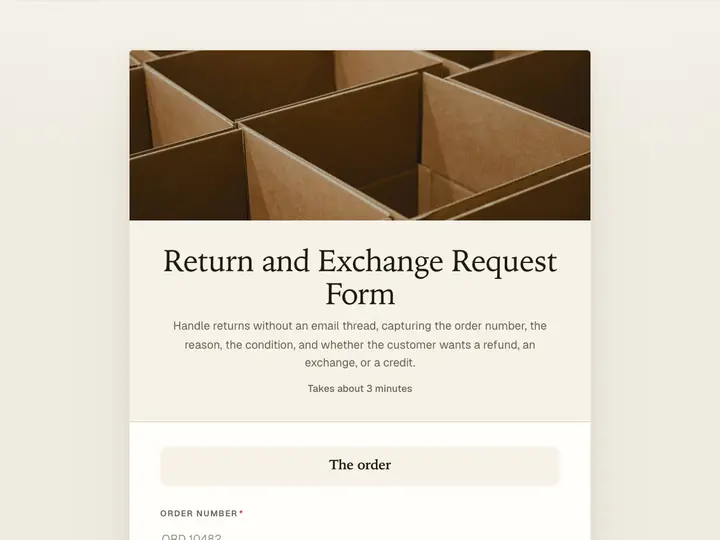 Return and Exchange Request Form
Handle returns without an email thread, capturing the order number, the reason, the condition, and whether the customer wants a refund, an exchange, or a credit.