
Project Brief Form
Turn a vague request into a brief you can quote from, with the goal, the audience, the scope, the budget, and the deadline in writing.
Try it in another theme
Powered by Deoochform
Opens in the builder. Nothing is saved until you edit it. Or ask Claude or ChatGPT to build it.
- Fields
- 14 questions
- Layout
- Classic, every question on one page
- Theme
- Slate, switchable in the preview
- Updated
- 11 August 2026
Categories
- Sales form templates
- Sales Forms
- Brief Forms
- Agency Forms
Ideal for
- Agencies
- Freelancers
- Studios
- Consultants
Best used in
- New enquiries
- Quoting
- Scoping calls
About this template
Most project enquiries describe a solution rather than a problem, which is why quotes come back wrong. This brief asks what the project is meant to achieve before it asks what should be delivered, and it asks who it is for, because those two answers change the estimate more than the deliverable list does.
Two fields here save the most time later. The out of scope field gives both sides something to point at when the work drifts, and the question about what drives the deadline separates a date that genuinely cannot move from one somebody picked because it sounded soon.
Budget is a range rather than an open number, since people leave open number fields blank and then everyone wastes a week. The references field asks for a note on what they like about each example, because a link with no explanation tells you almost nothing.
Templates are a starting point, not legal or professional advice. Where a form carries consent, medical, or contractual wording, have somebody qualified review it against the rules that apply to you before you publish.
Fields in this template
- Your name*Short text
- Email address*Email
- CompanyShort text
- What kind of project is this?*Dropdown
- What is this project meant to achieve?*Long text
- Who is it for?*Long text
- What do you expect to receive?*Long text
- Anything explicitly out of scope?Long text
- Links to work you admireLong text
- Existing assets or documentsFile upload
- Budget range*Dropdown
- Hard deadline, if there is oneDate
- What drives that date?Short text
- Who needs to approve the work?Short text
Every field can be renamed, reordered, made optional, or removed once the template is open in the builder.
Build this form by asking Claude or ChatGPT
Connect Deoochform to Claude, ChatGPT, or any assistant that supports MCP, then send it the message below. It creates the project brief form from this template in your account and replies with a link. You can ask it to add, remove, or reword questions in the same chat before you share the form.
Make me a form in Deoochform from your Project Brief Form template, then send me the link to share.
New to this? See how to connect your assistant. You sign in with your browser, so there is no key to copy.
Frequently asked questions
- What should a project brief form ask?
- What the project is meant to achieve, who it is for, what is in and out of scope, the budget, and the deadline. A brief without scope and budget is a conversation, not a brief.
- Why ask for a budget range?
- Because it decides what can be proposed. A range is easy to answer honestly and saves both sides a proposal built at the wrong scale.
- Can clients attach references?
- Yes. Upload fields take documents and images, and link fields cover sites they want to point at, so the references arrive with the brief rather than in a follow up.
Related templates
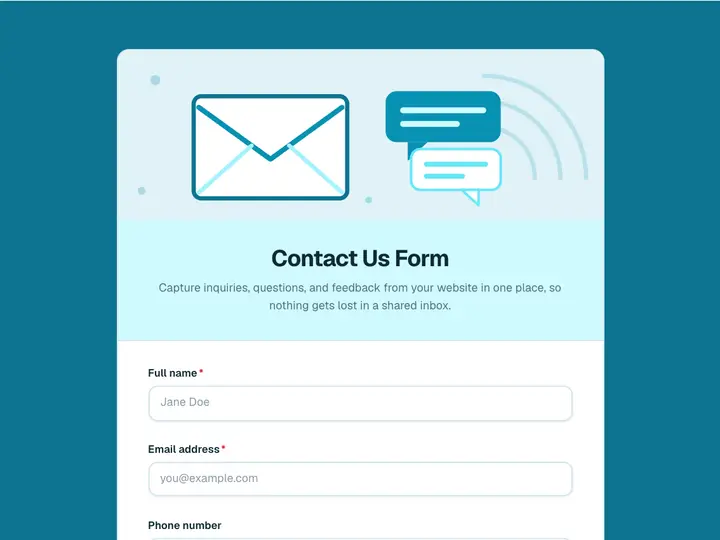 Contact Us Form
Capture inquiries, questions, and feedback from your website in one place, so nothing gets lost in a shared inbox.
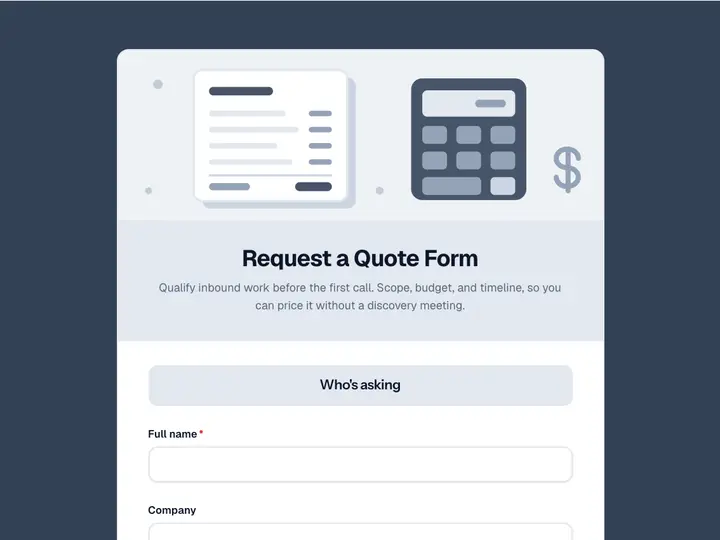 Request a Quote Form
Qualify inbound work before the first call. Scope, budget, and timeline, so you can price it without a discovery meeting.
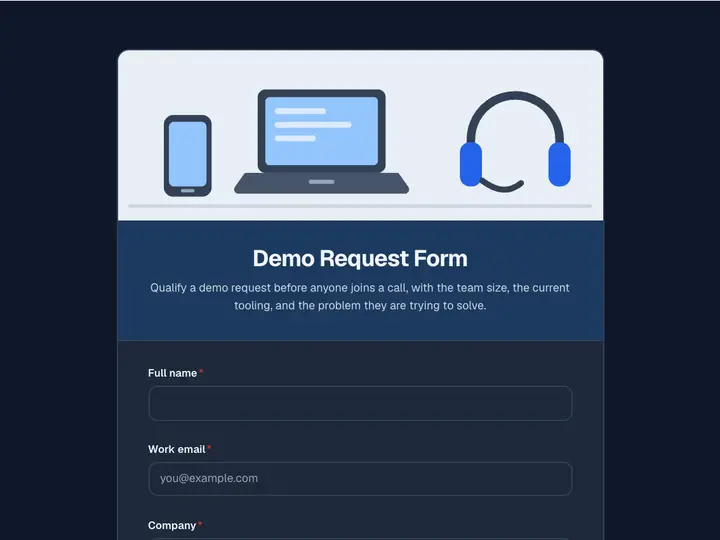 Demo Request Form
Qualify a demo request before anyone joins a call, with the team size, the current tooling, and the problem they are trying to solve.
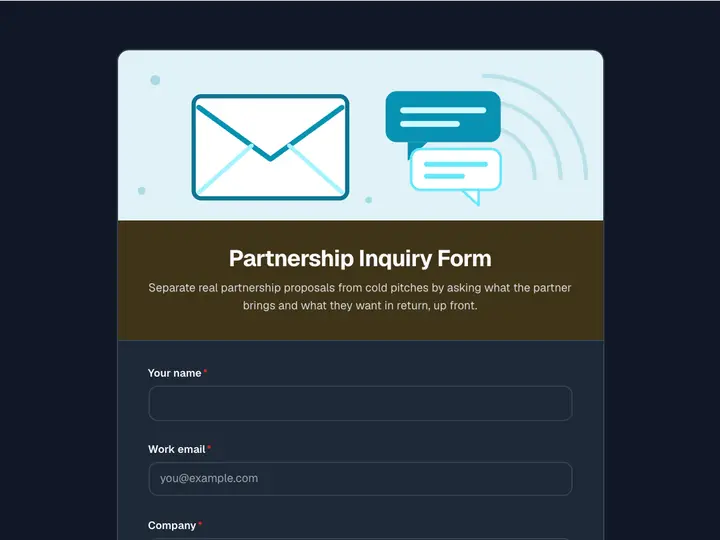 Partnership Inquiry Form
Separate real partnership proposals from cold pitches by asking what the partner brings and what they want in return, up front.
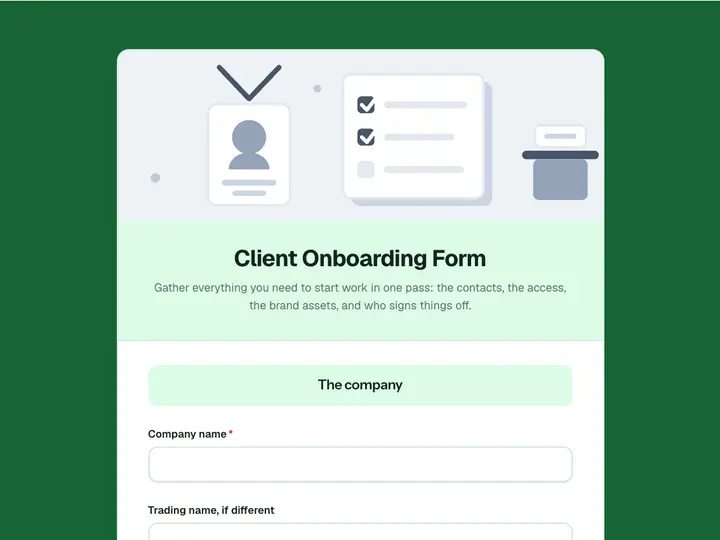 Client Onboarding Form
Gather everything you need to start work in one pass: the contacts, the access, the brand assets, and who signs things off.
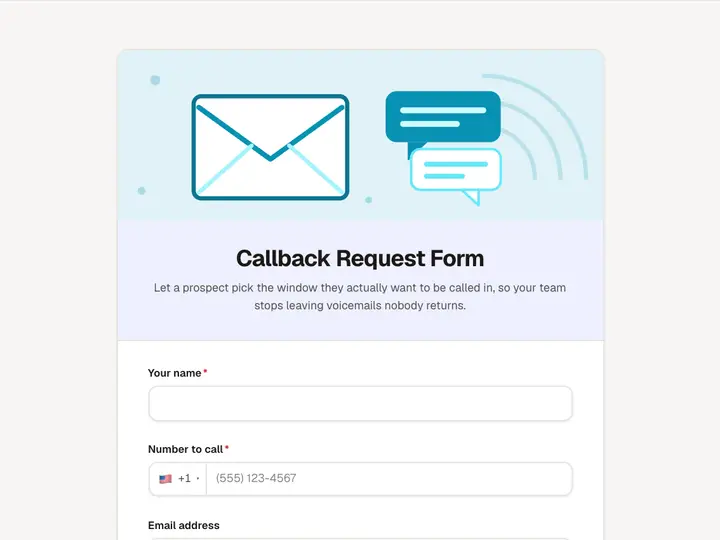 Callback Request Form
Let a prospect pick the window they actually want to be called in, so your team stops leaving voicemails nobody returns.