
Client Onboarding Form
Gather everything you need to start work in one pass: the contacts, the access, the brand assets, and who signs things off.
Try it in another theme
Powered by Deoochform
Opens in the builder. Nothing is saved until you edit it. Or ask Claude or ChatGPT to build it.
- Fields
- 17 questions
- Layout
- Classic, every question on one page
- Theme
- Forest, switchable in the preview
- Updated
- 11 August 2026
Categories
- Sales form templates
- Sales Forms
- Onboarding Forms
- Agency Forms
Form type
Ideal for
- Agencies
- Consultants
- Freelancers
- Account managers
Best used in
- New client kickoff
- Retainer setup
- Project handover
About this template
The first two weeks of a new engagement are usually spent chasing things the client would happily have sent on day one: the logo files, the billing address, and the name of whoever actually approves work. This form asks for all of it at once, so the kickoff call is about the work.
The approver field has help text spelling out that it means the person whose yes is final, even if that is the same person filling in the form. Getting that answer in writing at the start is what prevents the round of revisions that begins when someone who was never in the room sees the work for the first time.
The access section deliberately does not ask for passwords, and says so. Sharing credentials through a form leaves them in a submissions table forever, so the field asks how the client would like to share access instead and the actual handover happens in a password manager.
Templates are a starting point, not legal or professional advice. Where a form carries consent, medical, or contractual wording, have somebody qualified review it against the rules that apply to you before you publish.
Fields in this template
- Company name*Short text
- Trading name, if differentShort text
- WebsiteWebsite
- Registered address*Address
- Main contact name*Short text
- Main contact email*Email
- Main contact phonePhone
- Who signs off work?*Short text
- Where should invoices go?*Email
- Logo filesFile upload
- Brand guidelines, if you have themFile upload
- Anything we should know about your brand?Long text
- Which accounts will we need access to?Multiple choice
- How would you prefer to share access?Long text
- What does success look like in 90 days?*Long text
- Ideal start dateDate
- Signature*Signature
Every field can be renamed, reordered, made optional, or removed once the template is open in the builder.
Build this form by asking Claude or ChatGPT
Connect Deoochform to Claude, ChatGPT, or any assistant that supports MCP, then send it the message below. It creates the client onboarding form from this template in your account and replies with a link. You can ask it to add, remove, or reword questions in the same chat before you share the form.
Make me a form in Deoochform from your Client Onboarding Form template, then send me the link to share.
New to this? See how to connect your assistant. You sign in with your browser, so there is no key to copy.
Frequently asked questions
- What should a client onboarding form collect?
- Company and billing details, the main and billing contacts, who signs off, access and logins needed, and brand assets. Sign off authority is the one most kickoffs discover too late.
- Can clients upload brand assets?
- Yes. Upload fields take logos and brand guidelines, and a link field covers a shared drive, so the assets arrive with the onboarding rather than three emails later.
- Should this replace a kickoff call?
- No, it should shorten one. Collecting the facts beforehand means the call can be about the work rather than about spelling out a registered address.
Related templates
 Contact Us Form
Capture inquiries, questions, and feedback from your website in one place, so nothing gets lost in a shared inbox.
 Request a Quote Form
Qualify inbound work before the first call. Scope, budget, and timeline, so you can price it without a discovery meeting.
 Demo Request Form
Qualify a demo request before anyone joins a call, with the team size, the current tooling, and the problem they are trying to solve.
 Partnership Inquiry Form
Separate real partnership proposals from cold pitches by asking what the partner brings and what they want in return, up front.
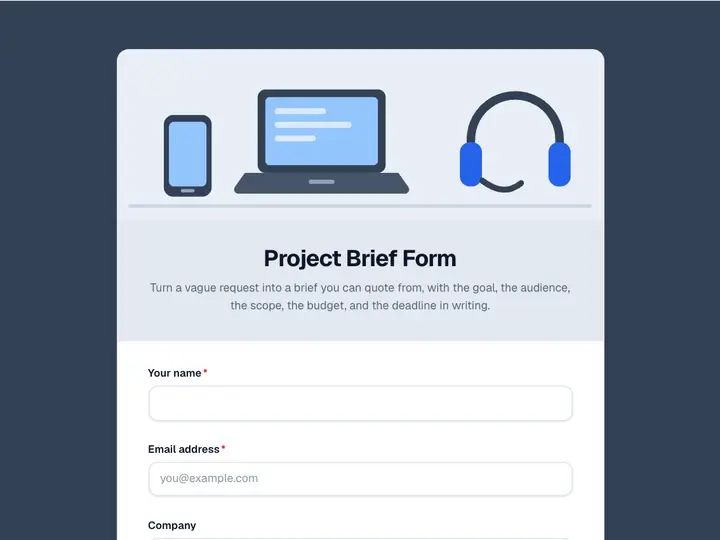 Project Brief Form
Turn a vague request into a brief you can quote from, with the goal, the audience, the scope, the budget, and the deadline in writing.
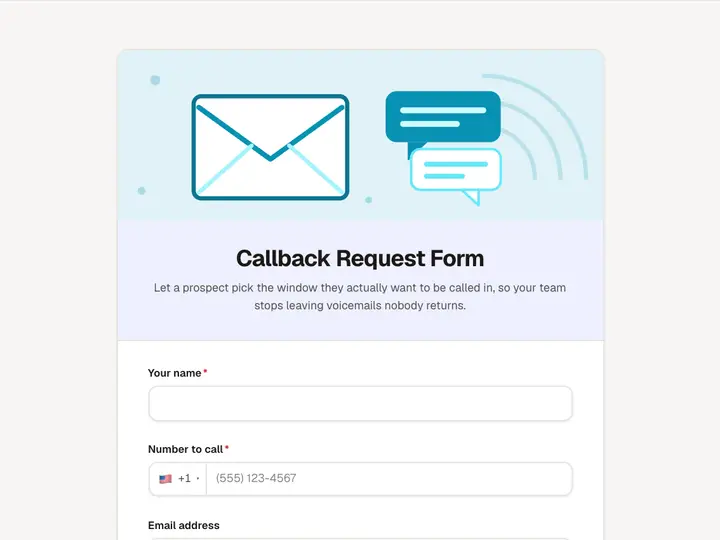 Callback Request Form
Let a prospect pick the window they actually want to be called in, so your team stops leaving voicemails nobody returns.