
Candidate Screening Questionnaire
Screen applicants before the interview with one question per screen, covering right to work, availability, pay and experience.
Try it in another theme
Powered by Deoochform
Opens in the builder. Nothing is saved until you edit it. Or ask Claude or ChatGPT to build it.
- Fields
- 10 questions
- Layout
- One question per screen
- Theme
- Default, switchable in the preview
- Updated
- 13 September 2026
Categories
- HR form templates
- Screening Forms
- Recruitment Forms
- HR Forms
- Conversational Forms
Form type
Ideal for
- Recruiters
- Hiring managers
- HR teams
- Small business owners
Best used in
- Job board adverts
- Careers pages
- High volume hiring
About this template
A candidate screening questionnaire filters applicants on the things that rule someone out before anyone reads a CV: right to work, start date, hours, and pay expectations. Asking these up front means your interview slots go to people who could actually take the job.
The questions appear one per screen, which suits candidates applying from a phone on a job board. The CV upload comes last, after they have committed to the process, so fewer people drop out on the first screen.
Keep the why question. It takes a candidate two minutes and tells you more about their interest and writing than a cover letter pasted into every application they send.
Replace the roles with your open positions. Check the right to work wording against the law where you hire, and ask every candidate the same questions so the screening is fair and consistent.
Templates are a starting point, not legal or professional advice. Where a form carries consent, medical, or contractual wording, have somebody qualified review it against the rules that apply to you before you publish.
Fields in this template
- What is your full name?*Short text
- And your email address?*Email
- Which role are you applying for?*Dropdown
- Do you have the right to work in this country?*Single choice
- How many years of relevant experience do you have?*Single choice
- When could you start?Date
- What hours are you looking for?Single choice
- What pay are you expecting?Short text
- Why does this role interest you?*Long text
- Upload your CV*File upload
Every field can be renamed, reordered, made optional, or removed once the template is open in the builder.
Build this form by asking Claude or ChatGPT
Connect Deoochform to Claude, ChatGPT, or any assistant that supports MCP, then send it the message below. It creates the candidate screening questionnaire from this template in your account and replies with a link. You can ask it to add, remove, or reword questions in the same chat before you share the form.
Make me a form in Deoochform from your Candidate Screening Questionnaire template, then send me the link to share.
New to this? See how to connect your assistant. You sign in with your browser, so there is no key to copy.
Frequently asked questions
- What questions should I ask when screening job candidates?
- Ask about right to work, relevant experience, availability to start, preferred hours, pay expectations, and why the role interests them, then collect a CV. Keep screening questions to facts that decide whether an interview makes sense, and leave judgement questions for the interview itself.
- Is it legal to ask about right to work on a screening form?
- In many countries employers must check right to work, and asking early is common. What you can ask and how you must ask it differs by country, and you should put the same question to every candidate. Check the rules where you hire before using this wording.
- Can candidates upload a CV from their phone?
- Yes. The upload field accepts documents from a phone's files or cloud storage. Files are stored with the response, and you can download them from the submission in your dashboard.
Related templates
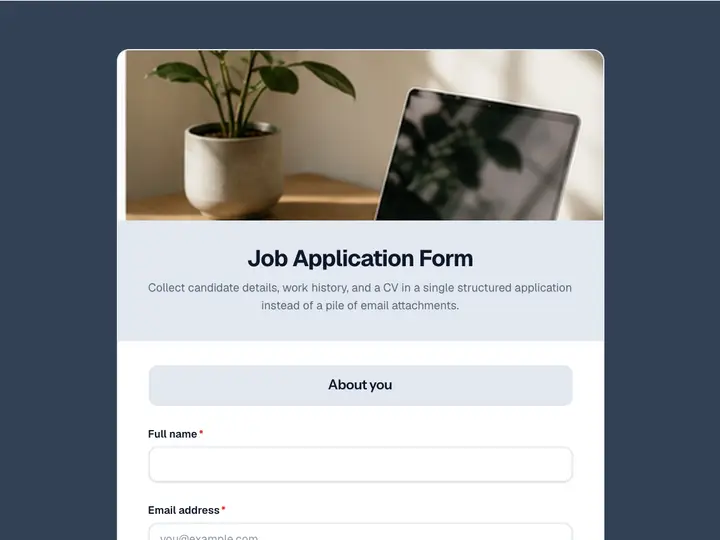 Job Application Form
Collect candidate details, work history, and a CV in a single structured application instead of a pile of email attachments.
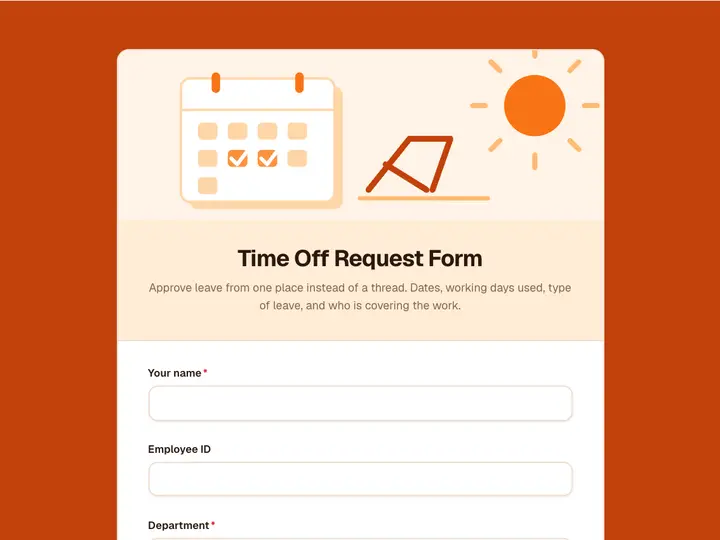 Time Off Request Form
Approve leave from one place instead of a thread. Dates, working days used, type of leave, and who is covering the work.
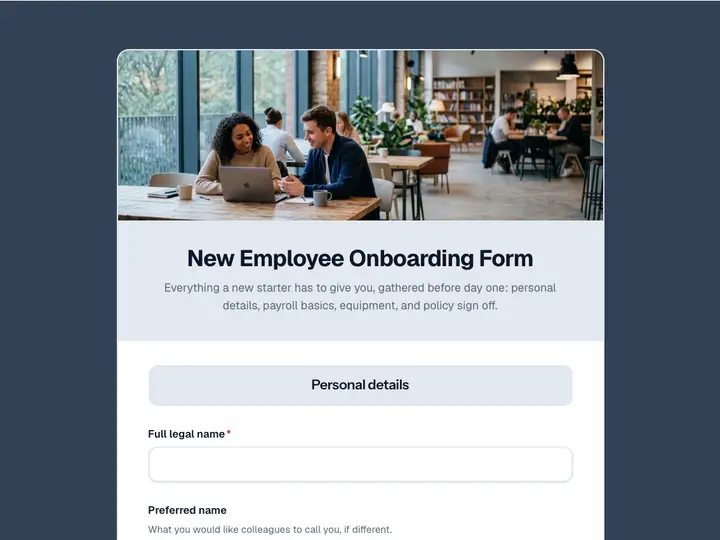 New Employee Onboarding Form
Everything a new starter has to give you, gathered before day one: personal details, payroll basics, equipment, and policy sign off.
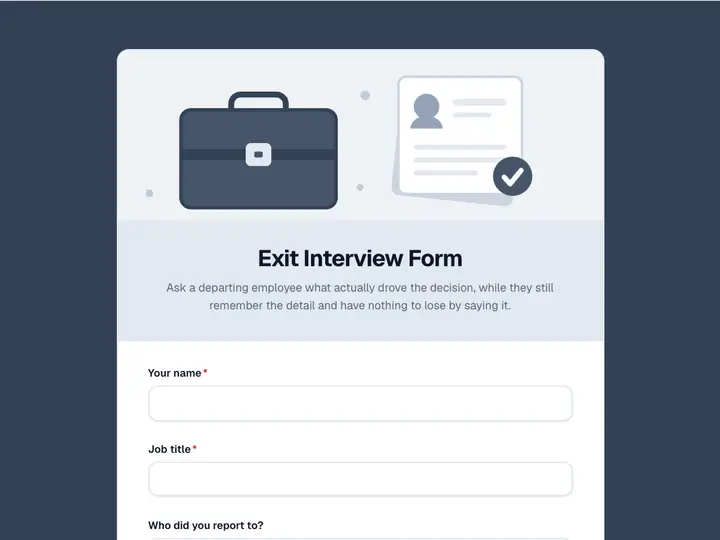 Exit Interview Form
Ask a departing employee what actually drove the decision, while they still remember the detail and have nothing to lose by saying it.
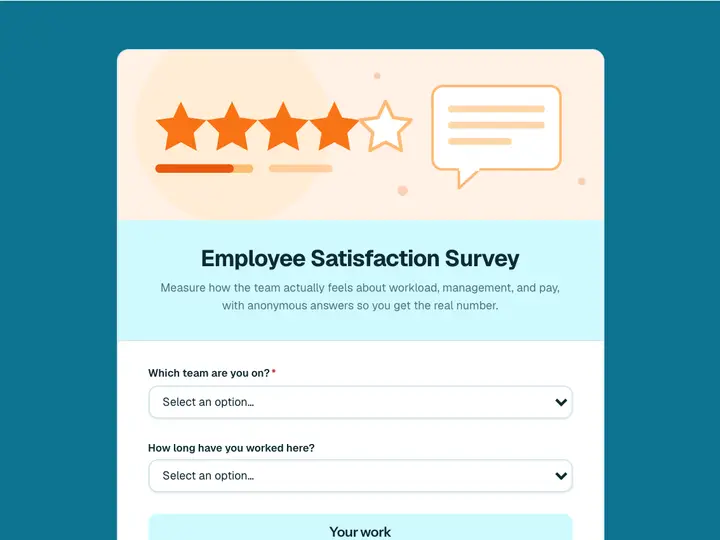 Employee Satisfaction Survey
Measure how the team actually feels about workload, management, and pay, with anonymous answers so you get the real number.
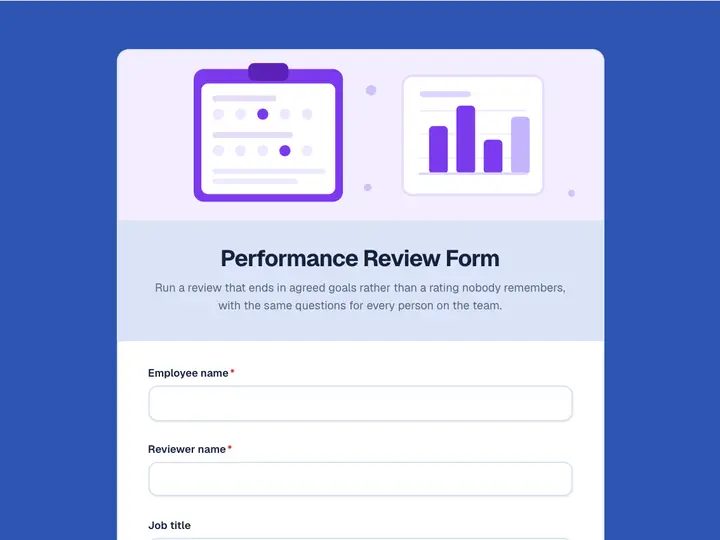 Performance Review Form
Run a review that ends in agreed goals rather than a rating nobody remembers, with the same questions for every person on the team.