
Cybersecurity Awareness Quiz
A scored quiz on phishing, passwords and safe browsing that marks itself and gives each employee their result.
Try it in another theme
Powered by Deoochform
Opens in the builder. Nothing is saved until you edit it. Or ask Claude or ChatGPT to build it.
- Fields
- 10 questions
- Layout
- Classic, every question on one page
- Theme
- Midnight, switchable in the preview
- Updated
- 13 September 2026
Categories
- IT form templates
- Quizzes
- Security Training
- IT Forms
Form type
Ideal for
- IT managers
- Security officers
- HR teams
- Small business owners
Best used in
- New starter onboarding
- Annual security training
- Compliance evidence
About this template
Most security incidents start with one person clicking one link. This cybersecurity awareness quiz checks whether your team would spot a phishing email, pick a strong password, and know what to do after a mistake. It scores itself and shows each person their result when they submit.
The final question matters most. Someone who clicked a bad link and reports it within minutes is a small problem, while someone who deletes the email and says nothing is a large one. Getting that answer right is worth more than the rest of the quiz.
The phishing warning signs question is marked all or nothing, so ticking every box does not earn marks. That rewards people who can actually tell a real warning sign from a harmless detail.
Swap in examples from your own systems, such as your VPN name or how to report a suspicious email, so the quiz teaches your process as well as general good habits.
Templates are a starting point, not legal or professional advice. Where a form carries consent, medical, or contractual wording, have somebody qualified review it against the rules that apply to you before you publish.
Fields in this template
- Your name*Short text
- Work email*Email
- An email from your bank asks you to confirm your password through a link. What should you do?*Single choice
- Which of these is the strongest password?*Single choice
- What does two factor authentication add?*Single choice
- You find a USB stick in the car park. What should you do?*Single choice
- Is it safe to open work files on free public wifi?*Single choice
- Which of these are warning signs of a phishing email? Tick all that apply.*Multiple choice
- When should you lock your screen?*Single choice
- You clicked a suspicious link by mistake. What now?*Single choice
Every field can be renamed, reordered, made optional, or removed once the template is open in the builder.
Build this form by asking Claude or ChatGPT
Connect Deoochform to Claude, ChatGPT, or any assistant that supports MCP, then send it the message below. It creates the cybersecurity awareness quiz from this template in your account and replies with a link. You can ask it to add, remove, or reword questions in the same chat before you share the form.
Make me a form in Deoochform from your Cybersecurity Awareness Quiz template, then send me the link to share.
New to this? See how to connect your assistant. You sign in with your browser, so there is no key to copy.
Frequently asked questions
- What topics should a cybersecurity awareness quiz cover?
- Phishing, password strength, two factor authentication, public wifi, lost devices and USB sticks, screen locking, and how to report a mistake. Those cover the everyday habits behind most incidents at small and medium organisations.
- How does the quiz score employees?
- Each question has a correct answer set in the builder. When someone submits, the form works out their score from the stored answers and shows it on the thank you page. You see every score in your responses and can export them as a training record.
- How often should staff take security awareness training?
- At least once a year, and when someone joins. Many organisations also send a short quiz after a real phishing attempt reaches staff, while the example is fresh. Check whether your insurer or a certification you hold sets a minimum.
Related templates
 IT Equipment Request Form
Turn hardware requests into a queue you can work. What is needed, why, how urgent, and which budget it comes out of.
 IT Access Request Form
Request access to systems, shared drives or software, with the reason and a manager's signature on the same record.
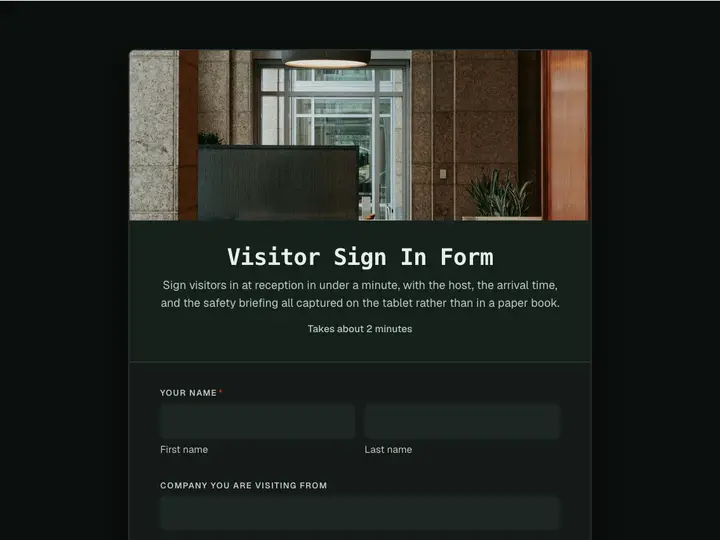 Visitor Sign In Form
Sign visitors in at reception in under a minute, with the host, the arrival time, and the safety briefing all captured on the tablet rather than in a paper book.
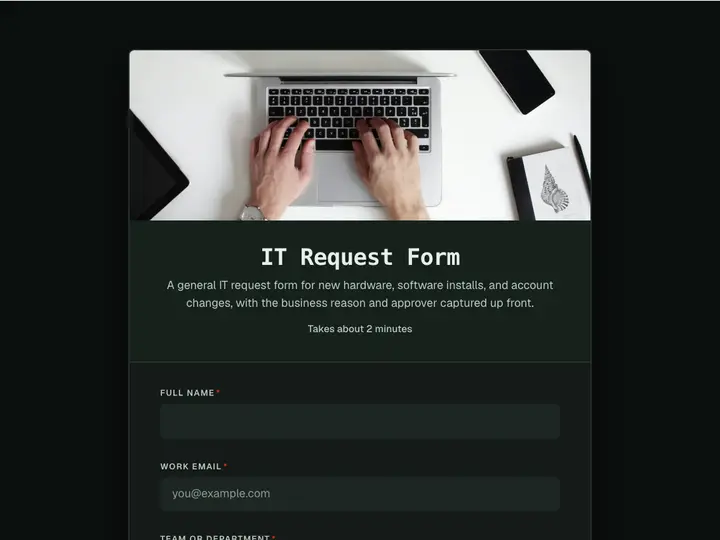 IT Request Form
A general IT request form for new hardware, software installs, and account changes, with the business reason and approver captured up front.
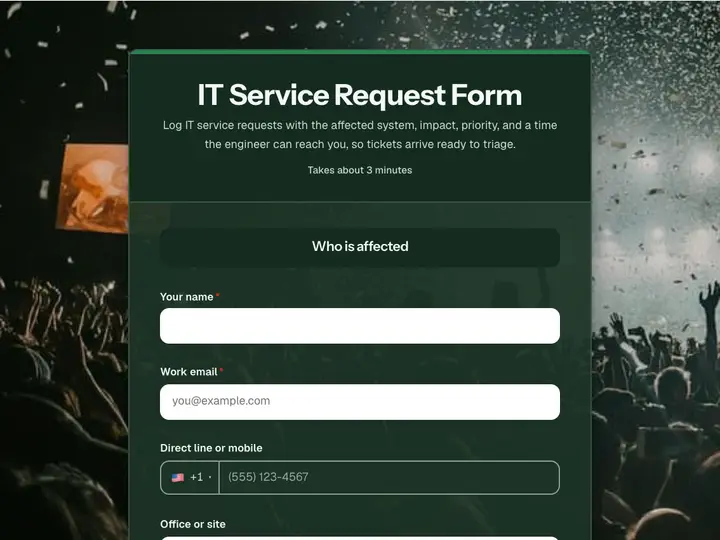 IT Service Request Form
Log IT service requests with the affected system, impact, priority, and a time the engineer can reach you, so tickets arrive ready to triage.
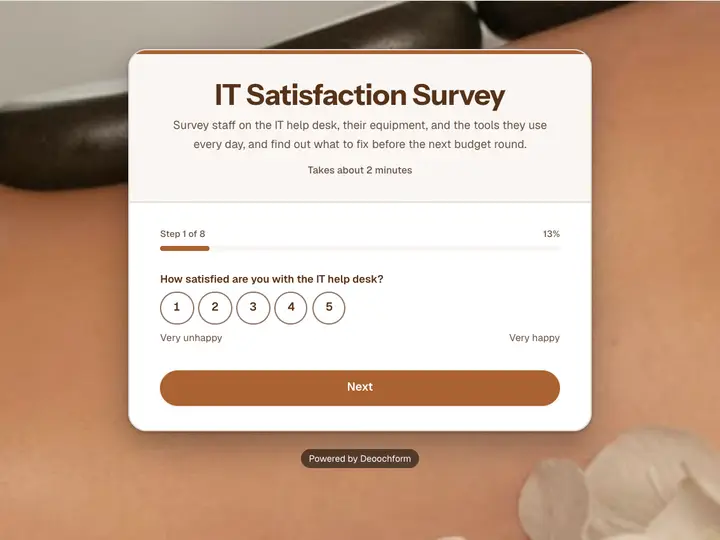 IT Satisfaction Survey
Survey staff on the IT help desk, their equipment, and the tools they use every day, and find out what to fix before the next budget round.