
Visitor Sign In Form
Sign visitors in at reception in under a minute, with the host, the arrival time, and the safety briefing all captured on the tablet rather than in a paper book.
Try it in another theme
Powered by Deoochform
Opens in the builder. Nothing is saved until you edit it. Or ask Claude or ChatGPT to build it.
- Fields
- 13 questions
- Layout
- Classic, every question on one page
- Theme
- Terminal, switchable in the preview
- Updated
- 18 September 2026
Categories
- IT form templates
- Sign In Forms
- Registration Forms
- Security
Ideal for
- Receptionists
- Office managers
- Security teams
- Facilities teams
Best used in
- Offices
- Factories
- Schools
- Data centres
About this template
A paper visitor book fails at exactly the moment it matters. In an evacuation nobody can read it, the last page is missing, and everyone who signed in can see who came before them. This form replaces it with something that takes under a minute on a tablet at reception and produces a list you can actually search.
The time fields are the reason it works as a roll call. Time in is required and editable, because a kiosk clock is wrong often enough that a fixed timestamp would quietly corrupt the record, and the expected time out gives reception a sensible prompt about who is still in the building at six o'clock. Vehicle registration is there for the same practical reason every car park eventually needs it.
The confirmations at the bottom are the compliance half. Fire and evacuation notice read, badge worn and returned, and a signature against both. The confidentiality question flags anyone who needs paperwork before they go through, which is the one thing a paper book never told you until afterwards.
The two hidden fields carry the site and the kiosk, so one form can serve several receptions and the responses still say where each person signed in. Offices that issue numbered passes usually add a badge number field, and anywhere with a contractor induction adds a date question for when it was last completed.
Templates are a starting point, not legal or professional advice. Where a form carries consent, medical, or contractual wording, have somebody qualified review it against the rules that apply to you before you publish.
Fields in this template
- Your name*Name
- Company you are visiting fromShort text
- Who are you here to see?*Short text
- Reason for the visit*Dropdown
- Time in*Time
- Expected time outTime
- Mobile numberPhone
- Vehicle registration, if you parked hereShort text
- Before you go through*Multiple choice
- Have you signed a confidentiality agreement with us?Single choice
- SignatureSignature
- SiteHidden field
- KioskHidden field
Every field can be renamed, reordered, made optional, or removed once the template is open in the builder.
Build this form by asking Claude or ChatGPT
Connect Deoochform to Claude, ChatGPT, or any assistant that supports MCP, then send it the message below. It creates the visitor sign in form from this template in your account and replies with a link. You can ask it to add, remove, or reword questions in the same chat before you share the form.
Make me a form in Deoochform from your Visitor Sign In Form template, then send me the link to share.
New to this? See how to connect your assistant. You sign in with your browser, so there is no key to copy.
Frequently asked questions
- What should a visitor sign in form ask for?
- Name, the company they represent, who they are visiting, the reason, the time in and expected time out, a mobile number, and confirmation that they have read the safety notice. Anything beyond that slows down a queue at reception without improving the record.
- Can this run on a tablet at reception?
- Yes. Publish the form and open its link in a browser on the tablet, and each visitor gets a fresh blank form rather than seeing what the person before them wrote, which is the main privacy problem with a paper book.
- How do we use one form across several sites?
- The site and kiosk fields are hidden fields, so you can set them per tablet through the form link and every response records where it came from. That keeps one form and one response table instead of a separate form for every reception.
Related templates
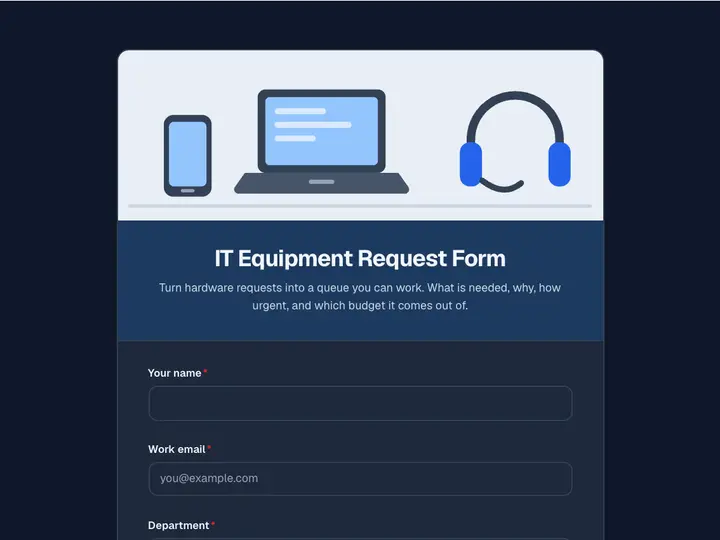 IT Equipment Request Form
Turn hardware requests into a queue you can work. What is needed, why, how urgent, and which budget it comes out of.
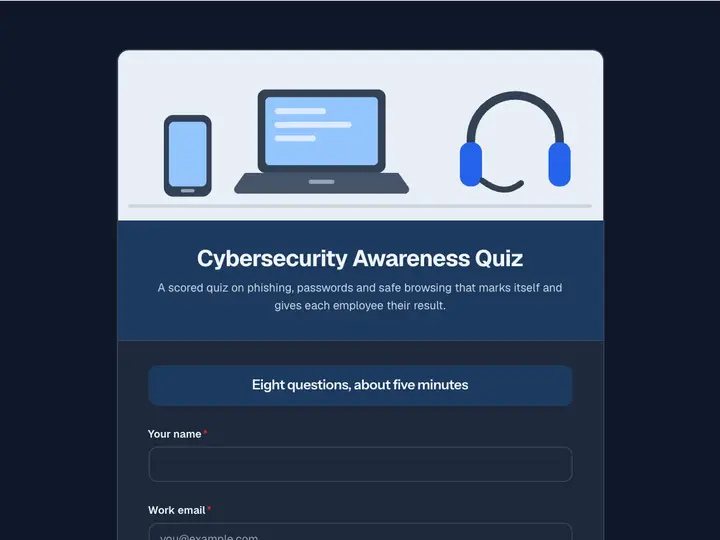 Cybersecurity Awareness Quiz
A scored quiz on phishing, passwords and safe browsing that marks itself and gives each employee their result.
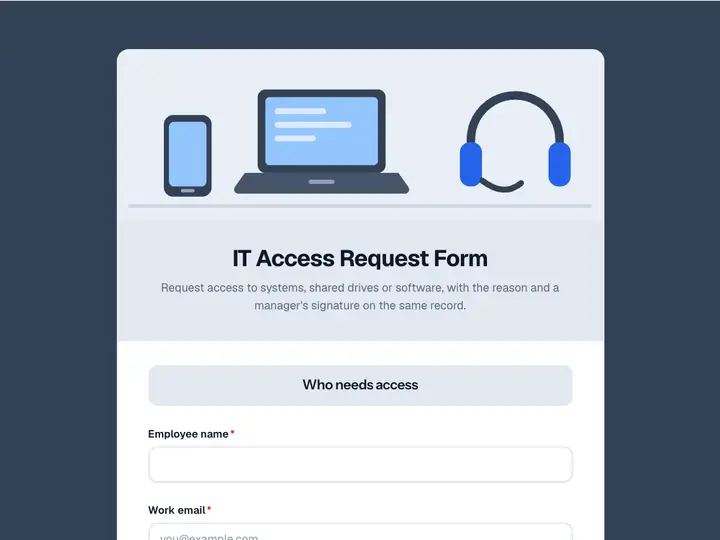 IT Access Request Form
Request access to systems, shared drives or software, with the reason and a manager's signature on the same record.
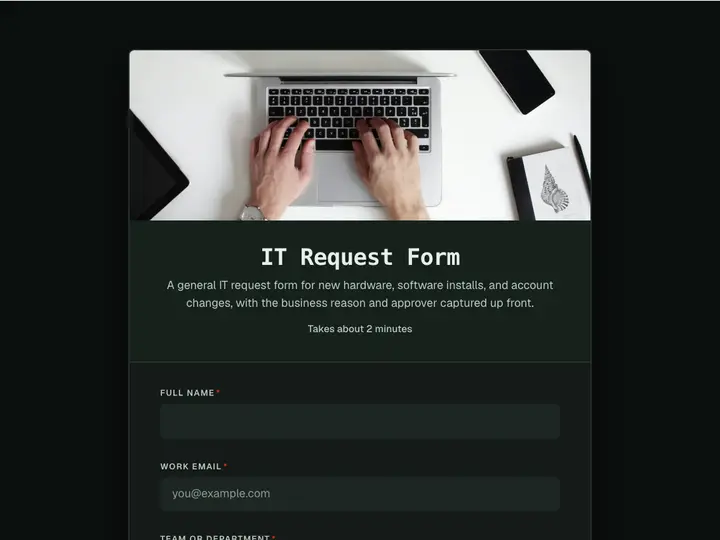 IT Request Form
A general IT request form for new hardware, software installs, and account changes, with the business reason and approver captured up front.
 IT Service Request Form
Log IT service requests with the affected system, impact, priority, and a time the engineer can reach you, so tickets arrive ready to triage.
 IT Satisfaction Survey
Survey staff on the IT help desk, their equipment, and the tools they use every day, and find out what to fix before the next budget round.