
Emergency Contact Form
Hold two reachable people and the medical basics for every employee, student, or member, so nobody is hunting through an old spreadsheet on the day it matters.
Try it in another theme
Powered by Deoochform
Opens in the builder. Nothing is saved until you edit it. Or ask Claude or ChatGPT to build it.
- Fields
- 18 questions
- Layout
- Classic, every question on one page
- Theme
- Clinic, switchable in the preview
- Updated
- 18 September 2026
Categories
- HR form templates
- HR Forms
- Contact Forms
- Onboarding
Form type
Ideal for
- HR teams
- School offices
- Club secretaries
- Volunteer coordinators
Best used in
- Workplaces
- Schools
- Sports clubs
- Care settings
About this template
Emergency contact details are the one record nobody checks until the day it is needed, and the day it is needed is the worst possible time to find a disconnected number. This form collects two contacts rather than one, and asks for someone who is usually somewhere other than the first, which is the single change that stops both numbers ringing out in the same building at the same time.
The medical section is short by design. A first aider needs to know about asthma, epilepsy, diabetes, an allergy and what someone takes daily. It does not need a history. Three boxes and a doctor number cover what is useful in the first ten minutes and leave everything else to the people qualified to ask for it.
Because this holds health information about identifiable people, treat where it lands as part of the form. Restrict who in your workspace can open the responses, and set a reminder to send the form round once a year, since the contact that was right at induction is frequently wrong by the second winter.
Schools and clubs usually swap the employee number for a class or squad, and add a second permission line about who may collect a child. Anyone running this for volunteers rather than staff can drop the team field entirely.
Templates are a starting point, not legal or professional advice. Where a form carries consent, medical, or contractual wording, have somebody qualified review it against the rules that apply to you before you publish.
Fields in this template
- Your name*Name
- Employee or student numberShort text
- Team, department, or classShort text
- Your mobile number*Phone
- Their name*Name
- Relationship to you*Dropdown
- Best number to call*Phone
- Second numberPhone
- Email addressEmail
- Their nameName
- Relationship to youDropdown
- Best number to callPhone
- Conditions a first aider should know aboutLong text
- Allergies and reactionsLong text
- Regular medicationLong text
- Doctor or practice nameShort text
- Practice phone numberPhone
- Permission*Multiple choice
Every field can be renamed, reordered, made optional, or removed once the template is open in the builder.
Build this form by asking Claude or ChatGPT
Connect Deoochform to Claude, ChatGPT, or any assistant that supports MCP, then send it the message below. It creates the emergency contact form from this template in your account and replies with a link. You can ask it to add, remove, or reword questions in the same chat before you share the form.
Make me a form in Deoochform from your Emergency Contact Form template, then send me the link to share.
New to this? See how to connect your assistant. You sign in with your browser, so there is no key to copy.
Frequently asked questions
- What information goes on an emergency contact form?
- The person's own name and mobile, then two named contacts with their relationship and best numbers, followed by conditions, allergies, medication and a doctor. Two contacts matters more than any extra medical detail, because one unreachable number is the usual failure.
- Is an emergency contact form confidential?
- It should be. The answers include health information about a named person, so limit who can open the responses in your workspace and share a contact number only with whoever needs it at the time. The consent checkbox on this template records that the person agreed to it being used that way.
- How often should emergency contacts be updated?
- Once a year at minimum, and after anyone tells you they have moved or changed phone. Sending the same form link round annually and replacing the old response is far more reliable than asking people to remember to tell you.
Related templates
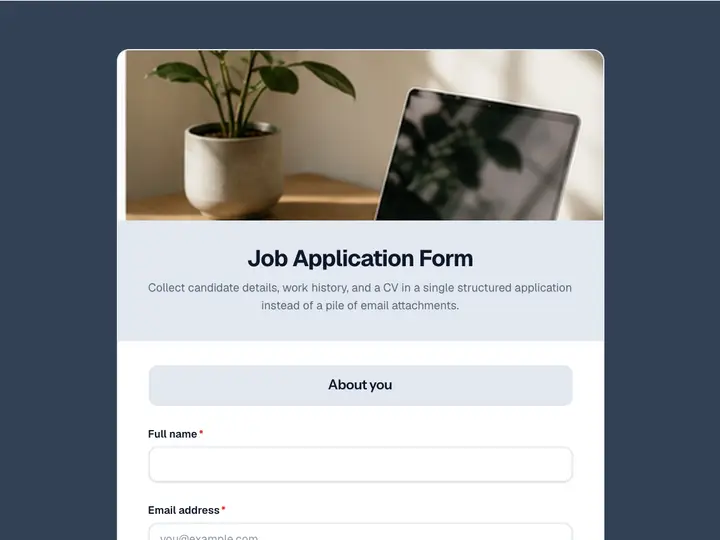 Job Application Form
Collect candidate details, work history, and a CV in a single structured application instead of a pile of email attachments.
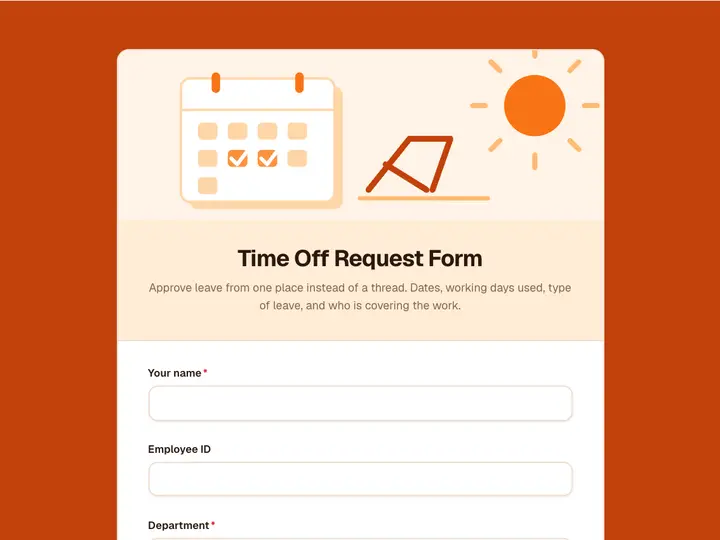 Time Off Request Form
Approve leave from one place instead of a thread. Dates, working days used, type of leave, and who is covering the work.
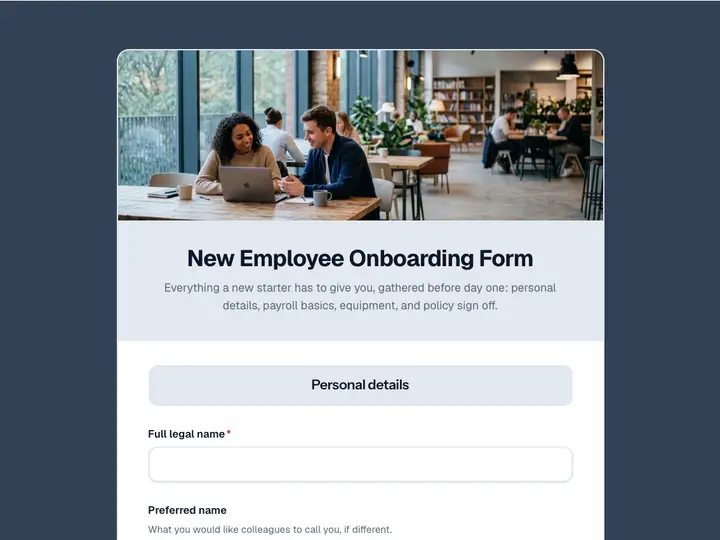 New Employee Onboarding Form
Everything a new starter has to give you, gathered before day one: personal details, payroll basics, equipment, and policy sign off.
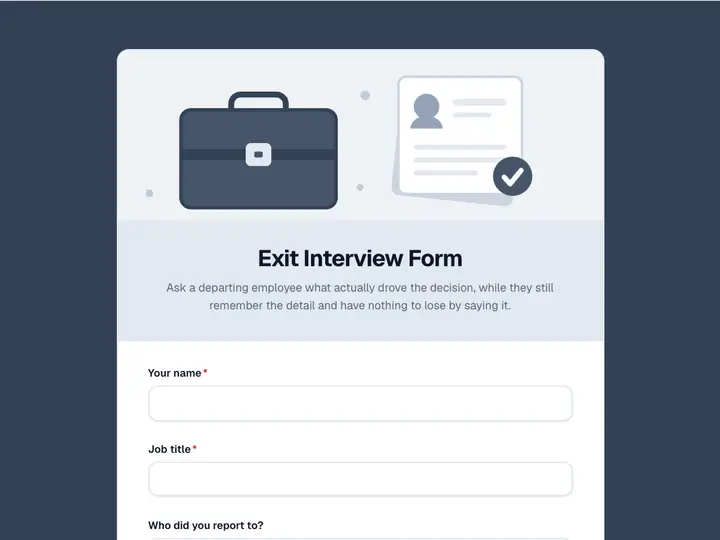 Exit Interview Form
Ask a departing employee what actually drove the decision, while they still remember the detail and have nothing to lose by saying it.
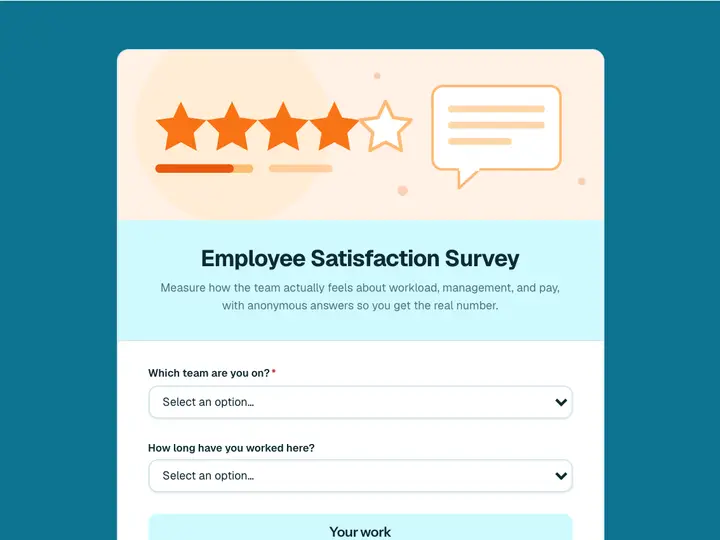 Employee Satisfaction Survey
Measure how the team actually feels about workload, management, and pay, with anonymous answers so you get the real number.
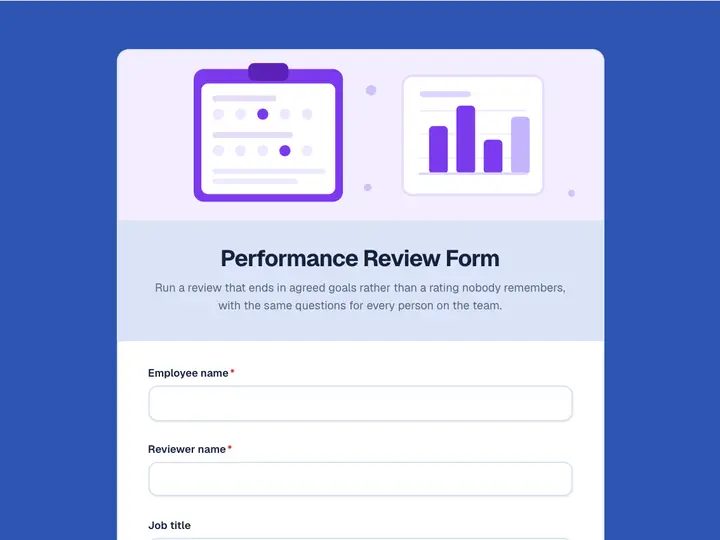 Performance Review Form
Run a review that ends in agreed goals rather than a rating nobody remembers, with the same questions for every person on the team.