
Employee Training Quiz Template for Easy Knowledge Checks
Check that training actually landed with this free employee training quiz template. Every question is marked automatically, so you only send the link.
Try it in another theme
Powered by Deoochform
Opens in the builder. Nothing is saved until you edit it. Or ask Claude or ChatGPT to build it.
- Fields
- 11 questions
- Layout
- Classic, every question on one page
- Theme
- Ocean, switchable in the preview
- Updated
- 10 September 2026
Categories
- HR form templates
- Quizzes
- HR Forms
- Compliance Forms
Form type
Ideal for
- HR teams
- Compliance officers
- Team leads
- Trainers
Best used in
- Onboarding
- Annual compliance training
- Policy rollouts
About this template
Training that nobody checks is training that nobody remembers. This quiz turns a session into a record: who took it, when, which course, and whether the material actually landed. Every question is marked automatically, so running it after a mandatory session costs you nothing beyond sending the link.
The questions shipped here cover data handling, and they are a starting point rather than an answer sheet. The correct answer to what you do with a suspicious email is whatever your own policy says, and a quiz that contradicts your policy teaches the wrong thing convincingly. Replace them before you send it to anyone.
The last two fields are the ones people cut and then wish they had kept. The attestation gives you something dated to point at, and the open question about what is still unclear tells you which part of the session to rewrite before you run it again.
Templates are a starting point, not legal or professional advice. Where a form carries consent, medical, or contractual wording, have somebody qualified review it against the rules that apply to you before you publish.
Fields in this template
- Your name*Short text
- Work email*Email
- Team or departmentShort text
- Which training did you complete?*Short text
- Date you completed it*Date
- An email asks you to confirm your password. What do you do?*Single choice
- Which of these count as personal data?*Multiple choice
- When should you lock your screen?*Single choice
- A colleague asks you to share a customer list over a personal messaging app. What is the right answer?*Single choice
- Please confirm*Multiple choice
- Anything from the session that is still unclear?Long text
Every field can be renamed, reordered, made optional, or removed once the template is open in the builder.
Build this form by asking Claude or ChatGPT
Connect Deoochform to Claude, ChatGPT, or any assistant that supports MCP, then send it the message below. It creates the employee training quiz from this template in your account and replies with a link. You can ask it to add, remove, or reword questions in the same chat before you share the form.
Make me a form in Deoochform from your Employee Training Quiz template, then send me the link to share.
New to this? See how to connect your assistant. You sign in with your browser, so there is no key to copy.
Frequently asked questions
- Can I see which employees passed and which need to retake it?
- Yes. Every response stores the score alongside the name, email and course, so the submissions table shows you who took it and how they did. Sort or filter on the score to find the people who need the session again, and export the list if your compliance record lives elsewhere.
- Should I use the questions as they are?
- No. They are generic questions about data handling, and the right answer for your organisation is the one your own policy gives. Swap them for questions drawn from the material you actually taught, otherwise you are testing people on a policy they were never shown.
Related templates
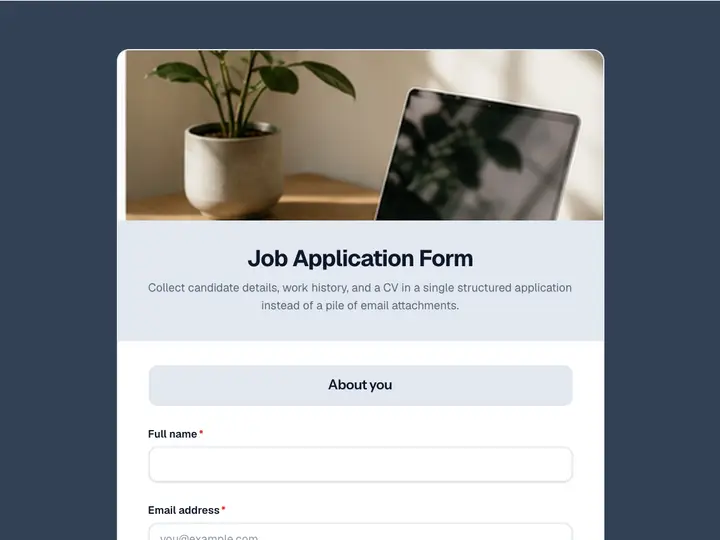 Job Application Form
Collect candidate details, work history, and a CV in a single structured application instead of a pile of email attachments.
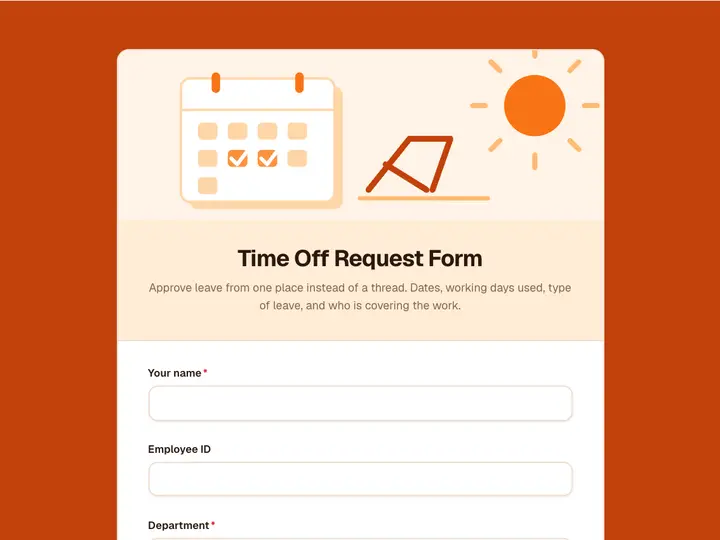 Time Off Request Form
Approve leave from one place instead of a thread. Dates, working days used, type of leave, and who is covering the work.
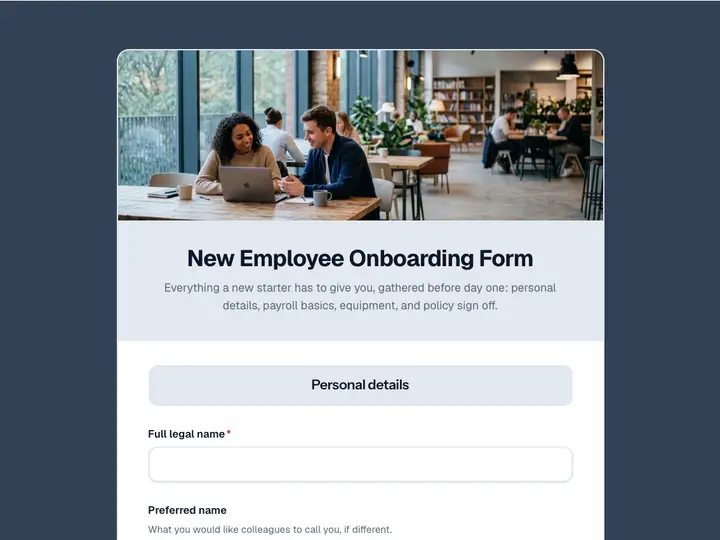 New Employee Onboarding Form
Everything a new starter has to give you, gathered before day one: personal details, payroll basics, equipment, and policy sign off.
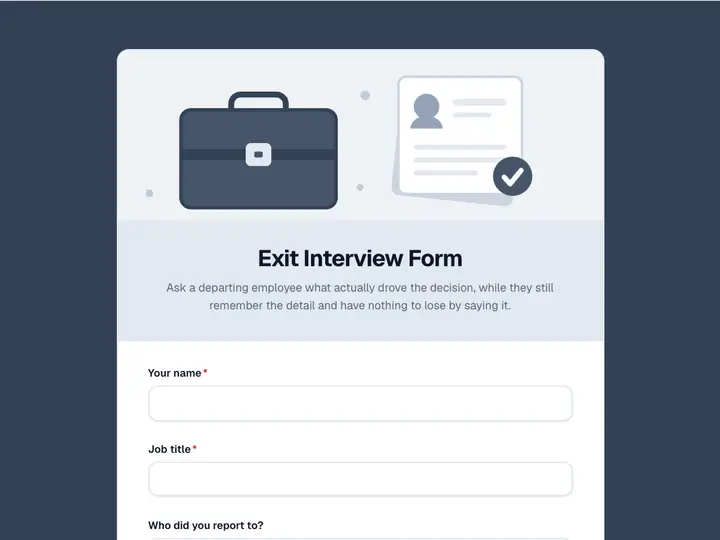 Exit Interview Form
Ask a departing employee what actually drove the decision, while they still remember the detail and have nothing to lose by saying it.
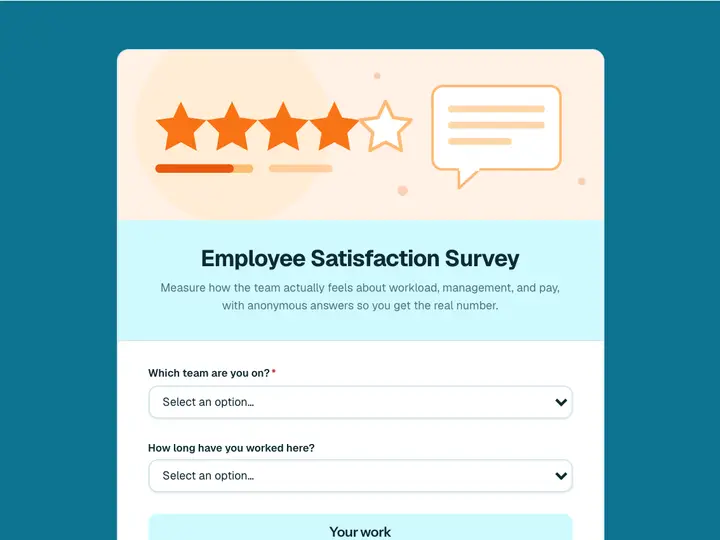 Employee Satisfaction Survey
Measure how the team actually feels about workload, management, and pay, with anonymous answers so you get the real number.
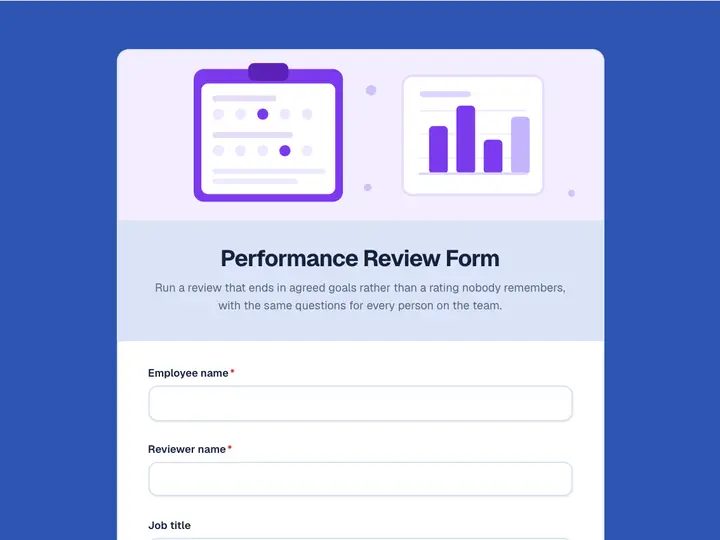 Performance Review Form
Run a review that ends in agreed goals rather than a rating nobody remembers, with the same questions for every person on the team.