
Gym Membership Form
Sign a new member up with the plan, the health declaration, and the emergency contact recorded before their first session.
Try it in another theme
Powered by Deoochform
Opens in the builder. Nothing is saved until you edit it. Or ask Claude or ChatGPT to build it.
- Fields
- 16 questions
- Layout
- Classic, every question on one page
- Theme
- Studio, switchable in the preview
- Updated
- 11 August 2026
Categories
- Health & Fitness form templates
- Fitness Forms
- Membership Forms
- Waiver Forms
Ideal for
- Gyms
- Fitness studios
- Leisure centres
- Personal trainers
Best used in
- New member signup
- Membership renewals
- Day passes
About this template
A gym membership form has to be a sales document and a safety record at the same time. The plan and extras come first because that is what the member came to do, and the health declaration follows, which keeps the form from opening with a page of medical questions.
The health questions are written as things a doctor has told you rather than as symptoms you might self diagnose, which is the standard screening approach and produces far more reliable answers. Ending with an explicit none of these matters, because a blank checklist is ambiguous and this one has to stand up if something happens on the gym floor.
The three part declaration is the record that the member was asked and answered, including the promise to report changes later. Add a payment field for the joining fee, and use a rule so the detail box only appears when a condition is ticked.
Templates are a starting point, not legal or professional advice. Where a form carries consent, medical, or contractual wording, have somebody qualified review it against the rules that apply to you before you publish.
Fields in this template
- Full name*Short text
- Date of birth*Date
- Email address*Email
- Mobile number*Phone
- Home address*Address
- Which membership?*Dropdown
- Start date*Date
- Anything to add?Multiple choice
- What are you here for?Multiple choice
- Has a doctor ever told you that you have any of the following?Multiple choice
- Please give detail for anything you tickedLong text
- Medication that could affect exerciseLong text
- Contact name*Short text
- Contact number*Phone
- Declaration*Multiple choice
- Signature*Signature
Every field can be renamed, reordered, made optional, or removed once the template is open in the builder.
Build this form by asking Claude or ChatGPT
Connect Deoochform to Claude, ChatGPT, or any assistant that supports MCP, then send it the message below. It creates the gym membership form from this template in your account and replies with a link. You can ask it to add, remove, or reword questions in the same chat before you share the form.
Make me a form in Deoochform from your Gym Membership Form template, then send me the link to share.
New to this? See how to connect your assistant. You sign in with your browser, so there is no key to copy.
Frequently asked questions
- What should a gym membership form ask for?
- Contact details, the membership tier and start date, a health declaration, goals, and an emergency contact. The declaration and the emergency contact are the two you cannot skip.
- Can I take the monthly fee here?
- Yes. A subscription payment field charges a recurring membership through Stripe into your own account, and a one off field covers a joining fee. Both work on the free plan.
- Do I need a separate waiver?
- Usually. This form takes the health declaration; a signed acknowledgement of risk is a different record. Add a signature field here or send the liability waiver template with it.
Related templates
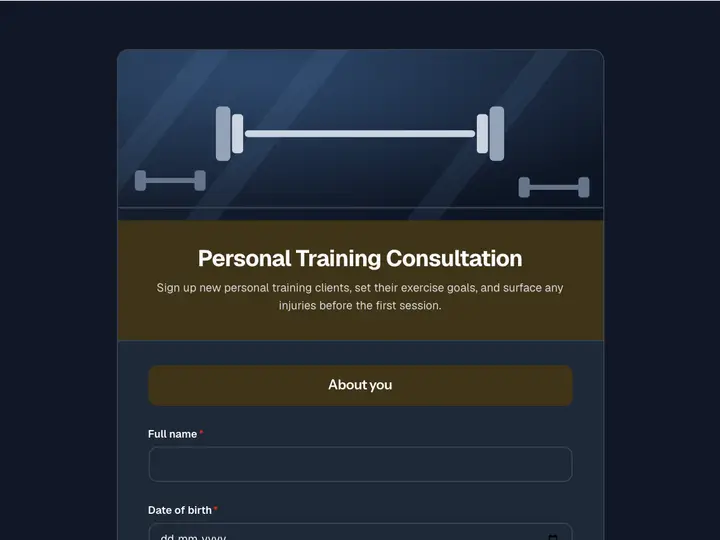 Personal Training Consultation
Sign up new personal training clients, set their exercise goals, and surface any injuries before the first session.
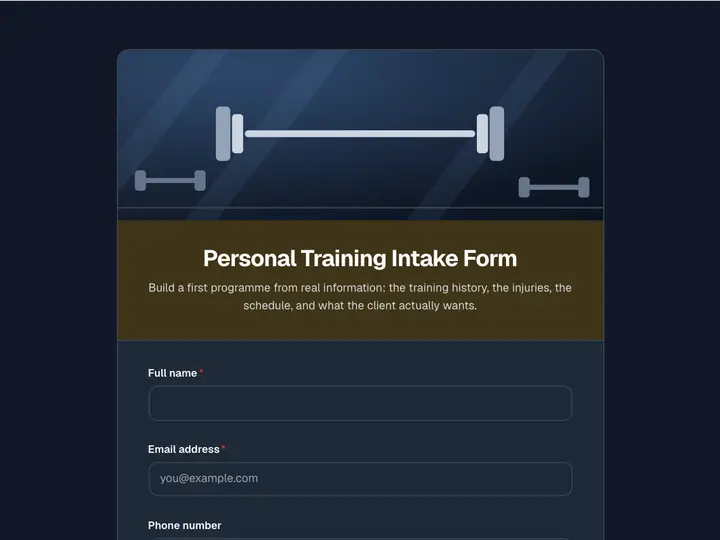 Personal Training Intake Form
Build a first programme from real information: the training history, the injuries, the schedule, and what the client actually wants.
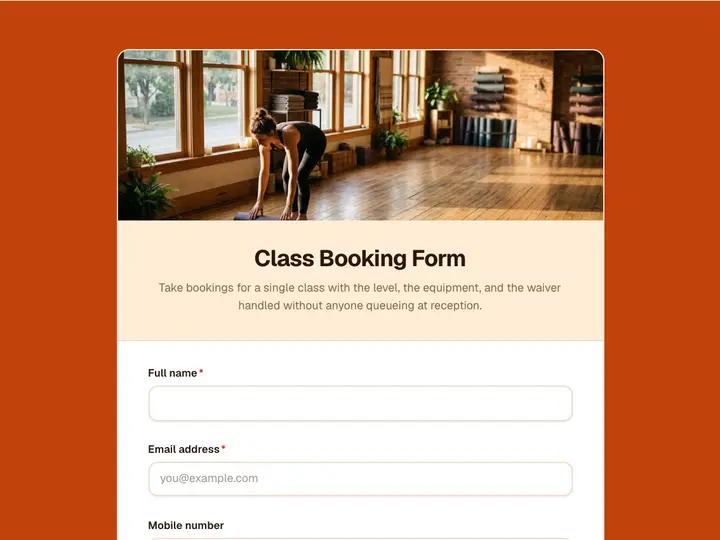 Class Booking Form
Take bookings for a single class with the level, the equipment, and the waiver handled without anyone queueing at reception.
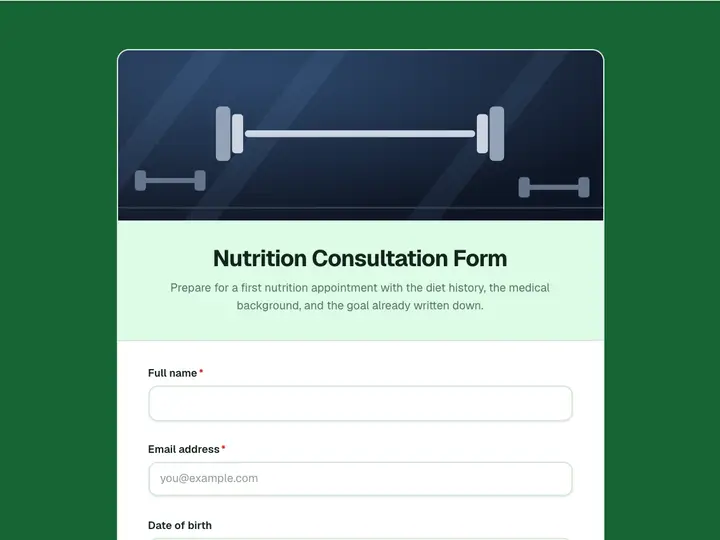 Nutrition Consultation Form
Prepare for a first nutrition appointment with the diet history, the medical background, and the goal already written down.
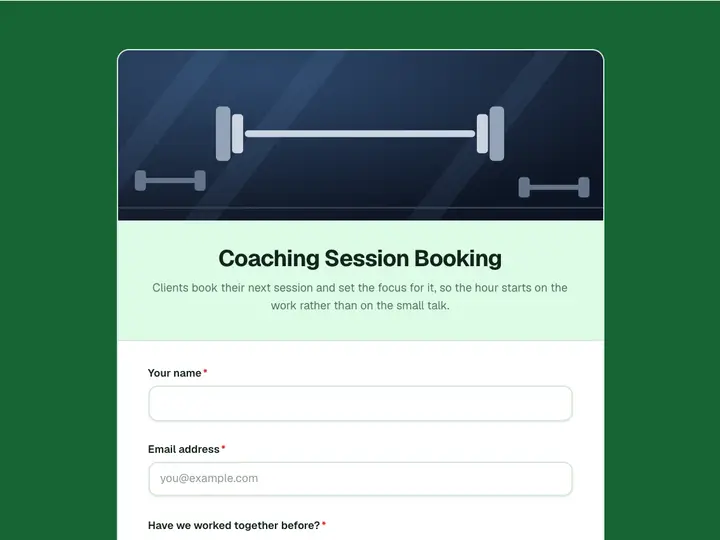 Coaching Session Booking
Clients book their next session and set the focus for it, so the hour starts on the work rather than on the small talk.
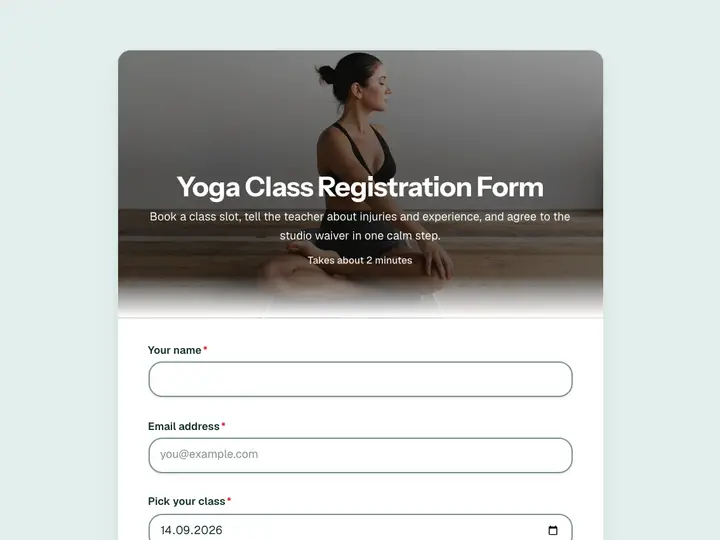 Yoga Class Registration Form
Book a class slot, tell the teacher about injuries and experience, and agree to the studio waiver in one calm step.