
Incident Report Form
Record what happened, where, and when it was reported, so an incident is written down once while people still remember it rather than reconstructed weeks later.
Try it in another theme
Powered by Deoochform
Opens in the builder. Nothing is saved until you edit it. Or ask Claude or ChatGPT to build it.
- Fields
- 18 questions
- Layout
- Classic, every question on one page
- Theme
- Civic, switchable in the preview
- Updated
- 18 September 2026
Categories
- HR form templates
- Report Forms
- Safety Forms
- HR Forms
Ideal for
- Safety officers
- Site managers
- Facilities teams
Best used in
- Construction
- Manufacturing
- Warehousing
- Schools
About this template
An incident gets written down badly because it gets written down late. This form is built to be filled in on a phone while somebody is still standing where it happened: the date and the time, the address, the type, and a plain account of what occurred, in that order. The time field is separate from the date on purpose, because a report that says only which day it was cannot be matched against a shift pattern or a camera recording.
The severity question does the triage. Four options separate a near miss logged for the record from an incident that stopped work, which is the difference between a monthly summary and something a manager reads today. Underneath it, the response checkboxes capture what was actually done at the time, so the gap between the event and the first action is visible rather than argued about later.
Everything after the account is evidence and accountability. The upload field takes photographs while the scene still looks the way it did, the witness box catches names that are forgotten within hours, and the declaration plus signature turn the whole thing into a record somebody has put their name to.
Adapt the type and severity lists to your own categories, since every safety policy words them differently. Sites that need a supervisor to countersign can add a second signature field at the end, and anyone reporting on behalf of a contractor usually wants a company name next to the reporter details.
Templates are a starting point, not legal or professional advice. Where a form carries consent, medical, or contractual wording, have somebody qualified review it against the rules that apply to you before you publish.
Fields in this template
- Date of the incident*Date
- Time it happened*Time
- Where it happened*Address
- Specific area or roomShort text
- Type of incident*Single choice
- How serious was it?*Single choice
- Describe what happened, in order*Long text
- How many people were involved?Number
- Names of anyone who saw itLong text
- What was done at the time?Multiple choice
- What has been done since?Long text
- Your name*Name
- Your roleShort text
- Email address*Email
- Phone numberPhone
- Photographs or documentsFile upload
- Declaration*Multiple choice
- SignatureSignature
Every field can be renamed, reordered, made optional, or removed once the template is open in the builder.
Build this form by asking Claude or ChatGPT
Connect Deoochform to Claude, ChatGPT, or any assistant that supports MCP, then send it the message below. It creates the incident report form from this template in your account and replies with a link. You can ask it to add, remove, or reword questions in the same chat before you share the form.
Make me a form in Deoochform from your Incident Report Form template, then send me the link to share.
New to this? See how to connect your assistant. You sign in with your browser, so there is no key to copy.
Frequently asked questions
- What should an incident report form include?
- The date and time, the exact location, the type and severity, a factual account in the order things happened, who was involved, what was done at the time, and a signed declaration. This template asks for all of those and keeps opinion about fault out of it, because that is decided in the review and not on the form.
- Who fills in an incident report?
- Whoever saw it or was told about it first, which is usually not a manager. That is why the form leads with what happened rather than with employee numbers, and why every field a bystander cannot answer is optional.
- How soon after an incident should the form be filled in?
- The same day, ideally within the hour. Detail decays fast, and a report written a week later is a reconstruction. Publishing this form as a link or a QR code on site is the cheapest way to make same day reporting realistic.
Related templates
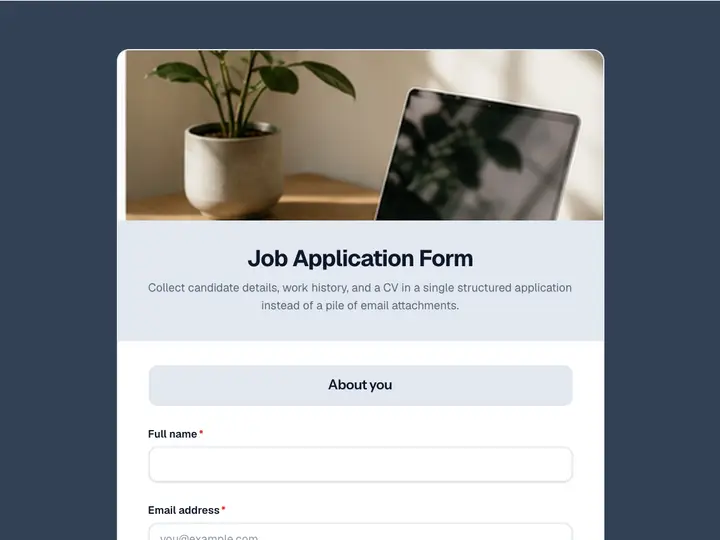 Job Application Form
Collect candidate details, work history, and a CV in a single structured application instead of a pile of email attachments.
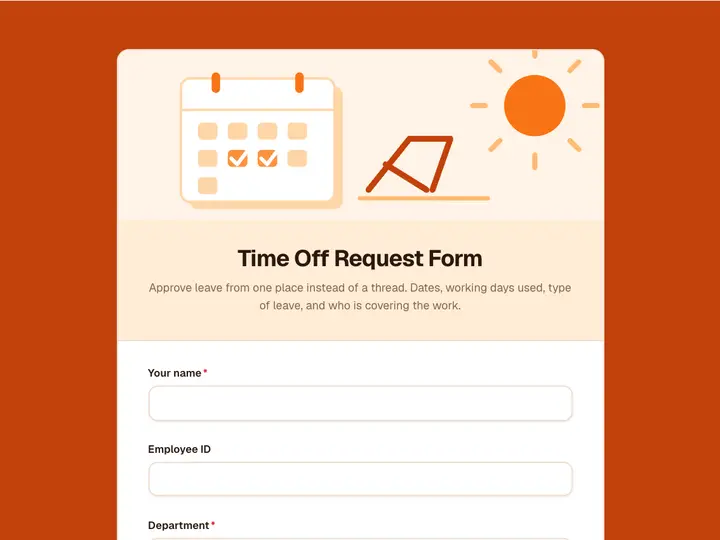 Time Off Request Form
Approve leave from one place instead of a thread. Dates, working days used, type of leave, and who is covering the work.
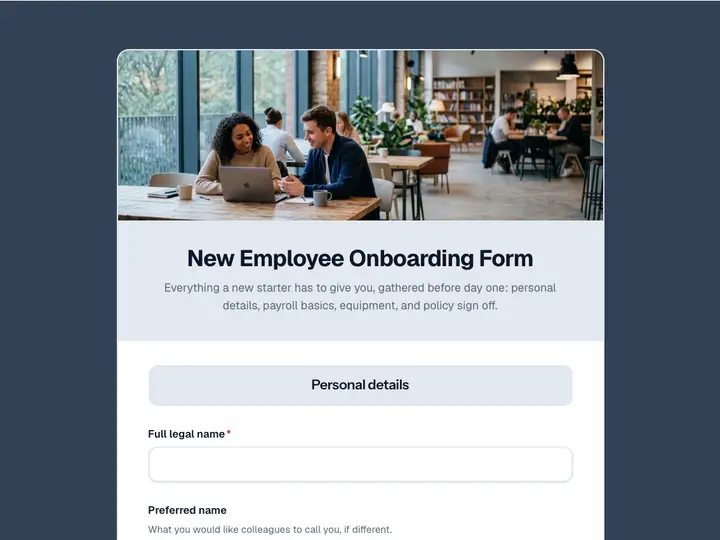 New Employee Onboarding Form
Everything a new starter has to give you, gathered before day one: personal details, payroll basics, equipment, and policy sign off.
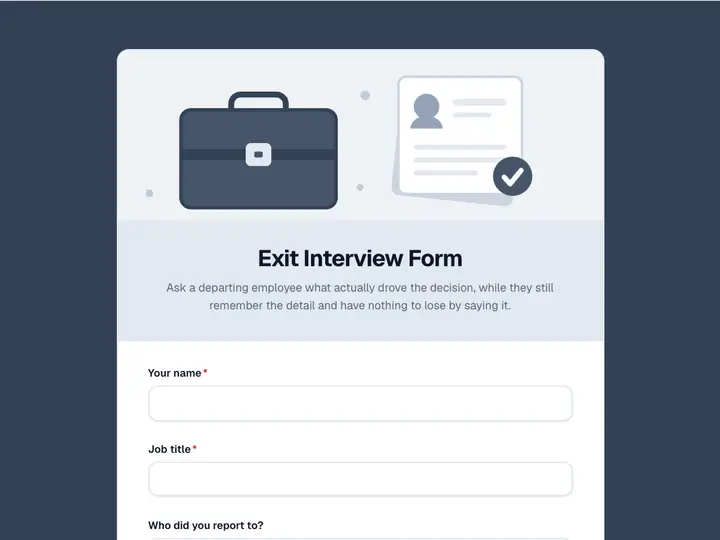 Exit Interview Form
Ask a departing employee what actually drove the decision, while they still remember the detail and have nothing to lose by saying it.
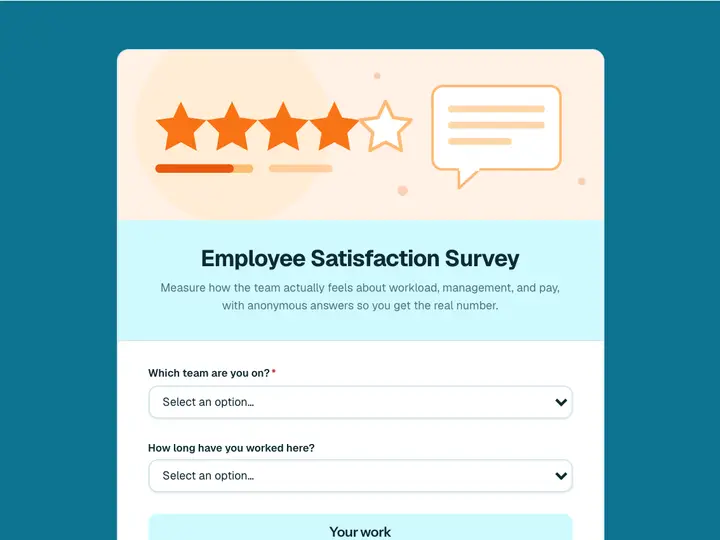 Employee Satisfaction Survey
Measure how the team actually feels about workload, management, and pay, with anonymous answers so you get the real number.
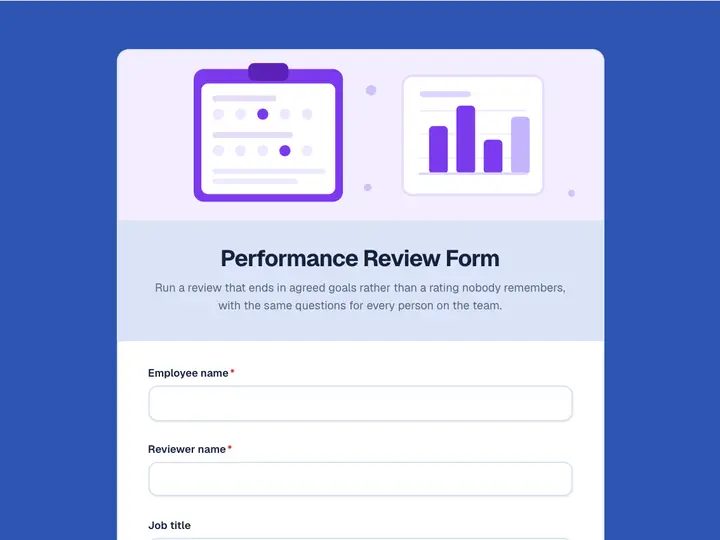 Performance Review Form
Run a review that ends in agreed goals rather than a rating nobody remembers, with the same questions for every person on the team.