
Internal Job Application
Give people already on the team a proper route to apply for an open role, without asking them to redo a public application.
Try it in another theme
Powered by Deoochform
Opens in the builder. Nothing is saved until you edit it. Or ask Claude or ChatGPT to build it.
- Fields
- 10 questions
- Layout
- Classic, every question on one page
- Theme
- Midnight, switchable in the preview
- Updated
- 11 August 2026
Categories
- HR form templates
- HR Forms
- Recruiting Forms
- Internal Forms
Form type
Ideal for
- HR teams
- Recruiters
- Team leads
- People partners
Best used in
- Internal mobility
- Promotion rounds
- Restructures
About this template
Internal candidates get treated worst in most hiring processes. They are asked to apply through the public form, restate things the company already knows, and then wait in the same queue. This form assumes the employment history is already on file and spends its questions on the two things nobody has on record: why this role, and what relevant work they have already done here.
The question about whether the manager knows is the one that makes the form usable in practice. People will not apply internally if they think it gets back to their manager before they are ready, so asking directly, and honouring the answer, is what determines whether anyone fills it in at all.
Route these to a named person in recruiting rather than to a shared hiring inbox, and treat the discretion answer as binding. Drop the CV upload if your HR system already holds a current one.
Templates are a starting point, not legal or professional advice. Where a form carries consent, medical, or contractual wording, have somebody qualified review it against the rules that apply to you before you publish.
Fields in this template
- Your name*Short text
- Work email*Email
- Current job title*Short text
- Current manager*Short text
- How long have you been in your current role?*Dropdown
- Role you are applying for*Short text
- Why this role, and why now?*Long text
- What have you already done that is relevant?*Long text
- Does your manager know you are applying?*Single choice
- Updated CVFile upload
Every field can be renamed, reordered, made optional, or removed once the template is open in the builder.
Build this form by asking Claude or ChatGPT
Connect Deoochform to Claude, ChatGPT, or any assistant that supports MCP, then send it the message below. It creates the internal job application from this template in your account and replies with a link. You can ask it to add, remove, or reword questions in the same chat before you share the form.
Make me a form in Deoochform from your Internal Job Application template, then send me the link to share.
New to this? See how to connect your assistant. You sign in with your browser, so there is no key to copy.
Frequently asked questions
- Why have a separate internal application form?
- Because asking someone already on the payroll to redo a public application is a good way to stop them applying. This one starts from what you already know and asks only what is new.
- What should it ask for?
- Current role and tenure, the role wanted, why this move, the relevant experience, and whether their manager knows. The last question avoids the conversation nobody wants to have by surprise.
- Should the current manager be told?
- That is a policy question rather than a form one. The form asks whether they have been told so you know where you stand, rather than assuming either way.
Related templates
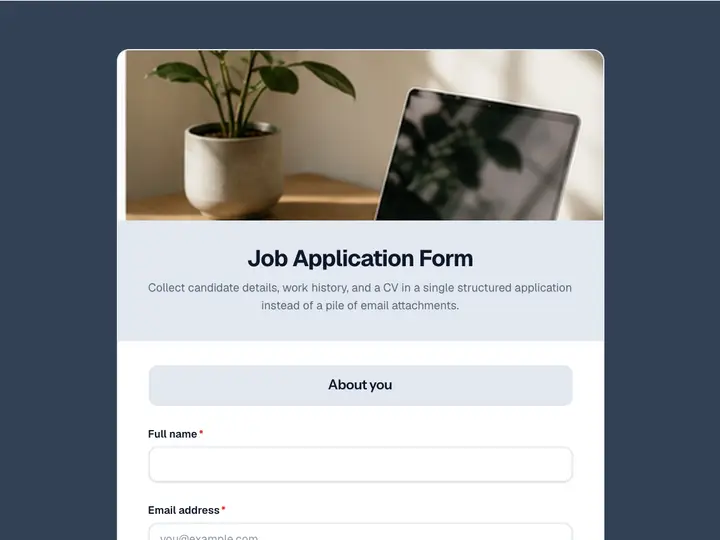 Job Application Form
Collect candidate details, work history, and a CV in a single structured application instead of a pile of email attachments.
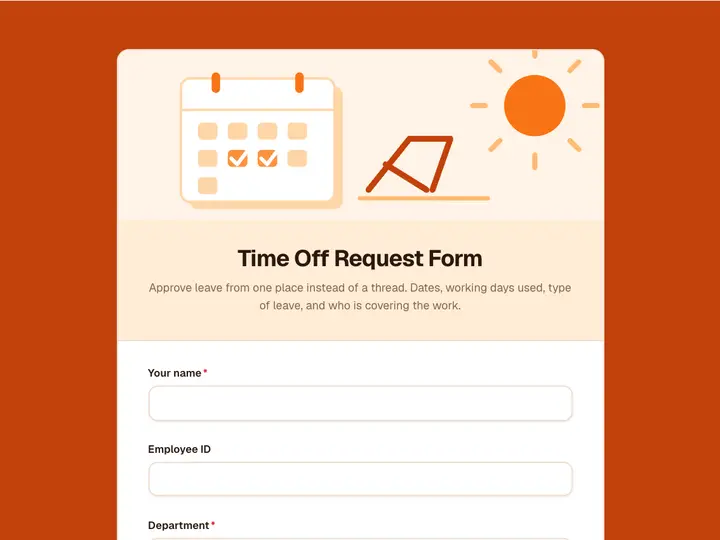 Time Off Request Form
Approve leave from one place instead of a thread. Dates, working days used, type of leave, and who is covering the work.
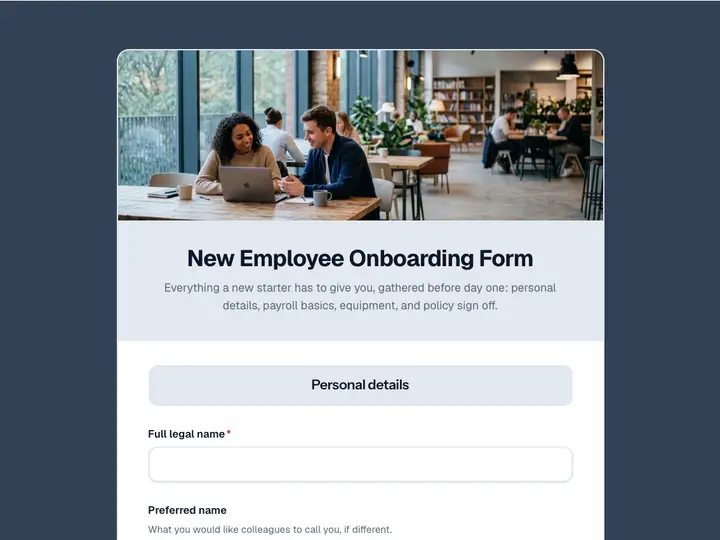 New Employee Onboarding Form
Everything a new starter has to give you, gathered before day one: personal details, payroll basics, equipment, and policy sign off.
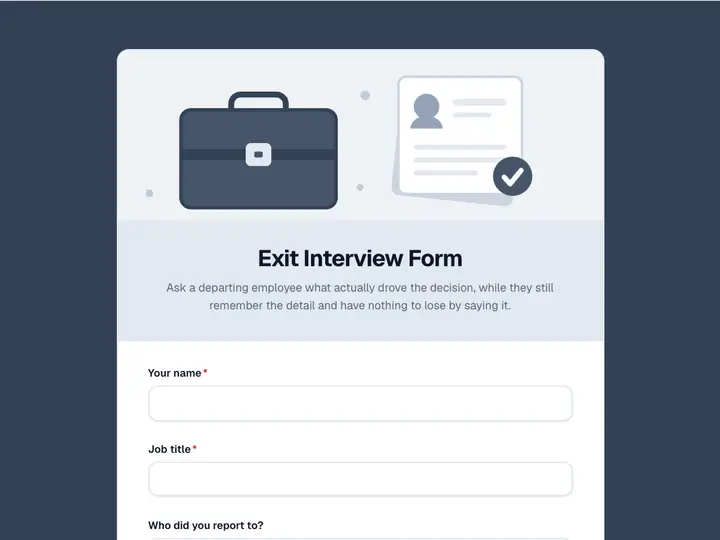 Exit Interview Form
Ask a departing employee what actually drove the decision, while they still remember the detail and have nothing to lose by saying it.
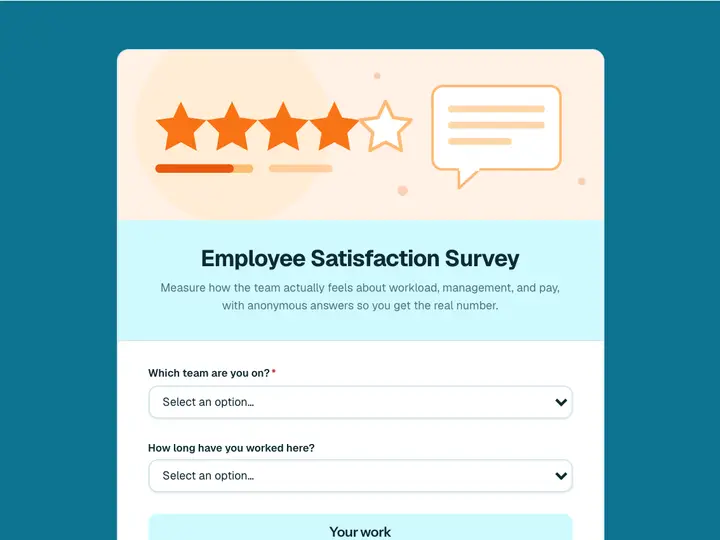 Employee Satisfaction Survey
Measure how the team actually feels about workload, management, and pay, with anonymous answers so you get the real number.
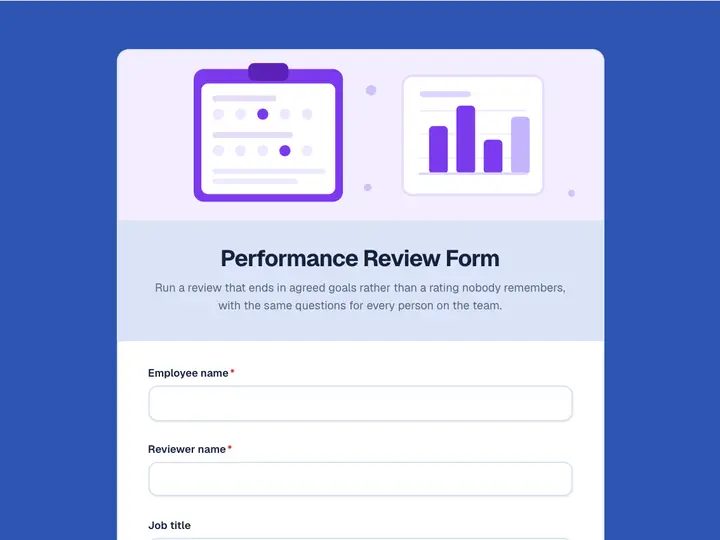 Performance Review Form
Run a review that ends in agreed goals rather than a rating nobody remembers, with the same questions for every person on the team.