
Risk Assessment Form
Record a hazard, who it could harm, the controls already in place, and the action still outstanding, with a rating and a review date.
Try it in another theme
Powered by Deoochform
Opens in the builder. Nothing is saved until you edit it. Or ask Claude or ChatGPT to build it.
- Fields
- 17 questions
- Layout
- Classic, every question on one page
- Theme
- Slate, switchable in the preview
- Updated
- 10 September 2026
Categories
- HR form templates
- Assessment Forms
- Safety Forms
- Inspection Forms
Ideal for
- Safety officers
- Site managers
- Facilities teams
- Event organisers
Best used in
- Site inspections
- Event planning
- Annual reviews
About this template
A risk assessment is a short document with a fixed shape: what could go wrong, who it could hurt, what you already do about it, how bad it would be, and what is still outstanding. This form asks for those in that order, so the record you end up with is comparable to the last one rather than being whatever the assessor thought to write down.
Two fields do most of the work. The list of who might be harmed is a checkbox rather than a text field because the categories that get forgotten are the ones nobody thinks of unprompted: visitors, lone workers, young people, new or expectant mothers. And the review date is required, because an assessment with no review date is a document that quietly stops being true.
The overall rating is a choice you make, not arithmetic the form does. Likelihood and severity are recorded separately so you can read them against your own matrix, and organisations use different matrices, so a number calculated here would be wrong for most of them.
Add a page break before the rating section if your assessors work through this on a phone while walking a site, and remove the signature field if your process signs off elsewhere.
Templates are a starting point, not legal or professional advice. Where a form carries consent, medical, or contractual wording, have somebody qualified review it against the rules that apply to you before you publish.
Fields in this template
- Assessed by*Short text
- Email address*Email
- Date of assessment*Date
- Site, area, or activity assessed*Short text
- What is the hazard?*Long text
- Who might be harmed?*Multiple choice
- How might they be harmed?*Long text
- What is already being done?*Long text
- How likely is it?*Dropdown
- How bad would it be?*Dropdown
- Overall risk rating*Dropdown
- What else needs to be done?Long text
- Who is responsible for it?Short text
- Action byDate
- Photograph of the hazardFile upload
- Review this assessment on*Date
- SignatureSignature
Every field can be renamed, reordered, made optional, or removed once the template is open in the builder.
Build this form by asking Claude or ChatGPT
Connect Deoochform to Claude, ChatGPT, or any assistant that supports MCP, then send it the message below. It creates the risk assessment form from this template in your account and replies with a link. You can ask it to add, remove, or reword questions in the same chat before you share the form.
Make me a form in Deoochform from your Risk Assessment Form template, then send me the link to share.
New to this? See how to connect your assistant. You sign in with your browser, so there is no key to copy.
Frequently asked questions
- Does this form calculate the risk rating for me?
- No, and that is deliberate. Likelihood and severity are recorded separately, and you set the overall rating from your own matrix. Organisations grade risk on different scales and a number calculated here would be wrong for most of them, so the form captures the inputs and leaves the judgement where it belongs.
- How often should a risk assessment be reviewed?
- Whenever something changes, and on a schedule besides. New equipment, a new process, an incident or a near miss all warrant a fresh look, and most organisations review on a fixed cycle regardless. The review date is a required field here so that every assessment leaves with a date on it rather than being filed and forgotten.
- Can I attach a photograph of the hazard?
- Yes. The upload field takes a photograph, and a picture of the actual cable across the actual walkway does more to get an action closed than a paragraph describing it. Respondents do not need an account to upload, so a contractor can complete this without signing up for anything.
Related templates
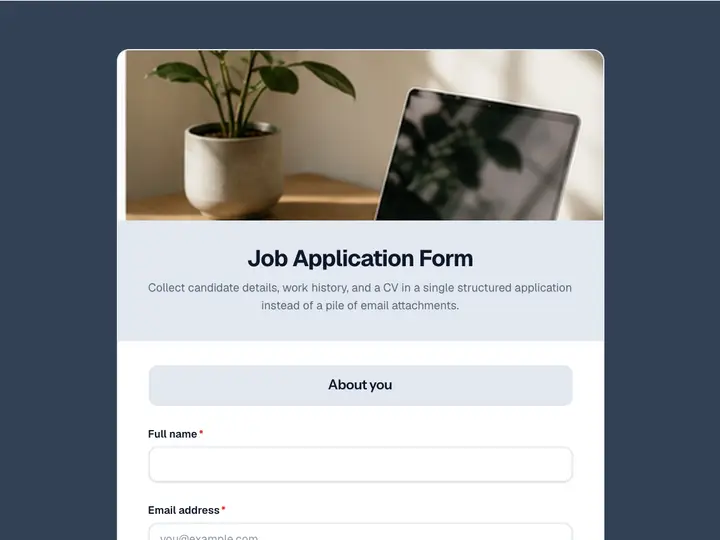 Job Application Form
Collect candidate details, work history, and a CV in a single structured application instead of a pile of email attachments.
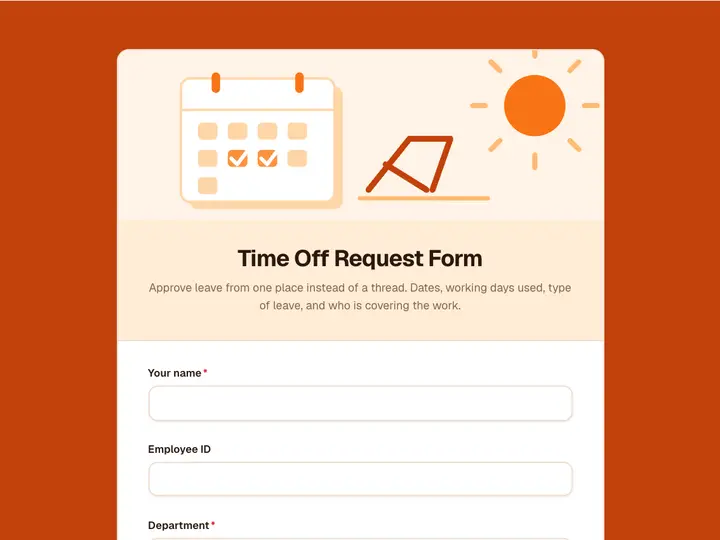 Time Off Request Form
Approve leave from one place instead of a thread. Dates, working days used, type of leave, and who is covering the work.
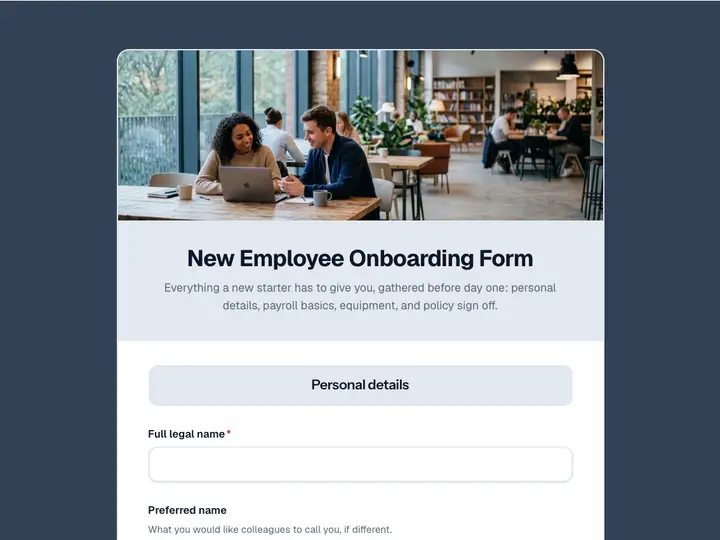 New Employee Onboarding Form
Everything a new starter has to give you, gathered before day one: personal details, payroll basics, equipment, and policy sign off.
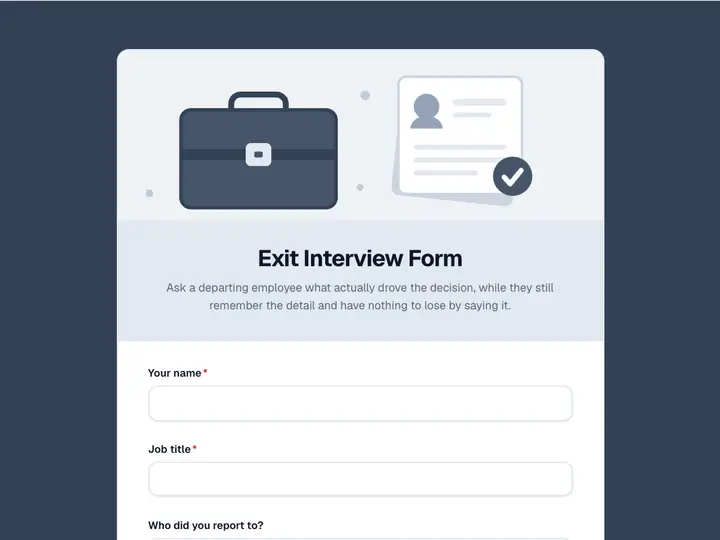 Exit Interview Form
Ask a departing employee what actually drove the decision, while they still remember the detail and have nothing to lose by saying it.
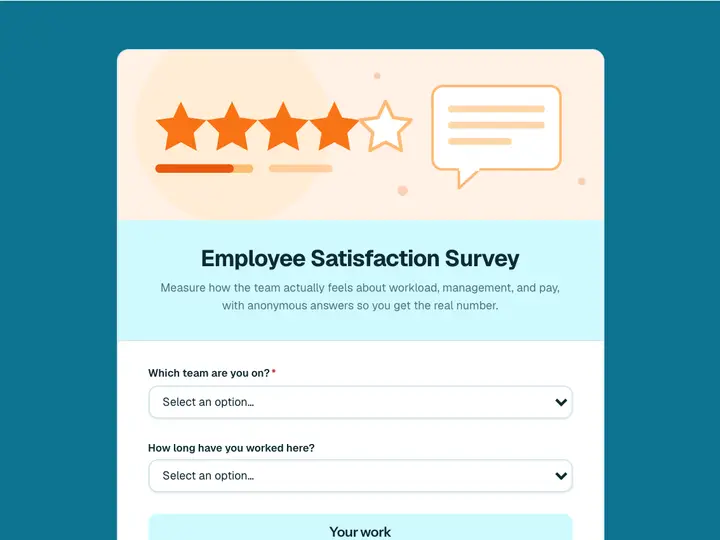 Employee Satisfaction Survey
Measure how the team actually feels about workload, management, and pay, with anonymous answers so you get the real number.
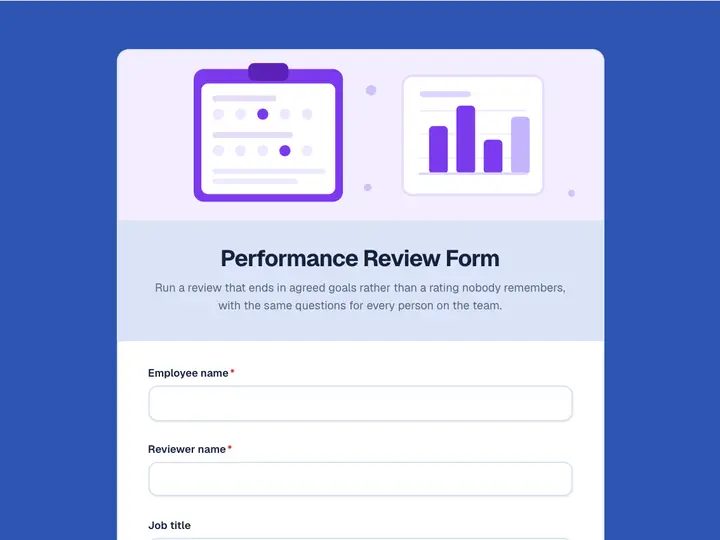 Performance Review Form
Run a review that ends in agreed goals rather than a rating nobody remembers, with the same questions for every person on the team.