
Legal Consultation Booking Form
Book an initial consultation and run the conflict check in the same form, so whoever takes the matter opens the file already briefed.
Try it in another theme
Powered by Deoochform
Opens in the builder. Nothing is saved until you edit it. Or ask Claude or ChatGPT to build it.
- Fields
- 10 questions
- Layout
- Classic, every question on one page
- Theme
- Midnight, switchable in the preview
- Updated
- 9 September 2026
Categories
- Legal form templates
- Booking Forms
- Legal Forms
- Scheduling
Form type
Ideal for
- Solicitors
- Law firms
- Legal advisors
Best used in
- Firm websites
- Referral emails
- Directory listings
About this template
An initial consultation cannot be booked until the conflict check clears, which is why most firms make it two steps and lose people between them. This form does both at once. The client picks an hour from your diary and, in the same pass, names the other side, the area of law, and any deadline that changes how urgent this is.
Asking who is on the other side at the point of booking is the whole point. It is the one fact that decides whether you can act at all, and finding it out before the meeting is the difference between a cancelled appointment and an hour nobody can bill or use.
The confirmation at the end is there to keep an enquiry from reading as instructions accepted. Connect Google Calendar and court dates, client meetings and anything else in your diary stop being bookable. Change the hour to match the consultation you offer, and add a fee or funding question if you take on work on a fixed fee basis.
Templates are a starting point, not legal or professional advice. Where a form carries consent, medical, or contractual wording, have somebody qualified review it against the rules that apply to you before you publish.
Fields in this template
- Full name*Short text
- Email address*Email
- Phone number*Phone
- Consultation time*Appointment
- Area of law*Dropdown
- Briefly, what has happened?*Long text
- Who is on the other side?*Short text
- Is there a deadline or court date?Date
- Have you instructed another firm on this matter?*Single choice
- Please confirm*Multiple choice
Every field can be renamed, reordered, made optional, or removed once the template is open in the builder.
Build this form by asking Claude or ChatGPT
Connect Deoochform to Claude, ChatGPT, or any assistant that supports MCP, then send it the message below. It creates the legal consultation booking from this template in your account and replies with a link. You can ask it to add, remove, or reword questions in the same chat before you share the form.
Make me a form in Deoochform from your Legal Consultation Booking template, then send me the link to share.
New to this? See how to connect your assistant. You sign in with your browser, so there is no key to copy.
Frequently asked questions
- What should a legal consultation booking ask?
- The client's details, a slot, the area of law, a brief account of what has happened, and who else is involved. The last one is what makes a conflict check possible.
- Why run a conflict check on the booking form?
- Because discovering a conflict after the consultation has started is a problem for the firm as well as the client. Asking who is on the other side at booking is the cheapest possible check.
- Can I take a consultation fee?
- Yes. Add a payment field and the fee is charged through Stripe when the booking is made, which for an initial consultation also filters out the bookings that were never serious.
Related templates
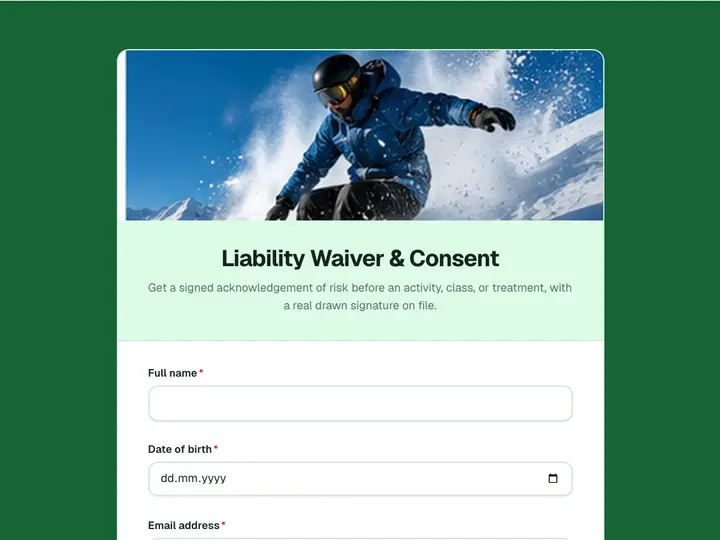 Liability Waiver & Consent
Get a signed acknowledgement of risk before an activity, class, or treatment, with a real drawn signature on file.
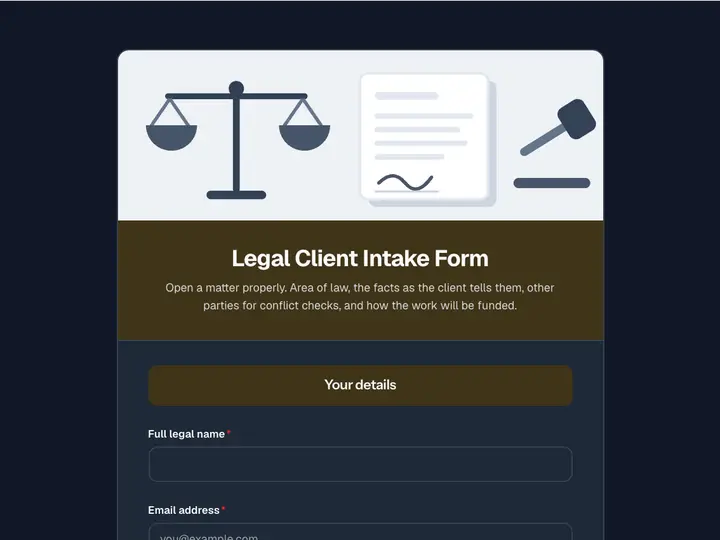 Legal Client Intake Form
Open a matter properly. Area of law, the facts as the client tells them, other parties for conflict checks, and how the work will be funded.
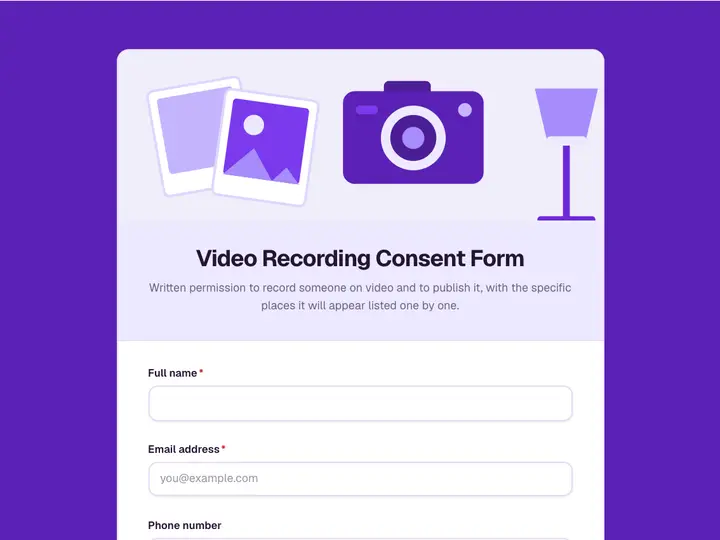 Video Recording Consent Form
Written permission to record someone on video and to publish it, with the specific places it will appear listed one by one.
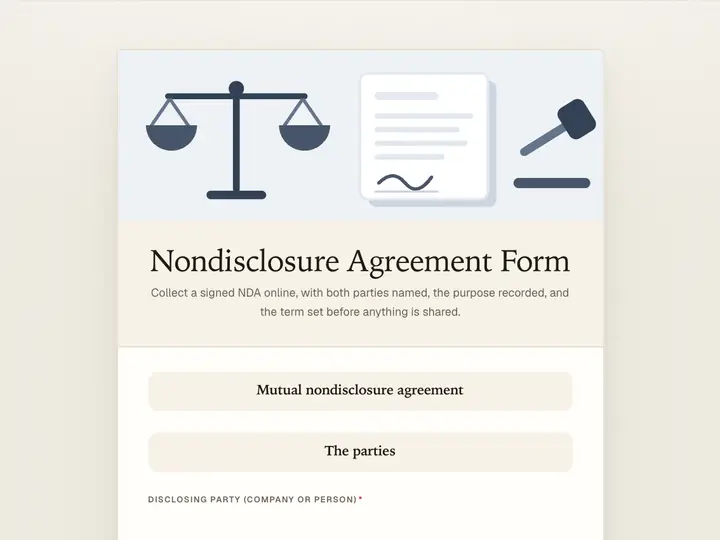 Nondisclosure Agreement Form
Collect a signed NDA online, with both parties named, the purpose recorded, and the term set before anything is shared.
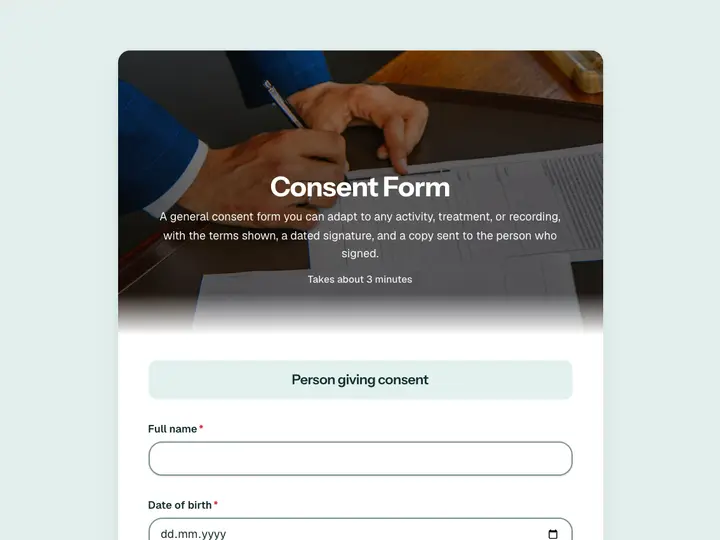 Consent Form
A general consent form you can adapt to any activity, treatment, or recording, with the terms shown, a dated signature, and a copy sent to the person who signed.
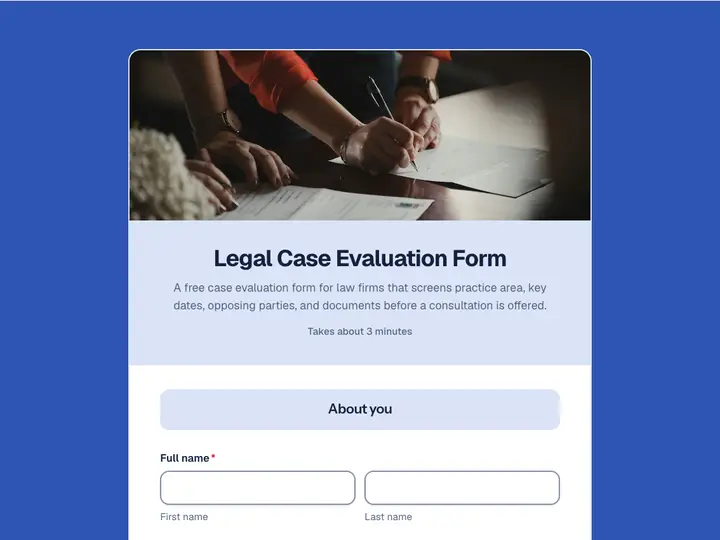 Legal Case Evaluation Form
A free case evaluation form for law firms that screens practice area, key dates, opposing parties, and documents before a consultation is offered.