
Liability Waiver & Consent
Get a signed acknowledgement of risk before an activity, class, or treatment, with a real drawn signature on file.
Try it in another theme
Powered by Deoochform
Opens in the builder. Nothing is saved until you edit it. Or ask Claude or ChatGPT to build it.
- Fields
- 8 questions
- Layout
- Classic, every question on one page
- Theme
- Forest, switchable in the preview
- Updated
- 2 July 2026
Categories
- Legal form templates
- Consent Forms
- Legal Forms
- Declaration Forms
Form type
Ideal for
- Event organisers
- Gyms
- Activity providers
Best used in
- Sports clubs
- Adventure activities
- Studios
About this template
A waiver is only worth signing if you can produce it later. This one captures the participant details, the acknowledgement of risk, an emergency contact, and a signature, then stores all four together against a timestamp.
Minors need a second signature. The parent or guardian section stays on the same form so one record covers both cases, rather than splitting into two documents somebody has to match up afterwards.
Have your own counsel review the wording before you publish it. The fields give you the structure; the language of the acknowledgement is yours to set.
Templates are a starting point, not legal or professional advice. Where a form carries consent, medical, or contractual wording, have somebody qualified review it against the rules that apply to you before you publish.
Fields in this template
- Full name*Short text
- Date of birth*Date
- Email address*Email
- Home addressAddress
- Please confirm the following*Multiple choice
- Emergency contact name and number*Short text
- Signature*Signature
- Date signed*Date
Every field can be renamed, reordered, made optional, or removed once the template is open in the builder.
Build this form by asking Claude or ChatGPT
Connect Deoochform to Claude, ChatGPT, or any assistant that supports MCP, then send it the message below. It creates the liability waiver & consent from this template in your account and replies with a link. You can ask it to add, remove, or reword questions in the same chat before you share the form.
Make me a form in Deoochform from your Liability Waiver & Consent template, then send me the link to share.
New to this? See how to connect your assistant. You sign in with your browser, so there is no key to copy.
Frequently asked questions
- Is an online liability waiver valid?
- That depends on your jurisdiction, so take local legal advice on the wording. What this template gives you is the record: the named person, the dated acknowledgement, and a drawn signature stored with the submission.
- Can people sign on a phone?
- Yes. The signature field is drawn with a finger or a stylus and works on a phone, a tablet, or a trackpad, so a waiver can be signed at the door rather than printed in advance.
- How long should I keep waivers?
- As long as the claim window in your jurisdiction, which is often several years. Export to Excel or sync to Google Sheets on a schedule so the record survives independently of any one account.
Related templates
 Legal Client Intake Form
Open a matter properly. Area of law, the facts as the client tells them, other parties for conflict checks, and how the work will be funded.
 Legal Consultation Booking
Book an initial consultation and run the conflict check in the same form, so whoever takes the matter opens the file already briefed.
 Video Recording Consent Form
Written permission to record someone on video and to publish it, with the specific places it will appear listed one by one.
 Nondisclosure Agreement Form
Collect a signed NDA online, with both parties named, the purpose recorded, and the term set before anything is shared.
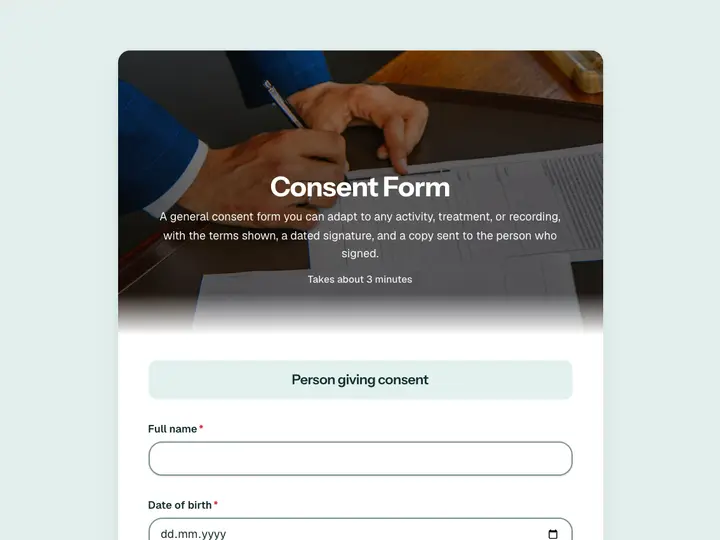 Consent Form
A general consent form you can adapt to any activity, treatment, or recording, with the terms shown, a dated signature, and a copy sent to the person who signed.
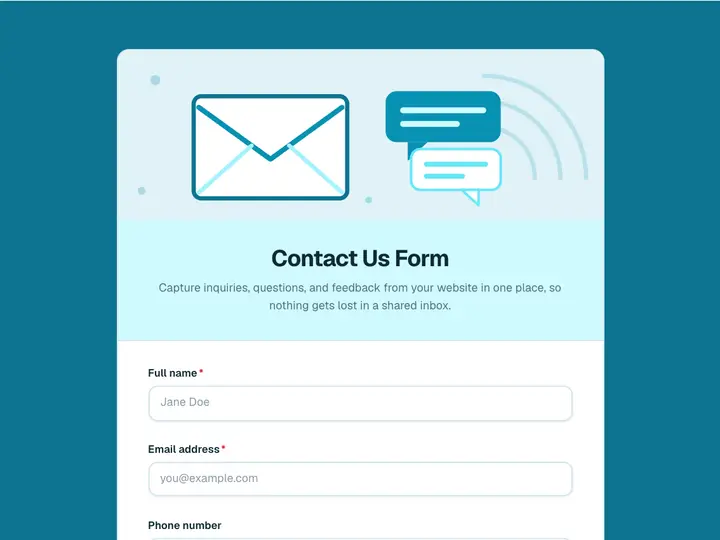 Contact Us Form
Capture inquiries, questions, and feedback from your website in one place, so nothing gets lost in a shared inbox.