
Video Recording Consent Form
Written permission to record someone on video and to publish it, with the specific places it will appear listed one by one.
Try it in another theme
Powered by Deoochform
Opens in the builder. Nothing is saved until you edit it. Or ask Claude or ChatGPT to build it.
- Fields
- 14 questions
- Layout
- Classic, every question on one page
- Theme
- Plum, switchable in the preview
- Updated
- 10 September 2026
Categories
- Legal form templates
- Consent Forms
- Release Forms
- Media Forms
Form type
Ideal for
- Marketing teams
- Event organisers
- Trainers
- Videographers
Best used in
- Webinars
- Testimonial filming
- Conferences
About this template
The useful part of a recording consent form is the list of places the recording may appear. Website, social media, internal training, advertising and conference talks are five different asks, and somebody perfectly happy to be in an induction video may not want to be on a public account with comments enabled. One combined sentence saying we may use this in our marketing hides that choice and makes the record worth much less if anyone objects later.
The form also asks what is being recorded, separately from where it goes. Video, audio, a screen share and stills carry different expectations, and a webinar that records the presenter's screen is not the same as one that records the room.
The field for what somebody is not agreeing to is deliberately open. A participant who wants one limit is far more likely to write it down than to refuse to sign, and having it in the record is better than discovering the condition in an email six months later.
Replace the wording with terms written for your jurisdiction before publishing. Rules on image and voice rights vary widely, and this is a starting point rather than legal advice.
Templates are a starting point, not legal or professional advice. Where a form carries consent, medical, or contractual wording, have somebody qualified review it against the rules that apply to you before you publish.
Fields in this template
- Full name*Short text
- Email address*Email
- Phone numberPhone
- Organisation you are with, if anyShort text
- Session, event, or project*Short text
- Date of recording*Date
- What is being recorded*Multiple choice
- You are signing as*Single choice
- Name of the minor, if you are signing as a guardianShort text
- Please confirm the following*Multiple choice
- And the following*Multiple choice
- Anything you are not agreeing toLong text
- Signature*Signature
- Date*Date
Every field can be renamed, reordered, made optional, or removed once the template is open in the builder.
Build this form by asking Claude or ChatGPT
Connect Deoochform to Claude, ChatGPT, or any assistant that supports MCP, then send it the message below. It creates the video recording consent form from this template in your account and replies with a link. You can ask it to add, remove, or reword questions in the same chat before you share the form.
Make me a form in Deoochform from your Video Recording Consent Form template, then send me the link to share.
New to this? See how to connect your assistant. You sign in with your browser, so there is no key to copy.
Frequently asked questions
- Do I need consent to record a video call?
- In many places yes, and in some the requirement is that every participant consents rather than just one. Recording indicators inside a meeting tool are a courtesy, not a consent record, and they do not tell you where the recording may be published. If the recording will go beyond the people on the call, get it in writing.
- Does one consent form cover video, audio and photographs?
- It can, provided it says so. This template asks which of them applies rather than assuming, because a person who agreed to a photograph has not necessarily agreed to being filmed speaking. Ticking the specific formats means the record shows what was actually agreed.
Related templates
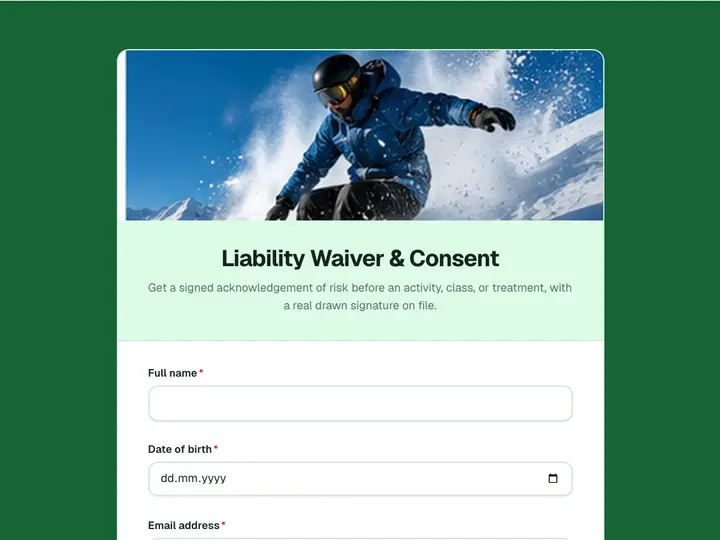 Liability Waiver & Consent
Get a signed acknowledgement of risk before an activity, class, or treatment, with a real drawn signature on file.
 Legal Client Intake Form
Open a matter properly. Area of law, the facts as the client tells them, other parties for conflict checks, and how the work will be funded.
 Legal Consultation Booking
Book an initial consultation and run the conflict check in the same form, so whoever takes the matter opens the file already briefed.
 Nondisclosure Agreement Form
Collect a signed NDA online, with both parties named, the purpose recorded, and the term set before anything is shared.
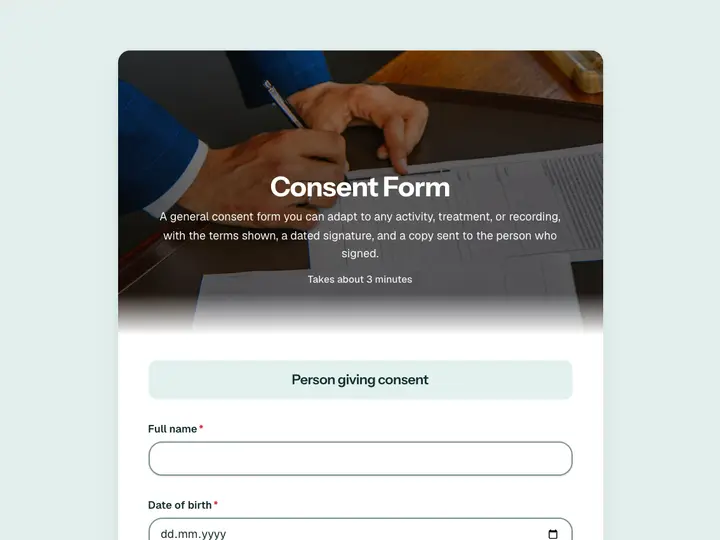 Consent Form
A general consent form you can adapt to any activity, treatment, or recording, with the terms shown, a dated signature, and a copy sent to the person who signed.
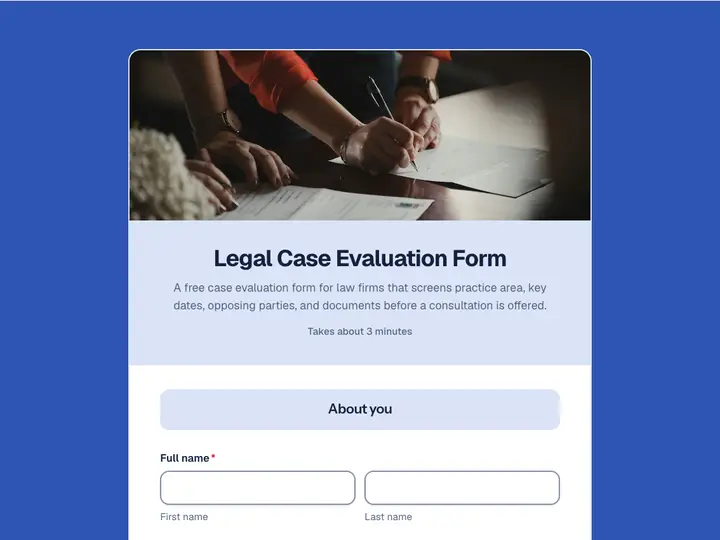 Legal Case Evaluation Form
A free case evaluation form for law firms that screens practice area, key dates, opposing parties, and documents before a consultation is offered.