
Legal Client Intake Form
Open a matter properly. Area of law, the facts as the client tells them, other parties for conflict checks, and how the work will be funded.
Try it in another theme
Powered by Deoochform
Opens in the builder. Nothing is saved until you edit it. Or ask Claude or ChatGPT to build it.
- Fields
- 15 questions
- Layout
- Classic, every question on one page
- Theme
- Ink, switchable in the preview
- Updated
- 10 August 2026
Categories
- Legal form templates
- Intake Forms
- Legal Forms
- Information Forms
Form type
Ideal for
- Law firms
- Solicitors
- Legal clinics
Best used in
- Legal practice
- Client intake
About this template
The first conversation with a client is worth more when somebody has already written the facts down. This form takes the area of law, the account of what happened, any deadline or hearing date, the names of other parties, and how the work will be funded.
The other parties field is not administrative padding. Running it against your existing client list is what stops a conflict being discovered after you have taken instructions, which is the expensive way to find out.
Set the practice areas you cover, and replace the confirmations with your own engagement wording. The line making clear that an enquiry is not yet a retainer is worth keeping in some form.
Templates are a starting point, not legal or professional advice. Where a form carries consent, medical, or contractual wording, have somebody qualified review it against the rules that apply to you before you publish.
Fields in this template
- Full legal name*Short text
- Email address*Email
- Phone number*Phone
- Postal address*Address
- Best way to reach you*Single choice
- What area of law does this concern?*Dropdown
- Describe your situation*Long text
- Names of any other parties involved*Short text
- Is there a deadline or hearing date?Date
- Upload any relevant documentsFile upload
- Have you taken legal advice on this already?*Single choice
- How do you expect to fund this?*Dropdown
- How did you find us?Dropdown
- Please confirm*Multiple choice
- Signature*Signature
Every field can be renamed, reordered, made optional, or removed once the template is open in the builder.
Build this form by asking Claude or ChatGPT
Connect Deoochform to Claude, ChatGPT, or any assistant that supports MCP, then send it the message below. It creates the legal client intake form from this template in your account and replies with a link. You can ask it to add, remove, or reword questions in the same chat before you share the form.
Make me a form in Deoochform from your Legal Client Intake Form template, then send me the link to share.
New to this? See how to connect your assistant. You sign in with your browser, so there is no key to copy.
Frequently asked questions
- What is a legal client intake form?
- The first structured contact between a prospective client and a firm. It captures who they are, the matter type, the other parties involved, and the deadline they are working to, so a conflicts check can start before anyone books a consultation.
- Does it run a conflicts check?
- No, and no form does. It collects the opposing party and related names a conflicts check needs, which is the step firms most often skip at first contact and regret later.
- Is the information confidential?
- Responses are private to your workspace and respondents never sign in. Bear in mind that an intake form completed before an engagement letter exists does not by itself create a privileged relationship, so say so in your own wording on the form.
Related templates
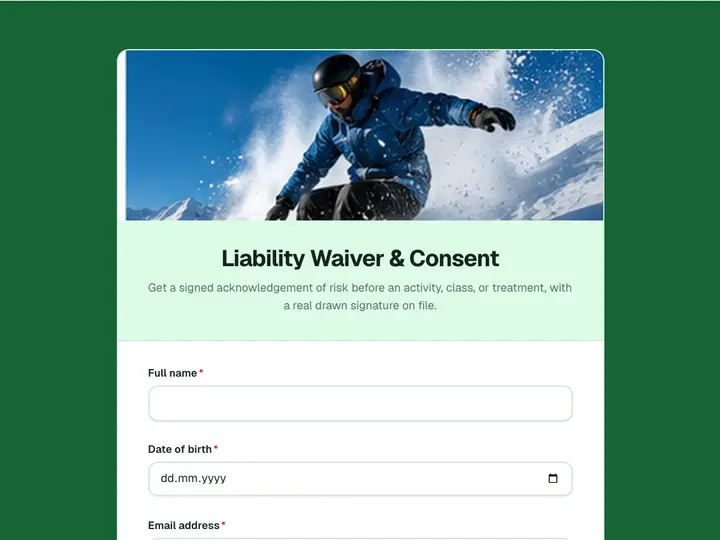 Liability Waiver & Consent
Get a signed acknowledgement of risk before an activity, class, or treatment, with a real drawn signature on file.
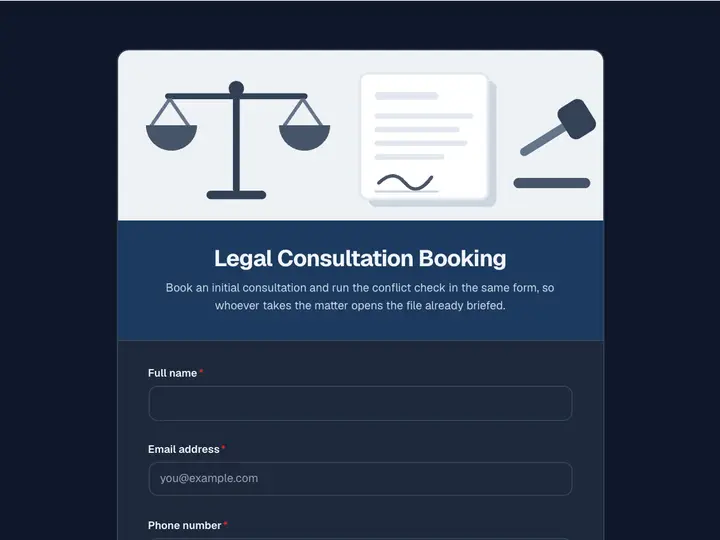 Legal Consultation Booking
Book an initial consultation and run the conflict check in the same form, so whoever takes the matter opens the file already briefed.
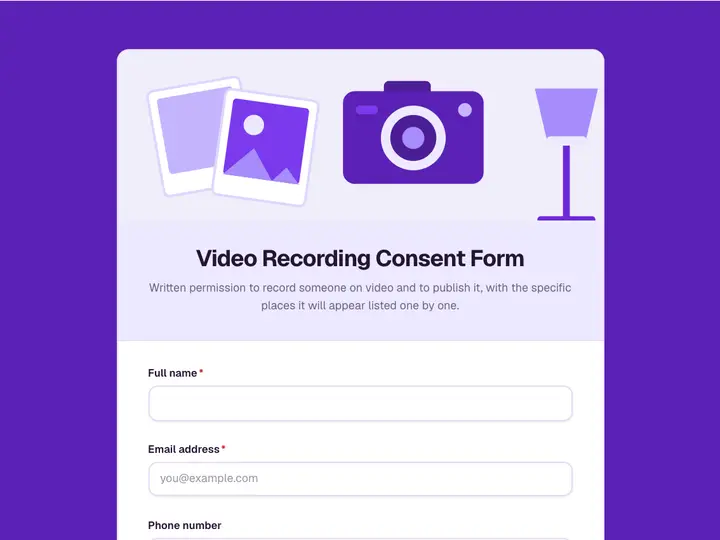 Video Recording Consent Form
Written permission to record someone on video and to publish it, with the specific places it will appear listed one by one.
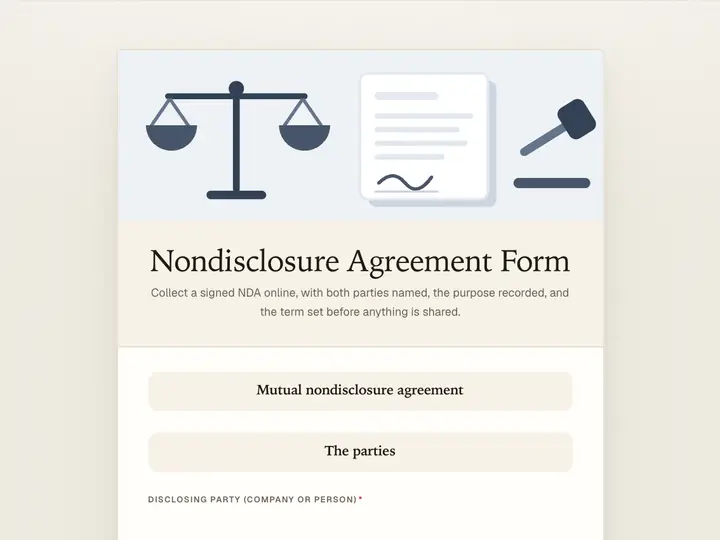 Nondisclosure Agreement Form
Collect a signed NDA online, with both parties named, the purpose recorded, and the term set before anything is shared.
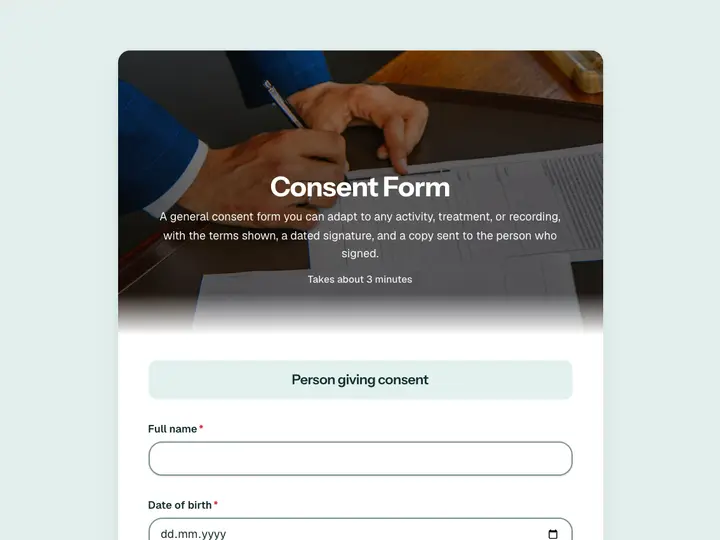 Consent Form
A general consent form you can adapt to any activity, treatment, or recording, with the terms shown, a dated signature, and a copy sent to the person who signed.
 Contact Us Form
Capture inquiries, questions, and feedback from your website in one place, so nothing gets lost in a shared inbox.