
Nondisclosure Agreement Form
Collect a signed NDA online, with both parties named, the purpose recorded, and the term set before anything is shared.
Try it in another theme
Powered by Deoochform
Opens in the builder. Nothing is saved until you edit it. Or ask Claude or ChatGPT to build it.
- Fields
- 10 questions
- Layout
- Classic, every question on one page
- Theme
- Editorial, switchable in the preview
- Updated
- 13 September 2026
Categories
- Legal form templates
- NDA Forms
- Agreement Forms
- E Signature Forms
- Legal Forms
Form type
Ideal for
- Founders
- Agencies
- Consultants
- Legal teams
Best used in
- Partnership talks
- Contractor onboarding
- Investor meetings
About this template
This nondisclosure agreement form collects a signed NDA online before you share anything sensitive. The recipient names themselves and their company, records the purpose of sharing, agrees to the confidentiality period, and signs, and you get a dated record of all of it.
Recording the purpose matters more than it looks. An NDA that says information was shared to discuss a possible partnership is clearer about what the recipient may use it for than one with no purpose written down.
Put your own agreement text in the section at the top. The form stores the recipient's acceptance and signature, but the terms they agree to are the ones you write there, so have them checked by a lawyer where you operate.
For a one way NDA, change the heading and wording. Add a second signature field if the disclosing party should countersign on the same record.
Templates are a starting point, not legal or professional advice. Where a form carries consent, medical, or contractual wording, have somebody qualified review it against the rules that apply to you before you publish.
Fields in this template
- Disclosing party (company or person)*Short text
- Your full name*Short text
- Your company, if signing on its behalfShort text
- Email address*Email
- Address*Address
- Purpose of sharing the information*Long text
- How long does confidentiality last?*Single choice
- Confirmation*Multiple choice
- Date*Date
- Signature*Signature
Every field can be renamed, reordered, made optional, or removed once the template is open in the builder.
Build this form by asking Claude or ChatGPT
Connect Deoochform to Claude, ChatGPT, or any assistant that supports MCP, then send it the message below. It creates the nondisclosure agreement form from this template in your account and replies with a link. You can ask it to add, remove, or reword questions in the same chat before you share the form.
Make me a form in Deoochform from your Nondisclosure Agreement Form template, then send me the link to share.
New to this? See how to connect your assistant. You sign in with your browser, so there is no key to copy.
Frequently asked questions
- Is an NDA signed on an online form legally binding?
- Electronic signatures are recognised for most commercial agreements in many countries, including under the ESIGN Act in the United States and eIDAS in the European Union. Whether a particular NDA is enforceable depends on its wording and the law that applies to it, so have a lawyer review your text.
- What should a nondisclosure agreement form include?
- The names of both parties, the recipient's contact details, the purpose for sharing the information, how long confidentiality lasts, the agreement text, a date, and a signature. This template has all of those, with a placeholder for your agreement wording.
- Can I download the signed NDA as a PDF?
- Yes. Every submission can be downloaded as a PDF from your responses, including the signature. Turn on the respondent receipt if you want the signer to get a PDF copy by email as well.
Related templates
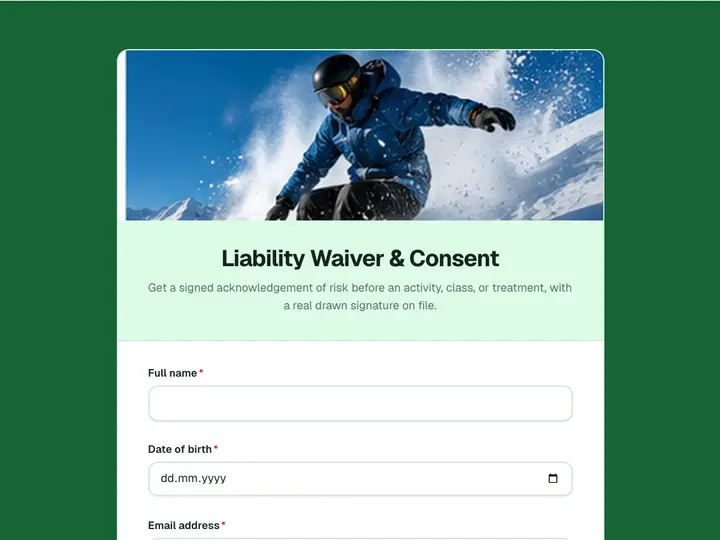 Liability Waiver & Consent
Get a signed acknowledgement of risk before an activity, class, or treatment, with a real drawn signature on file.
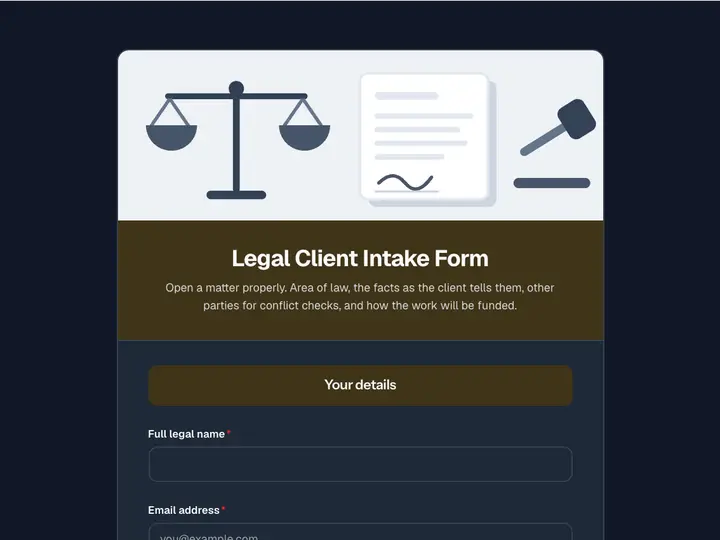 Legal Client Intake Form
Open a matter properly. Area of law, the facts as the client tells them, other parties for conflict checks, and how the work will be funded.
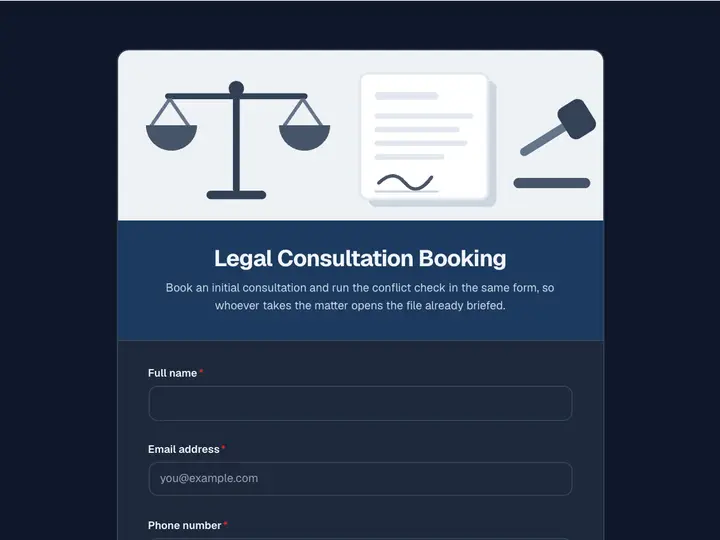 Legal Consultation Booking
Book an initial consultation and run the conflict check in the same form, so whoever takes the matter opens the file already briefed.
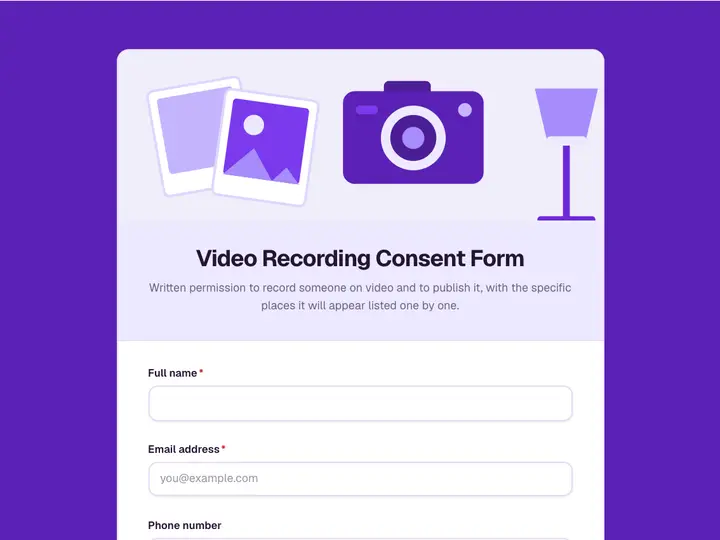 Video Recording Consent Form
Written permission to record someone on video and to publish it, with the specific places it will appear listed one by one.
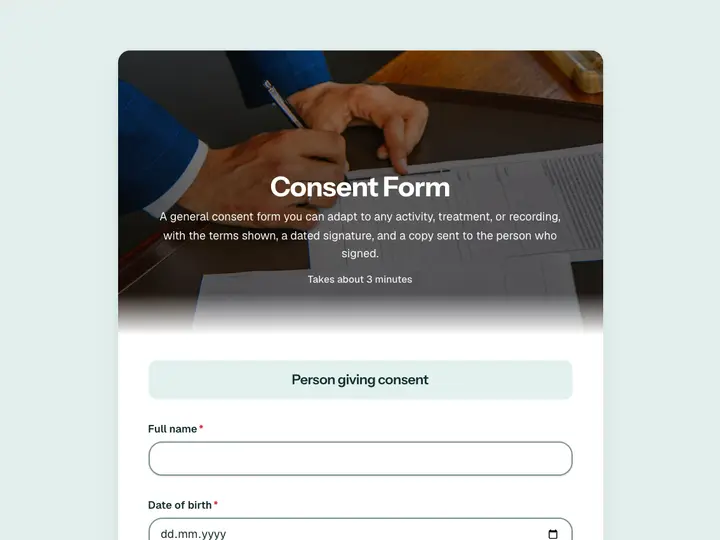 Consent Form
A general consent form you can adapt to any activity, treatment, or recording, with the terms shown, a dated signature, and a copy sent to the person who signed.
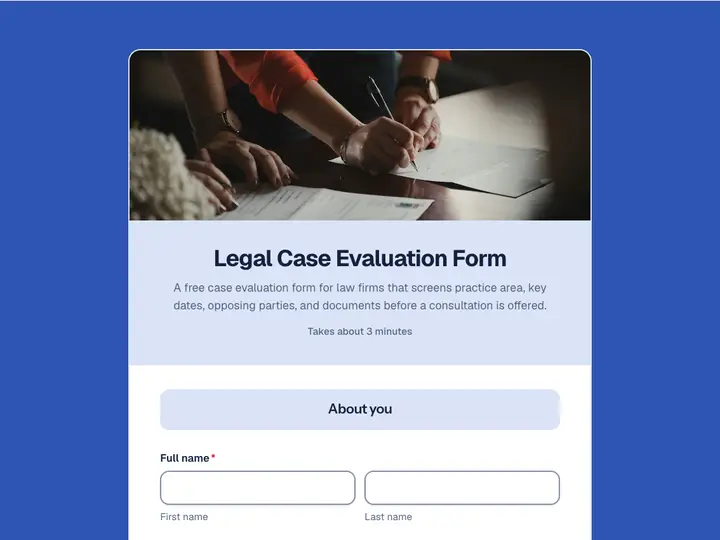 Legal Case Evaluation Form
A free case evaluation form for law firms that screens practice area, key dates, opposing parties, and documents before a consultation is offered.