
Photo Release Form
Get written permission to use someone in photographs and video, with the shoot, the uses you are asking for, and a drawn signature on file.
Try it in another theme
Powered by Deoochform
Opens in the builder. Nothing is saved until you edit it. Or ask Claude or ChatGPT to build it.
- Fields
- 13 questions
- Layout
- Classic, every question on one page
- Theme
- Editorial, switchable in the preview
- Updated
- 10 September 2026
Categories
- Photography form templates
- Consent Forms
- Release Forms
- Photography Forms
Form type
Ideal for
- Photographers
- Event organisers
- Marketing teams
- Schools
Best used in
- Photo shoots
- Conferences
- Testimonial campaigns
About this template
A photo release is the permission you get from the person in the picture before you use it. It matters most in the situations people forget to plan for: a conference photographer catching faces in a crowd, a school posting a team photo, a clinic putting a patient testimonial on the homepage. The moment an image moves from a private record to marketing, the person in it needs to have agreed to that.
The template separates the two things a release has to establish. First, who is signing, because a minor cannot give consent and a guardian has to sign for them. Second, exactly which uses are being granted, listed one by one rather than bundled into a single sentence nobody reads. Print, online, social media, and advertising are different asks, and somebody happy to appear in an event recap may not want to be in a paid campaign.
The field for what somebody is not agreeing to is the one people leave out and then wish they had. It gives a subject somewhere to write a limit instead of refusing to sign, which is usually what they wanted all along.
Replace the checkbox wording with terms written for your jurisdiction before publishing. The list here is a starting point, not legal advice, and rules on image rights vary widely between countries.
Templates are a starting point, not legal or professional advice. Where a form carries consent, medical, or contractual wording, have somebody qualified review it against the rules that apply to you before you publish.
Fields in this template
- Full name*Short text
- Email address*Email
- Phone numberPhone
- Home addressAddress
- Shoot, event, or project name*Short text
- Date photographed*Date
- Photographer or organisationShort text
- You are signing as*Single choice
- Name of the minor, if you are signing as a guardianShort text
- Please confirm the following*Multiple choice
- Anything you are not agreeing toLong text
- Signature*Signature
- Date signed*Date
Every field can be renamed, reordered, made optional, or removed once the template is open in the builder.
Build this form by asking Claude or ChatGPT
Connect Deoochform to Claude, ChatGPT, or any assistant that supports MCP, then send it the message below. It creates the photo release form from this template in your account and replies with a link. You can ask it to add, remove, or reword questions in the same chat before you share the form.
Make me a form in Deoochform from your Photo Release Form template, then send me the link to share.
New to this? See how to connect your assistant. You sign in with your browser, so there is no key to copy.
Frequently asked questions
- Do I need a photo release for photos taken in a public place?
- Often yes, and it depends on the use rather than the location. Many jurisdictions allow photography in public but still restrict using someone recognisable to advertise a product without permission. Editorial and news use is usually treated differently from commercial use. If the image is going anywhere near marketing, get the release.
- Who signs a photo release for a child?
- A parent or legal guardian, and the form should record both the child's name and the signer's relationship to them. This template asks the signer to identify which of the two roles they are in, then collects the minor's name separately, so the submission shows on its face that a guardian signed and for whom.
- Can someone withdraw a photo release after signing it?
- It depends on the wording and on where you are. Some jurisdictions give a subject a continuing right to object to certain uses regardless of what they signed, and material already printed or distributed cannot practically be recalled. Decide in advance what you will do if somebody asks, and say so in your wording rather than leaving it unanswered.
Related templates
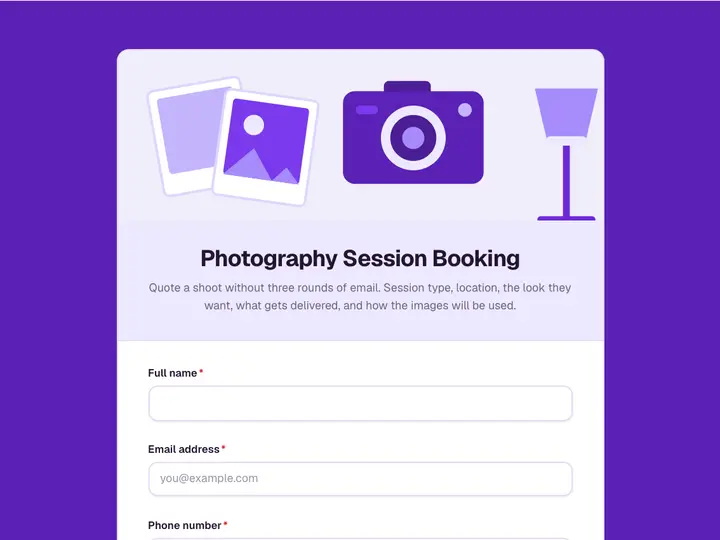 Photography Session Booking
Quote a shoot without three rounds of email. Session type, location, the look they want, what gets delivered, and how the images will be used.
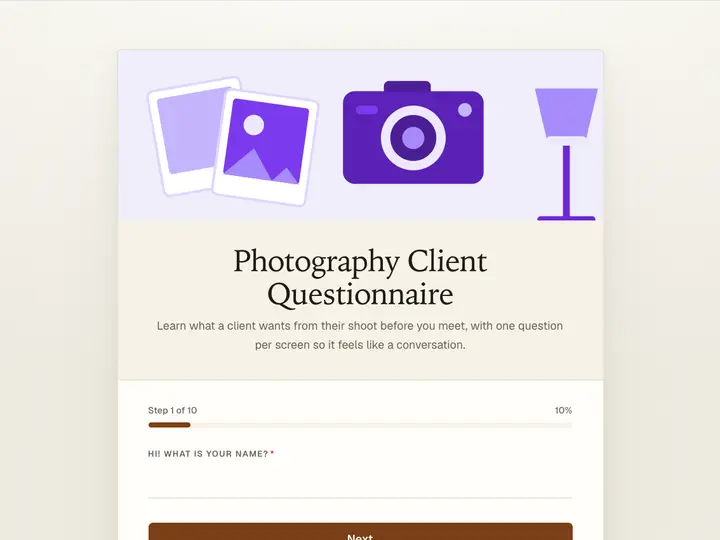 Photography Client Questionnaire
Learn what a client wants from their shoot before you meet, with one question per screen so it feels like a conversation.
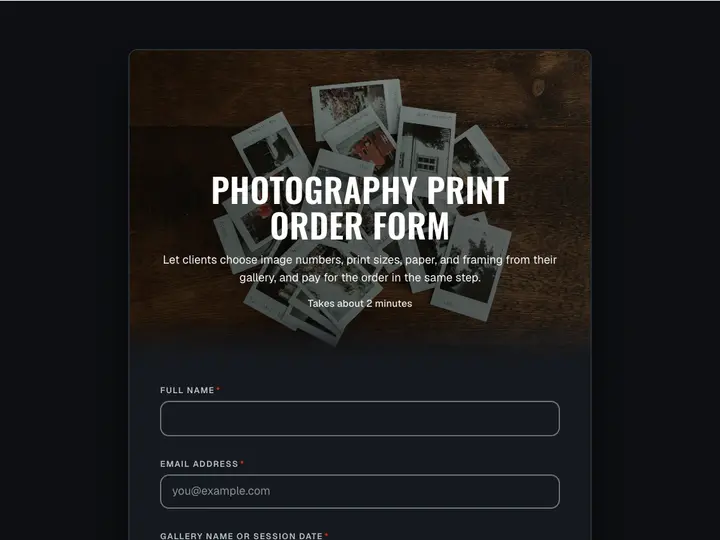 Photography Print Order Form
Let clients choose image numbers, print sizes, paper, and framing from their gallery, and pay for the order in the same step.
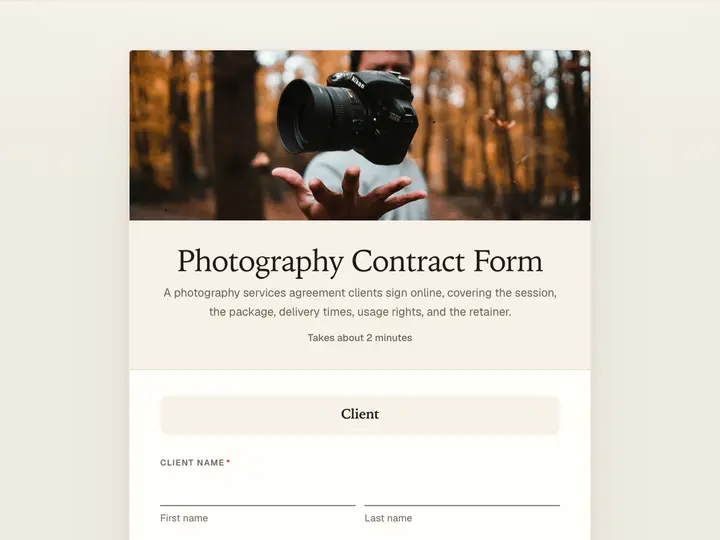 Photography Contract Form
A photography services agreement clients sign online, covering the session, the package, delivery times, usage rights, and the retainer.
 Contact Us Form
Capture inquiries, questions, and feedback from your website in one place, so nothing gets lost in a shared inbox.
 Appointment Request Form
Let clients pick a real slot from your opening hours, with the reason for the visit and their details collected in the same pass.