
Photography Client Questionnaire
Learn what a client wants from their shoot before you meet, with one question per screen so it feels like a conversation.
Try it in another theme
Powered by Deoochform
Opens in the builder. Nothing is saved until you edit it. Or ask Claude or ChatGPT to build it.
- Fields
- 10 questions
- Layout
- One question per screen
- Theme
- Noir, switchable in the preview
- Updated
- 13 September 2026
Categories
- Photography form templates
- Photography Forms
- Client Questionnaires
- Conversational Forms
Form type
Ideal for
- Wedding photographers
- Portrait photographers
- Brand photographers
- Studios
Best used in
- New enquiries
- Pre shoot planning
- Booking consultations
About this template
A photography client questionnaire saves the first half of every consultation call. This one asks the type of shoot, the date, the location, how many people, which shots matter most, and the style they like, one question at a time, and it greets the client by name after the first answer.
The must have shots question is the one to read twice. A couple who want a photo with a grandparent, or a brand that needs a wide banner image, will tell you here, and missing that on the day cannot be fixed afterwards.
Clients can upload photos they love, which settles the style question faster than any description. The style options give you a shared vocabulary to start from when the examples are mixed.
Add your packages as a multiple choice question if you want clients to pick one before you quote, and change the shoot types to the work you actually take on.
Templates are a starting point, not legal or professional advice. Where a form carries consent, medical, or contractual wording, have somebody qualified review it against the rules that apply to you before you publish.
Fields in this template
- Hi! What is your name?*Short text
- Nice to meet you, {{name}}. What kind of shoot are you planning?*Single choice
- Do you have a date in mind?Date
- Where would you like the photos taken?Short text
- How many people will be in the photos?Number
- Which shots are a must for you?Long text
- Which style feels most like you?Single choice
- Share a few photos you love, if you have themFile upload
- Where can I send your quote?*Email
- And a phone number, in case it is easier to talkPhone
Every field can be renamed, reordered, made optional, or removed once the template is open in the builder.
Build this form by asking Claude or ChatGPT
Connect Deoochform to Claude, ChatGPT, or any assistant that supports MCP, then send it the message below. It creates the photography client questionnaire from this template in your account and replies with a link. You can ask it to add, remove, or reword questions in the same chat before you share the form.
Make me a form in Deoochform from your Photography Client Questionnaire template, then send me the link to share.
New to this? See how to connect your assistant. You sign in with your browser, so there is no key to copy.
Frequently asked questions
- What should I ask a photography client before a shoot?
- The type of shoot, the date and location, how many people will be photographed, the shots they cannot do without, the style they prefer, and a few example photos they like. With those you can quote, plan the timeline, and scout the location before you meet.
- Can clients send inspiration photos through the form?
- Yes. The upload question takes image files from a phone or computer, and they are saved with the client's answers so everything for the shoot is in one place.
- Should the questionnaire go out before or after booking?
- Before a quote works best for new enquiries, because it filters out shoots you do not offer and gives you what you need to price the job. Send a more detailed timeline questionnaire after booking for weddings and events.
Related templates
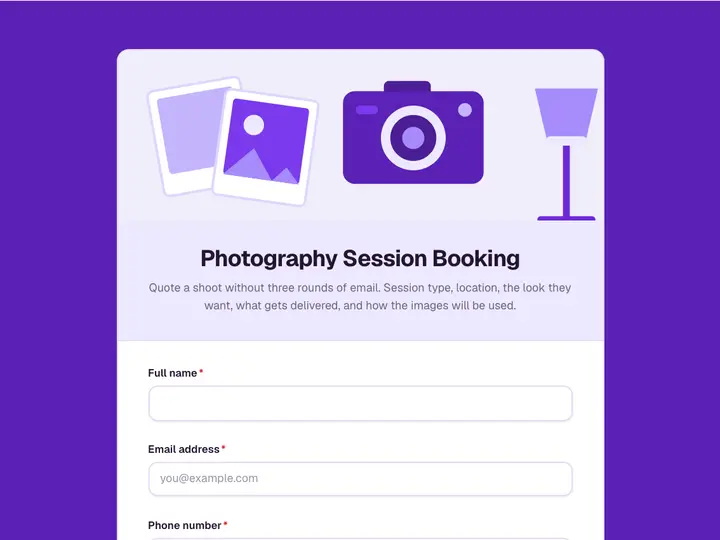 Photography Session Booking
Quote a shoot without three rounds of email. Session type, location, the look they want, what gets delivered, and how the images will be used.
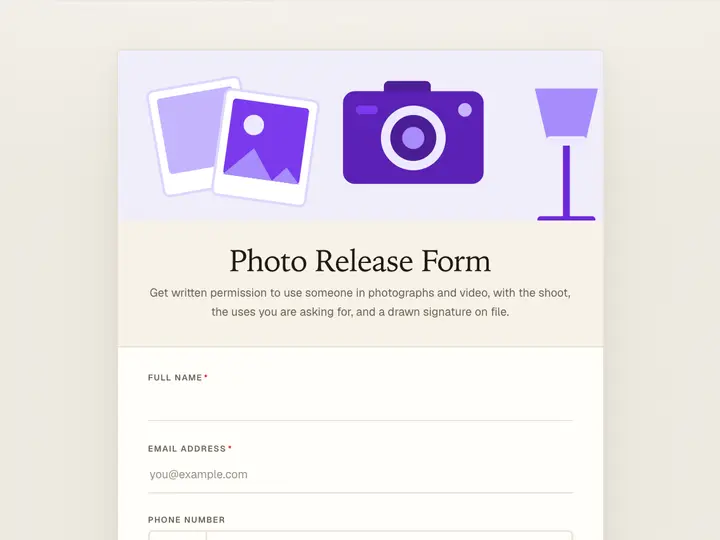 Photo Release Form
Get written permission to use someone in photographs and video, with the shoot, the uses you are asking for, and a drawn signature on file.
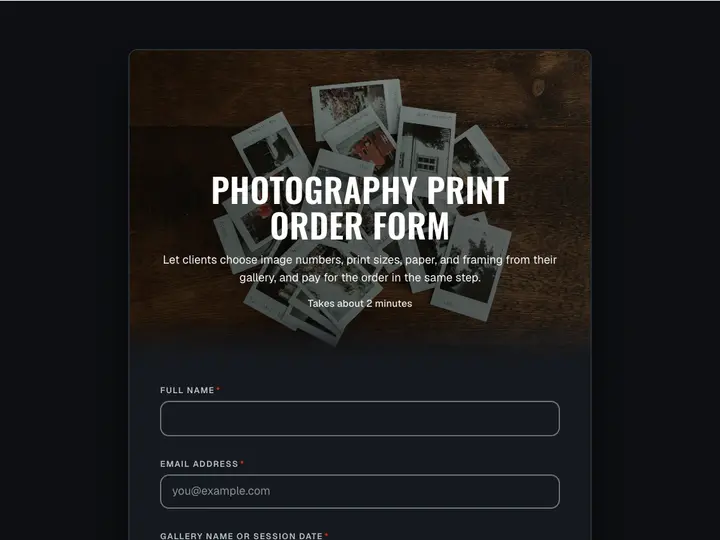 Photography Print Order Form
Let clients choose image numbers, print sizes, paper, and framing from their gallery, and pay for the order in the same step.
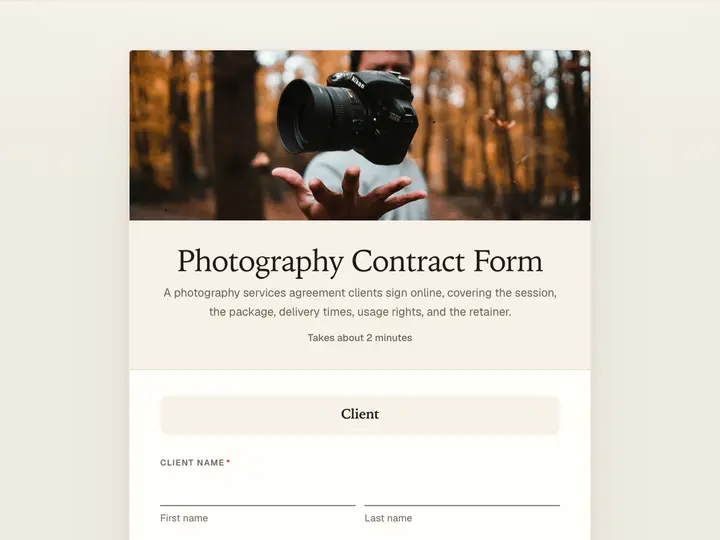 Photography Contract Form
A photography services agreement clients sign online, covering the session, the package, delivery times, usage rights, and the retainer.
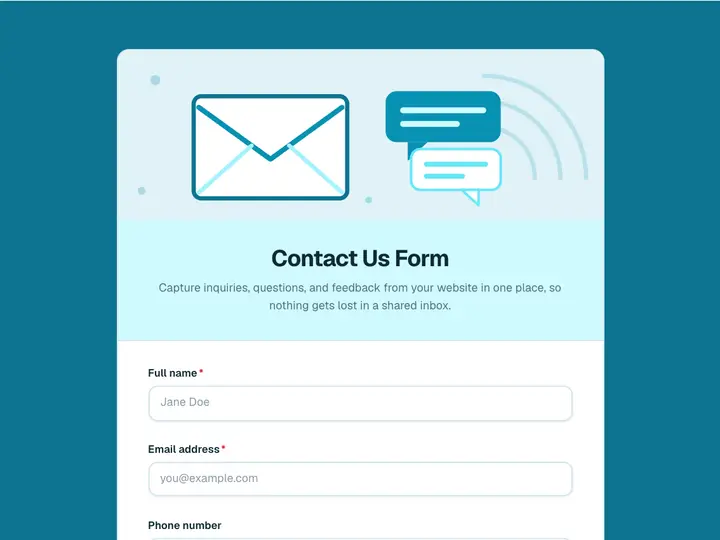 Contact Us Form
Capture inquiries, questions, and feedback from your website in one place, so nothing gets lost in a shared inbox.
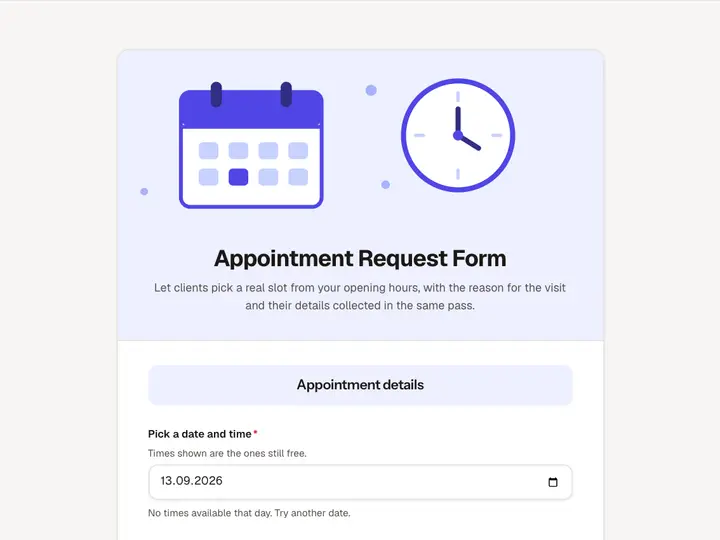 Appointment Request Form
Let clients pick a real slot from your opening hours, with the reason for the visit and their details collected in the same pass.