
Website Feedback Form
Ask visitors whether they found what they came for, and capture the page and device automatically so you can reproduce the problem.
Try it in another theme
Powered by Deoochform
Opens in the builder. Nothing is saved until you edit it. Or ask Claude or ChatGPT to build it.
- Fields
- 9 questions
- Layout
- Classic, every question on one page
- Theme
- Ink, switchable in the preview
- Updated
- 11 August 2026
Categories
- Marketing form templates
- Survey Forms
- Feedback Forms
- Website Forms
Form type
Ideal for
- Marketing teams
- Designers
- Content teams
- Product teams
Best used in
- Website usability
- Documentation sites
- Pricing pages
About this template
The most valuable question you can ask a website visitor is whether they found what they came for, and almost nobody asks it. A partly answer with a follow up explaining what was missing is worth more than a page of analytics, because analytics can show you a bounce but never the reason.
Three hidden fields capture the page, the referrer, and the device automatically. That matters because visitors describe pages by what they were doing rather than by URL, and without the page recorded you get feedback you cannot act on because you cannot find where it happened.
Keep this short enough to sit in a slide up panel rather than on a page of its own. Add a rule so the missing field only appears for partly and no answers, which keeps it to two questions for anyone who found what they wanted.
Templates are a starting point, not legal or professional advice. Where a form carries consent, medical, or contractual wording, have somebody qualified review it against the rules that apply to you before you publish.
Fields in this template
- Did you find what you were looking for?*Single choice
- What brought you here today?*Dropdown
- What were you hoping to find?Long text
- How easy was it to find your way around?Opinion scale
- What would you change about this page?Long text
- Email address, if you would like a replyEmail
- PageHidden field
- ReferrerHidden field
- DeviceHidden field
Every field can be renamed, reordered, made optional, or removed once the template is open in the builder.
Build this form by asking Claude or ChatGPT
Connect Deoochform to Claude, ChatGPT, or any assistant that supports MCP, then send it the message below. It creates the website feedback form from this template in your account and replies with a link. You can ask it to add, remove, or reword questions in the same chat before you share the form.
Make me a form in Deoochform from your Website Feedback Form template, then send me the link to share.
New to this? See how to connect your assistant. You sign in with your browser, so there is no key to copy.
Frequently asked questions
- What should a website feedback form ask?
- Whether they found what they came for, what brought them, how easy it was to navigate, and what was missing. The first question is the one that predicts everything else.
- Can I capture the page automatically?
- Yes. A hidden field can carry the page and device details with the submission, so you can reproduce the problem without asking the visitor which page they were on.
- Where should the form live?
- Behind a small link in the footer or after a failed search. A pop up collects more responses and worse ones, because the people who answer it were interrupted rather than motivated.
Related templates
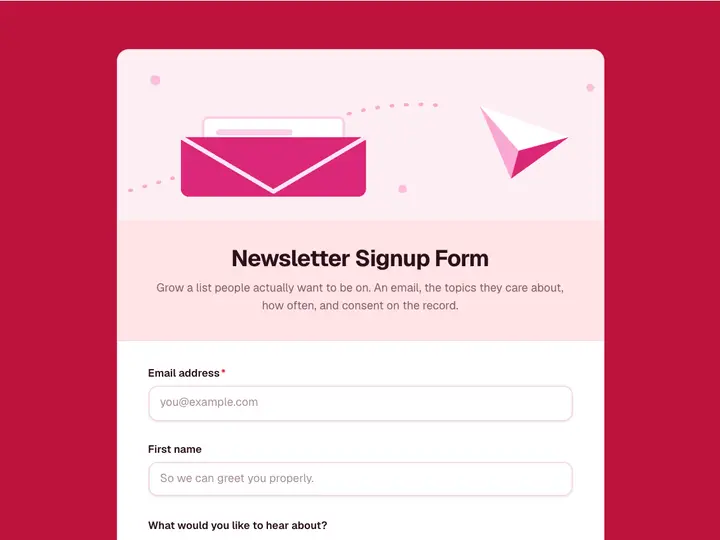 Newsletter Signup Form
Grow a list people actually want to be on. An email, the topics they care about, how often, and consent on the record.
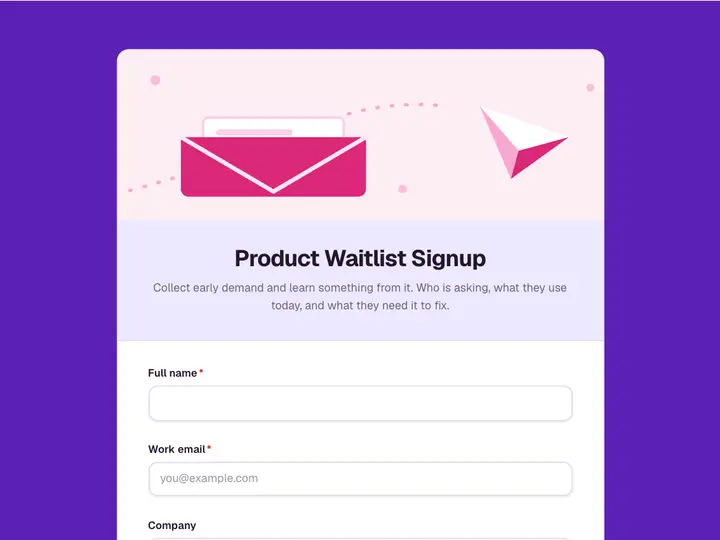 Product Waitlist Signup
Collect early demand and learn something from it. Who is asking, what they use today, and what they need it to fix.
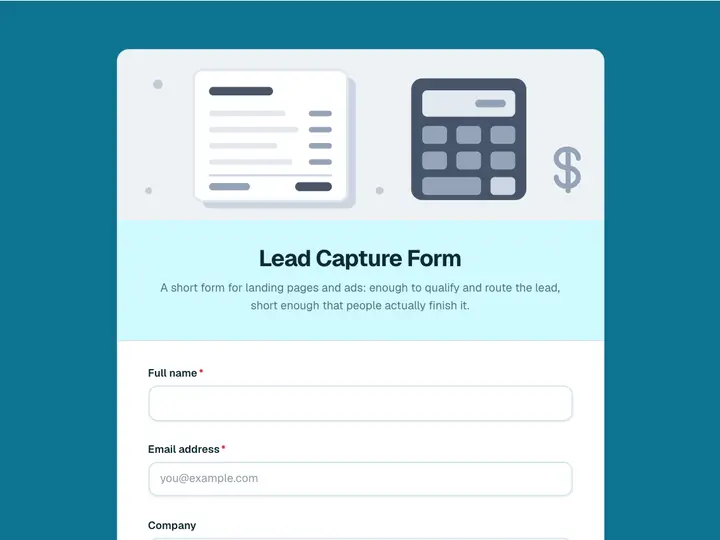 Lead Capture Form
A short form for landing pages and ads: enough to qualify and route the lead, short enough that people actually finish it.
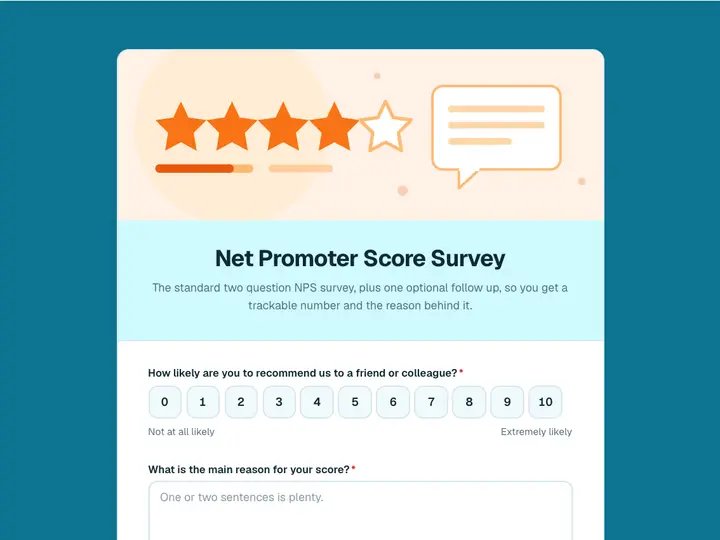 Net Promoter Score Survey
The standard two question NPS survey, plus one optional follow up, so you get a trackable number and the reason behind it.
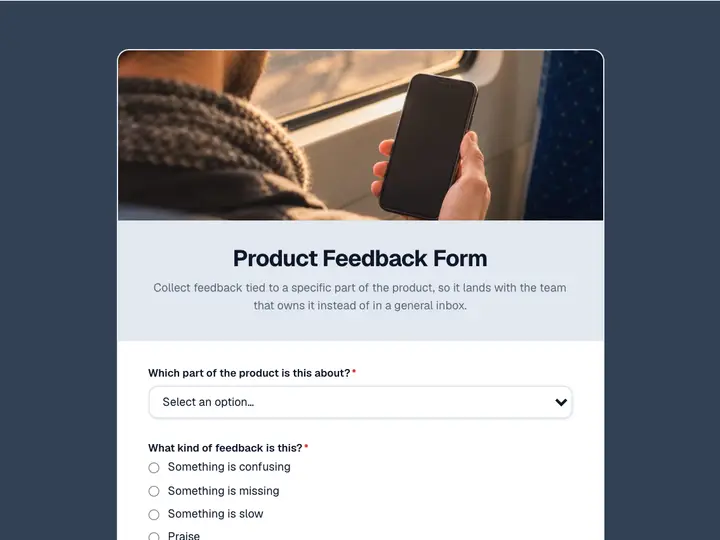 Product Feedback Form
Collect feedback tied to a specific part of the product, so it lands with the team that owns it instead of in a general inbox.
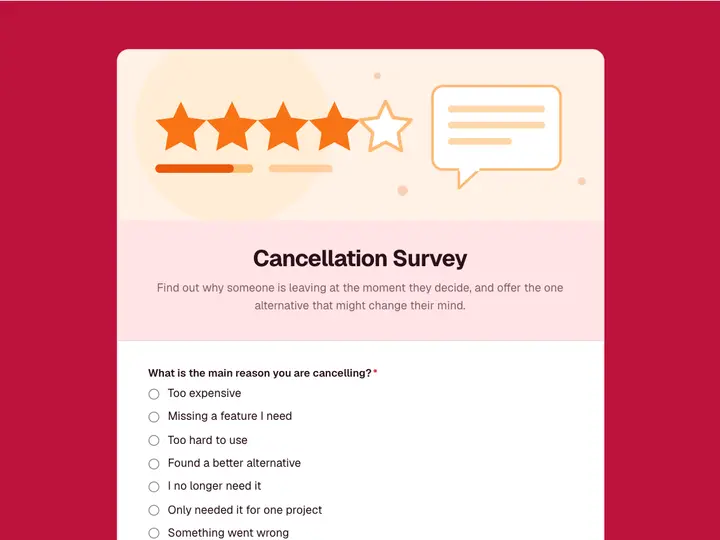 Cancellation Survey
Find out why someone is leaving at the moment they decide, and offer the one alternative that might change their mind.