
Down Payment Form Template
Take a deposit before work starts, with the job reference, the agreed total, and the balance still owed recorded alongside it.
Try it in another theme
Powered by Deoochform
Opens in the builder. Nothing is saved until you edit it. Or ask Claude or ChatGPT to build it.
- Fields
- 8 questions
- Layout
- Classic, every question on one page
- Theme
- Slate, switchable in the preview
- Updated
- 16 September 2026
Categories
- Payment form templates
- Payment Forms
- Deposit Forms
- Stripe Forms
Form type
Ideal for
- Tradespeople
- Event and wedding suppliers
- Contractors
- Custom makers
Best used in
- Quote follow ups
- Booking confirmations
- Project kick offs
About this template
A down payment form takes the deposit that commits a customer to a job before anyone books materials or blocks out a week. They confirm who they are, pay by card, and agree in the same step that the balance falls due on completion, so the terms and the money are recorded together rather than sitting in a chat thread.
The quote reference and the agreed total are the two fields that pay for themselves later. A deposit with no reference is hard to match to a job weeks after it was taken, and recording the total means the balance still owed is a subtraction rather than an argument. The agreed start date sits next to them so the deposit is tied to a slot in your diary.
Deposits run through Stripe on your connected account, so the money is with you before the work starts and the customer has a receipt. Set the amount to whatever your usual deposit is, whether that is a flat figure or a share of the total, and change the terms wording to match what your contract actually says.
Adapt it by adding a file upload if you want a signed quote back with the deposit, or an e signature field if you would rather they sign the terms on the form itself.
Templates are a starting point, not legal or professional advice. Where a form carries consent, medical, or contractual wording, have somebody qualified review it against the rules that apply to you before you publish.
Fields in this template
- Full name*Short text
- Email address*Email
- Phone numberPhone
- Quote or order referenceShort text
- Agreed total priceNumber
- Agreed start dateDate
- Anything we should know before we start?Long text
- Terms*Multiple choice
Every field can be renamed, reordered, made optional, or removed once the template is open in the builder.
Build this form by asking Claude or ChatGPT
Connect Deoochform to Claude, ChatGPT, or any assistant that supports MCP, then send it the message below. It creates the down payment form from this template in your account and replies with a link. You can ask it to add, remove, or reword questions in the same chat before you share the form.
Make me a form in Deoochform from your Down Payment Form template, then send me the link to share.
New to this? See how to connect your assistant. You sign in with your browser, so there is no key to copy.
Frequently asked questions
- What is a down payment form used for?
- It collects a deposit that secures a booking or starts a job, along with the reference, the agreed total, and the customer's acceptance of your terms. The submission is only saved once the deposit has been paid, so an entry in your responses table is a job that is genuinely committed.
- Can I charge a percentage of the total instead of a fixed deposit?
- The payment field charges a set amount, so work out the percentage for that job and set the amount before you send the link. If your deposits follow a small number of standard figures, publish one copy of the form for each and send whichever fits.
- How do I collect the balance later?
- Send the Invoice Payment Form template when the work is done, with the same reference on it. The deposit record and the balance record then share a reference, which is what makes the two easy to match at the end of the month.
- Is the deposit refundable?
- That is your decision and your contract's, not the form's. Change the terms checkbox to say exactly what your policy is, because the wording a customer ticks is the wording you will be held to if the job falls through.
Related templates
 Online Payment Form
Take a card payment for a fixed fee, with the payer's details and invoice number attached to the same record.
 Invoice Payment Form
Let a client settle an invoice online, with the invoice number and the amount landing on the same record as the payment.
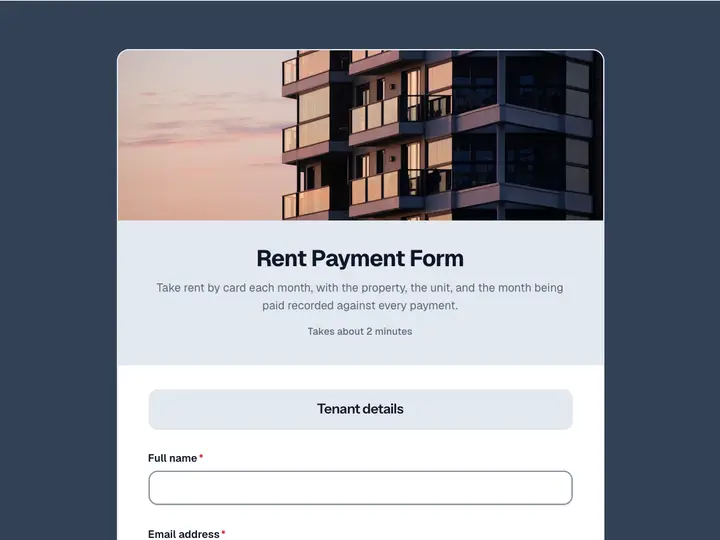 Rent Payment Form
Take rent by card each month, with the property, the unit, and the month being paid recorded against every payment.
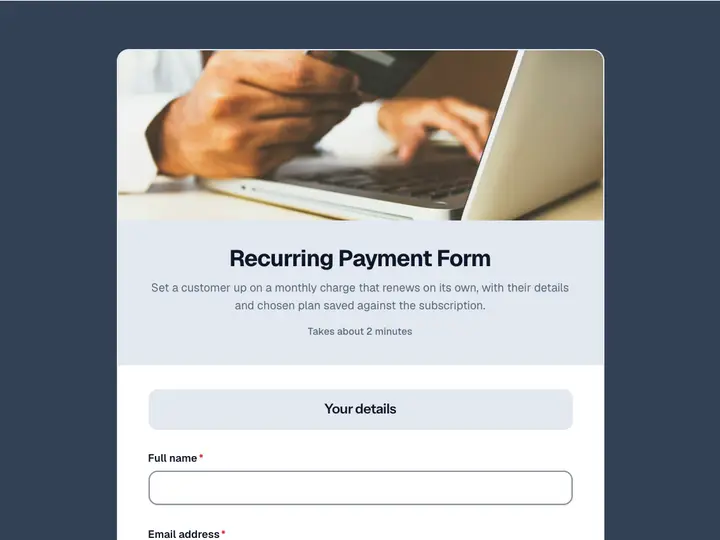 Recurring Payment Form
Set a customer up on a monthly charge that renews on its own, with their details and chosen plan saved against the subscription.
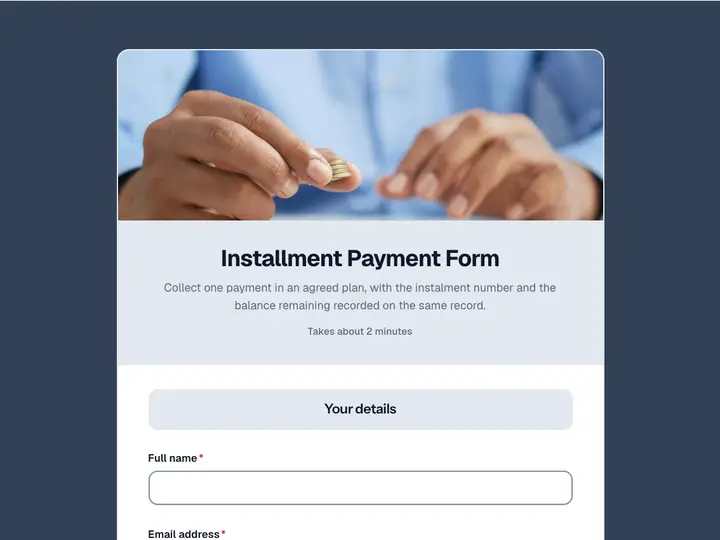 Installment Payment Form
Collect one payment in an agreed plan, with the instalment number and the balance remaining recorded on the same record.
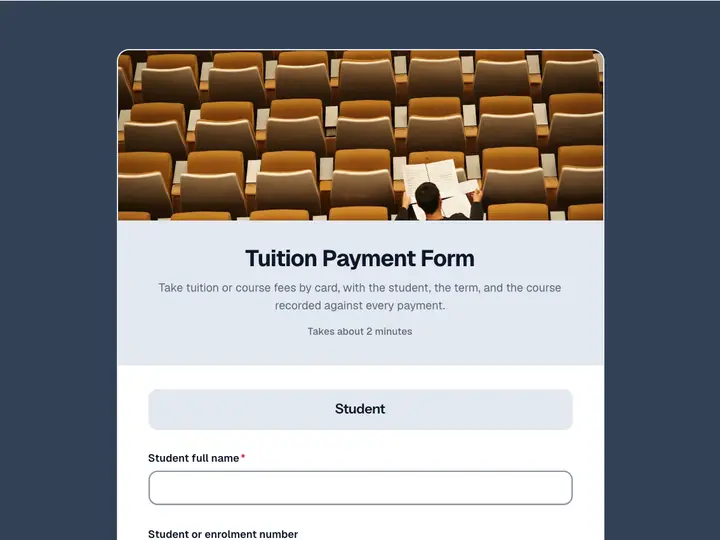 Tuition Payment Form
Take tuition or course fees by card, with the student, the term, and the course recorded against every payment.