
Online Payment Form
Take a card payment for a fixed fee, with the payer's details and invoice number attached to the same record.
Try it in another theme
Powered by Deoochform
Opens in the builder. Nothing is saved until you edit it. Or ask Claude or ChatGPT to build it.
- Fields
- 5 questions
- Layout
- Classic, every question on one page
- Theme
- Slate, switchable in the preview
- Updated
- 13 September 2026
Categories
- Payment form templates
- Payment Forms
- Stripe Forms
- Finance Forms
Form type
Ideal for
- Freelancers
- Consultants
- Small businesses
- Clubs and societies
Best used in
- Invoice payments
- Service fees
- Deposits
About this template
An online payment form is the quickest way to get paid for something with a fixed price when you do not run a shop. Send the link in an email or put it on your site, and the payer enters their details and pays by card on the same page. The payment and the answers arrive together as one record.
The invoice number field is what saves time at the end of the month. When a payment lands with a reference attached, matching it to the right client takes seconds. Without one, you are searching your bank statement for a name that may not match the invoice.
Card payments go through Stripe, so you connect your Stripe account once and the money goes straight to you. Change the amount and the label in the builder to match what you charge, and make one copy of the form for each fee if you have several.
Templates are a starting point, not legal or professional advice. Where a form carries consent, medical, or contractual wording, have somebody qualified review it against the rules that apply to you before you publish.
Fields in this template
- Full name*Short text
- Email address*Email
- Company nameShort text
- Invoice or reference numberShort text
- Anything we should know about this payment?Long text
Every field can be renamed, reordered, made optional, or removed once the template is open in the builder.
Build this form by asking Claude or ChatGPT
Connect Deoochform to Claude, ChatGPT, or any assistant that supports MCP, then send it the message below. It creates the online payment form from this template in your account and replies with a link. You can ask it to add, remove, or reword questions in the same chat before you share the form.
Make me a form in Deoochform from your Online Payment Form template, then send me the link to share.
New to this? See how to connect your assistant. You sign in with your browser, so there is no key to copy.
Frequently asked questions
- How do I accept payments through an online form?
- Connect your Stripe account in the builder, set the amount on the payment field, and publish. The person filling in the form pays by card before the submission is saved, so every record you see has already been paid. Stripe sends the money to your account on its normal payout schedule.
- Can the payer choose how much to pay?
- Not on this form, because the payment field charges a fixed amount. If you need people to enter their own amount, use the Online Donation Form template instead, which has an amount box the payer fills in. For several fixed prices, make a copy of this form for each one.
- Does the payer get a receipt?
- Yes. Stripe emails a receipt to the address entered on the form once the payment goes through, and you can also turn on the respondent receipt in the form settings so they get a PDF copy of their answers.
Related templates
 Invoice Payment Form
Let a client settle an invoice online, with the invoice number and the amount landing on the same record as the payment.
 Down Payment Form
Take a deposit before work starts, with the job reference, the agreed total, and the balance still owed recorded alongside it.
 Rent Payment Form
Take rent by card each month, with the property, the unit, and the month being paid recorded against every payment.
 Recurring Payment Form
Set a customer up on a monthly charge that renews on its own, with their details and chosen plan saved against the subscription.
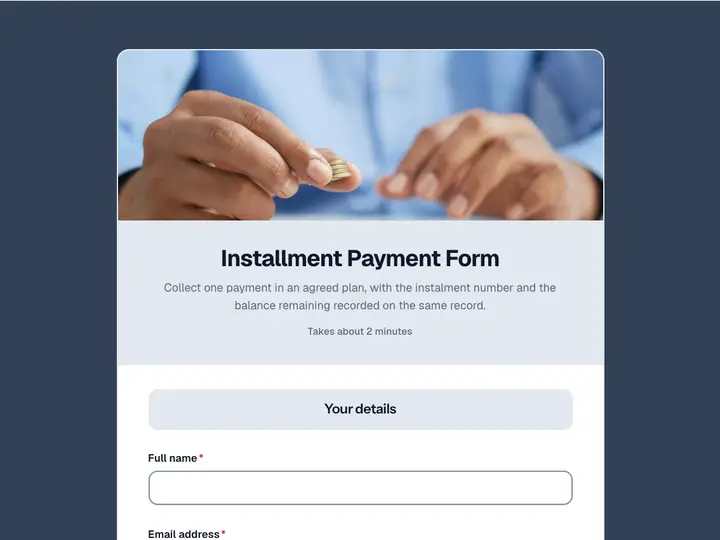 Installment Payment Form
Collect one payment in an agreed plan, with the instalment number and the balance remaining recorded on the same record.
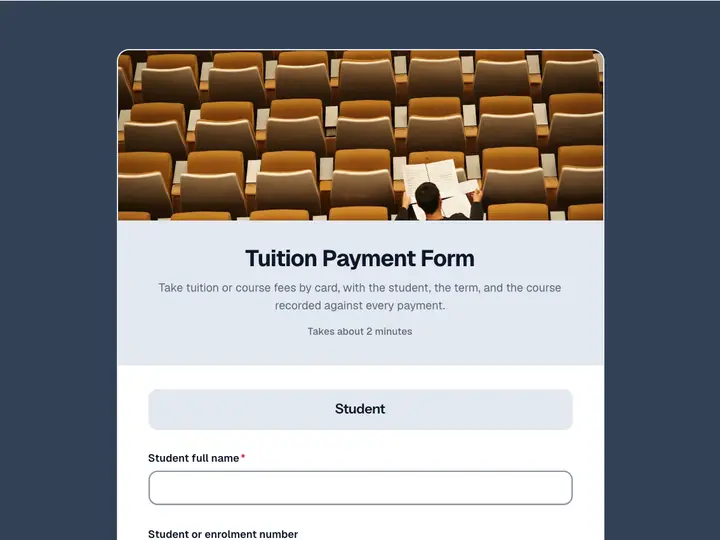 Tuition Payment Form
Take tuition or course fees by card, with the student, the term, and the course recorded against every payment.