
Podcast Guest Application Form
Take guest pitches one question at a time, with the links, the topics ranked in order, and the questions they want asked, so a booking decision takes a minute rather than a call.
Try it in another theme
Powered by Deoochform
Opens in the builder. Nothing is saved until you edit it. Or ask Claude or ChatGPT to build it.
- Fields
- 16 questions
- Layout
- One question per screen
- Theme
- Noir, switchable in the preview
- Updated
- 18 September 2026
Categories
- Marketing form templates
- Application Forms
- Marketing Forms
- Booking Forms
Form type
Ideal for
- Podcast hosts
- Producers
- Booking coordinators
- Content teams
Best used in
- Podcasts
- Media
- Marketing teams
About this template
Guest pitches arrive as long emails that all say the same thing, and deciding on one means clicking through to three sites to work out who the person is. This form flips that. It asks one question at a time, and every answer is something a booking decision actually turns on.
The three link fields do most of the work. A website, a profile, and one specific thing the person has made, which is far more revealing than a bio and takes thirty seconds to check. The ranking question is the other half: dragging six topics into a preferred order tells you what someone genuinely wants to talk about, which a checkbox list never does because people tick everything.
Asking for the three questions a guest wishes someone would ask them is the single most useful field here. It surfaces the episode inside the pitch, it filters out anyone who is only here to promote something, and it hands the host a starting point for the prep document before the booking is even confirmed.
It is set to one question at a time because a pitch answered that way is noticeably better written than the same pitch on a wall of fields. Shows that record in person should cut the format question down to the options they actually offer, and anyone with a sponsor read usually adds a line about disclosure near the end.
Templates are a starting point, not legal or professional advice. Where a form carries consent, medical, or contractual wording, have somebody qualified review it against the rules that apply to you before you publish.
Fields in this template
- What is your name?*Name
- Where should we reply?*Email
- What do you do, and where?*Short text
- Your websiteWebsite
- A profile or social linkWebsite
- One thing you have made that we should look atWebsite
- Tell us who you are in a short paragraph*Long text
- Drag these into the order you would most like to talk about*Ranking
- What three questions do you wish someone would ask you?*Long text
- Have you been on a podcast before?*Dropdown
- Links to previous appearancesLong text
- How would you like to record?*Single choice
- A photograph we can useFile upload
- Would you share the episode?Multiple choice
- Anything else?Long text
- ReferrerHidden field
Every field can be renamed, reordered, made optional, or removed once the template is open in the builder.
Build this form by asking Claude or ChatGPT
Connect Deoochform to Claude, ChatGPT, or any assistant that supports MCP, then send it the message below. It creates the podcast guest application form from this template in your account and replies with a link. You can ask it to add, remove, or reword questions in the same chat before you share the form.
Make me a form in Deoochform from your Podcast Guest Application Form template, then send me the link to share.
New to this? See how to connect your assistant. You sign in with your browser, so there is no key to copy.
Frequently asked questions
- What should a podcast guest application form ask?
- Who the person is and what they do, links to their work, a short bio in their own words, the topics they want to cover in order of preference, questions they would like to be asked, previous appearances, and how they want to record. This template asks all of those one at a time.
- Why rank the topics instead of ticking them?
- Because a checkbox list of topics gets everything ticked and tells you nothing. Dragging them into order forces a preference, and the item somebody puts first is usually the episode worth recording.
- Does the one question at a time layout hurt completion?
- Not for an application like this. It suits questions that need thought rather than quick facts, and the answers come back longer and better written. Switch it back to the classic stacked layout in the builder if your audience would rather see everything at once.
Related templates
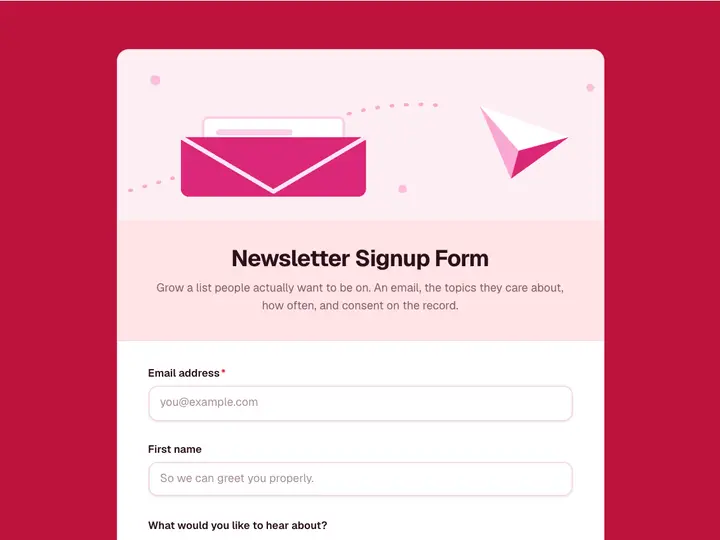 Newsletter Signup Form
Grow a list people actually want to be on. An email, the topics they care about, how often, and consent on the record.
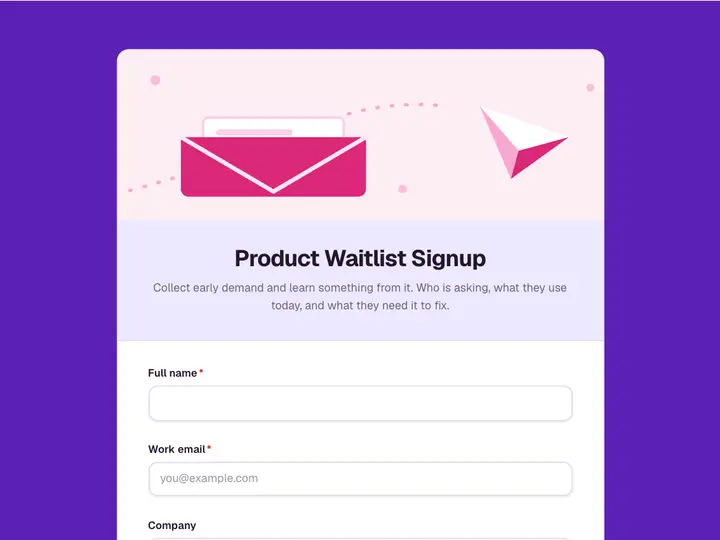 Product Waitlist Signup
Collect early demand and learn something from it. Who is asking, what they use today, and what they need it to fix.
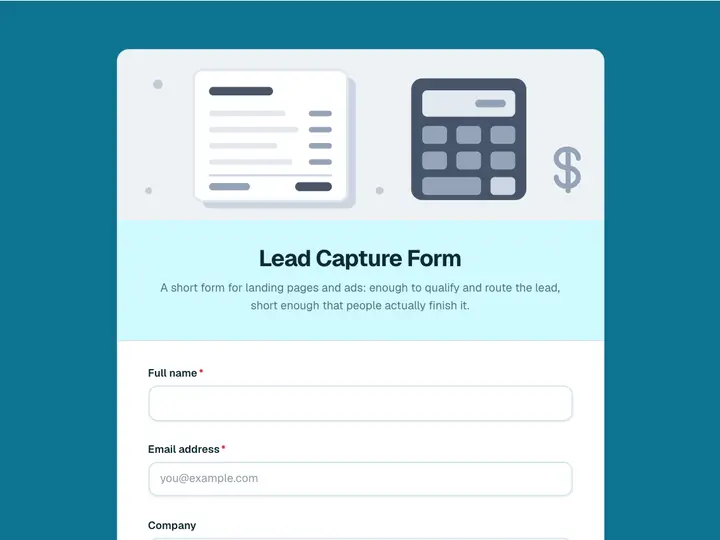 Lead Capture Form
A short form for landing pages and ads: enough to qualify and route the lead, short enough that people actually finish it.
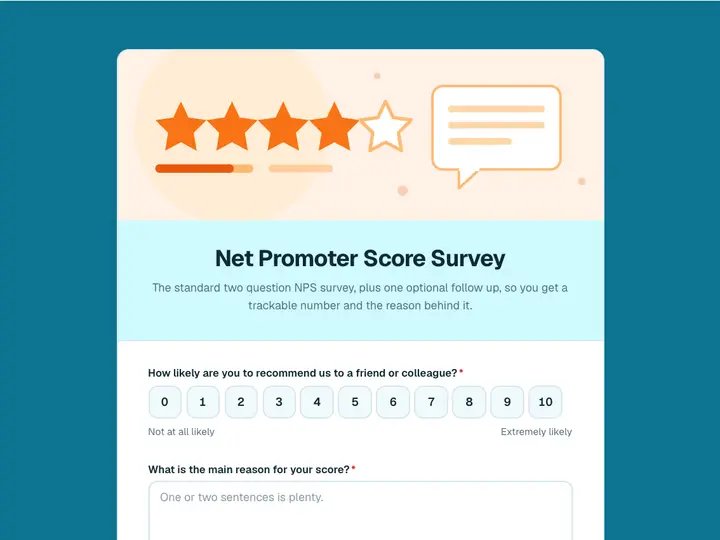 Net Promoter Score Survey
The standard two question NPS survey, plus one optional follow up, so you get a trackable number and the reason behind it.
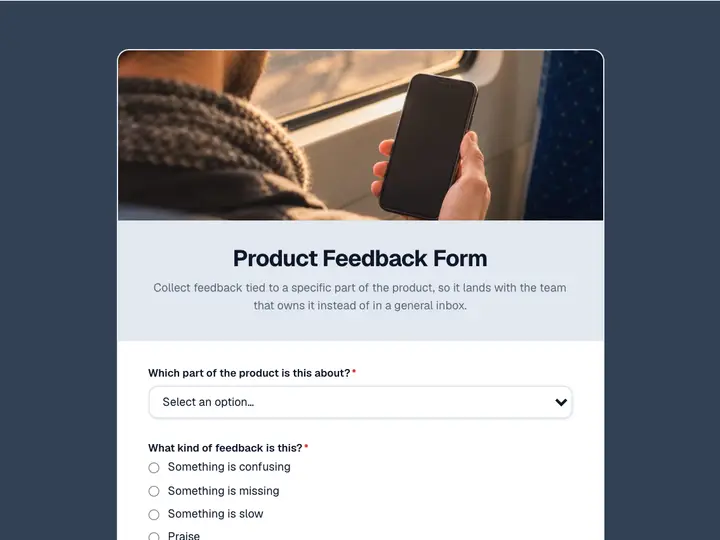 Product Feedback Form
Collect feedback tied to a specific part of the product, so it lands with the team that owns it instead of in a general inbox.
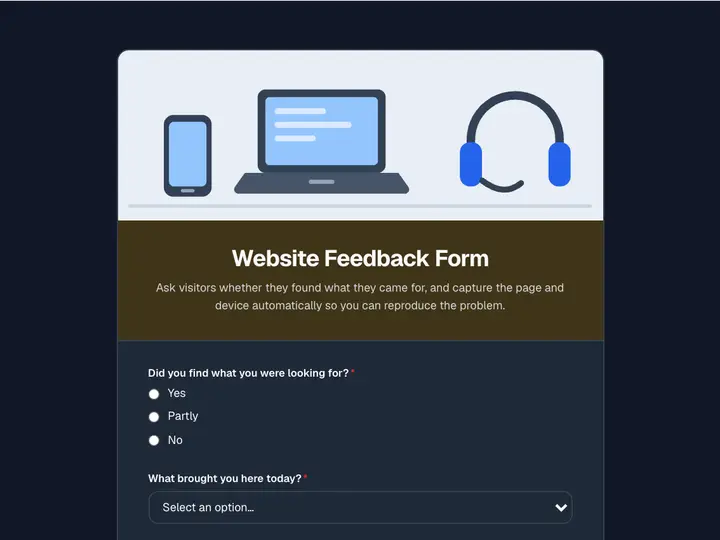 Website Feedback Form
Ask visitors whether they found what they came for, and capture the page and device automatically so you can reproduce the problem.