
Retainer Payment Form
Take the retainer that starts a client engagement, with the scope, the term, and their agreement to your terms captured alongside it.
Try it in another theme
Powered by Deoochform
Opens in the builder. Nothing is saved until you edit it. Or ask Claude or ChatGPT to build it.
- Fields
- 9 questions
- Layout
- Classic, every question on one page
- Theme
- Slate, switchable in the preview
- Updated
- 16 September 2026
Categories
- Payment form templates
- Payment Forms
- Retainer Forms
- Professional Services Forms
Form type
Ideal for
- Consultants
- Agencies
- Law firms
- Accountants and bookkeepers
Best used in
- Engagement letters
- Proposal follow ups
- Client onboarding
About this template
A retainer payment form is the step between agreeing to work with somebody and actually starting. They confirm the matter, accept your terms, sign, and pay the opening retainer in one pass, so the engagement begins with the scope written down and the money already received.
The scope box does more work than its size suggests. Most disputes about a retainer are not about the amount but about what it was supposed to cover, and a client describing the work in their own words at the point of paying is a record of what they thought they were buying. Where the two descriptions differ, you find out on day one rather than in month three.
What the retainer covers is asked as a question because the answer changes how the money behaves. A fixed piece of work is earned on delivery, while an opening balance you draw against needs tracking down to zero and topping up, and those are different conversations to have at the start.
The signature field is optional in practice, so remove it if your terms are signed elsewhere, or replace the terms checkbox wording with the exact clause your engagement letter uses.
Templates are a starting point, not legal or professional advice. Where a form carries consent, medical, or contractual wording, have somebody qualified review it against the rules that apply to you before you publish.
Fields in this template
- Full name*Short text
- Email address*Email
- Company nameShort text
- Matter or project name*Short text
- What work does this retainer cover?*Long text
- What does the retainer cover?*Single choice
- Agreed start dateDate
- Terms*Multiple choice
- SignatureSignature
Every field can be renamed, reordered, made optional, or removed once the template is open in the builder.
Build this form by asking Claude or ChatGPT
Connect Deoochform to Claude, ChatGPT, or any assistant that supports MCP, then send it the message below. It creates the retainer payment form from this template in your account and replies with a link. You can ask it to add, remove, or reword questions in the same chat before you share the form.
Make me a form in Deoochform from your Retainer Payment Form template, then send me the link to share.
New to this? See how to connect your assistant. You sign in with your browser, so there is no key to copy.
Frequently asked questions
- What is a retainer payment form?
- It is the form a new client fills in to start an engagement. It captures the matter, the scope, their acceptance of your terms, and the opening retainer payment in one step, so the work starts with the terms agreed and the money in your account.
- Should the retainer be paid before work starts?
- That is the usual arrangement and it is what this form assumes, because the submission is only saved once the payment has gone through. A record in your responses table is therefore a client who has both accepted the terms and paid.
- Can I take a monthly retainer instead of a one off?
- Use the Recurring Payment Form for an ongoing monthly arrangement, since it charges the same card on a cycle. This template suits an opening retainer or a fixed engagement fee, where one payment starts the work.
- Is a signature on this form legally binding?
- A typed or drawn signature carries weight in many places, but whether it binds a particular agreement depends on your jurisdiction and the agreement itself. Treat it as evidence of acceptance and take advice on your own engagement terms rather than relying on the form alone.
Related templates
 Online Payment Form
Take a card payment for a fixed fee, with the payer's details and invoice number attached to the same record.
 Invoice Payment Form
Let a client settle an invoice online, with the invoice number and the amount landing on the same record as the payment.
 Down Payment Form
Take a deposit before work starts, with the job reference, the agreed total, and the balance still owed recorded alongside it.
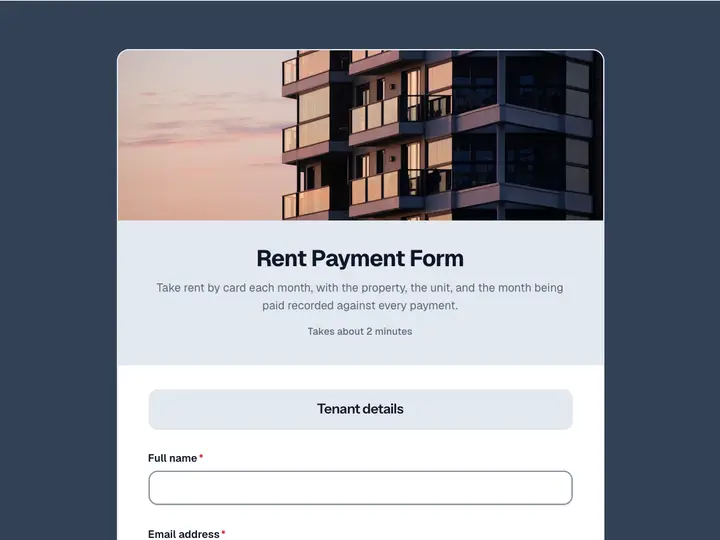 Rent Payment Form
Take rent by card each month, with the property, the unit, and the month being paid recorded against every payment.
 Recurring Payment Form
Set a customer up on a monthly charge that renews on its own, with their details and chosen plan saved against the subscription.
 Installment Payment Form
Collect one payment in an agreed plan, with the instalment number and the balance remaining recorded on the same record.