
Website Design Questionnaire
A client brief for a new website, asked one question at a time so clients give real answers before the first call.
Try it in another theme
Powered by Deoochform
Opens in the builder. Nothing is saved until you edit it. Or ask Claude or ChatGPT to build it.
- Fields
- 11 questions
- Layout
- One question per screen
- Theme
- Ink, switchable in the preview
- Updated
- 13 September 2026
Categories
- Marketing form templates
- Client Questionnaires
- Project Brief Forms
- Conversational Forms
Form type
Ideal for
- Web designers
- Design agencies
- Freelance developers
- Marketing consultants
Best used in
- New client enquiries
- Project kickoffs
- Proposal preparation
About this template
Most web design projects that go wrong start with a vague brief. This website design questionnaire gets the answers you need before the first call: what the business does, what the site is for, who it is aimed at, which pages it needs, and the budget and deadline you are working to.
Questions come one at a time and use the client's own answers as they go, so the second question greets them by name and the third mentions their business. It reads like a conversation, and people write fuller answers when a form feels like one.
The question about sites they like is the most useful one on the form. Two or three real examples tell you more about taste than any list of adjectives, and asking what they like about each one stops a client from pointing at a site for its colours when they meant its layout.
Change the budget ranges to match your pricing, and add a file upload if you want logos and brand guidelines sent with the brief.
Templates are a starting point, not legal or professional advice. Where a form carries consent, medical, or contractual wording, have somebody qualified review it against the rules that apply to you before you publish.
Fields in this template
- First, what is your name?*Short text
- Thanks {{name}}. What is your business called?*Short text
- In a sentence or two, what does {{business}} do?*Long text
- Do you have a website now? Paste the address.Website
- What is the main job of the new site?*Single choice
- Who are your customers?Long text
- Name two or three websites you like, and what you like about them.Long text
- Which pages will you need?Multiple choice
- What budget do you have in mind?Dropdown
- When do you need the site live?Date
- Last one. Where should we send our proposal?*Email
Every field can be renamed, reordered, made optional, or removed once the template is open in the builder.
Build this form by asking Claude or ChatGPT
Connect Deoochform to Claude, ChatGPT, or any assistant that supports MCP, then send it the message below. It creates the website design questionnaire from this template in your account and replies with a link. You can ask it to add, remove, or reword questions in the same chat before you share the form.
Make me a form in Deoochform from your Website Design Questionnaire template, then send me the link to share.
New to this? See how to connect your assistant. You sign in with your browser, so there is no key to copy.
Frequently asked questions
- What should a website design questionnaire ask a client?
- What the business does, the main goal of the site, who the customers are, websites they like and why, the pages they need, their budget, their deadline, and where to send the proposal. With those answers you can quote accurately and avoid a second round of questions.
- How do I send a design questionnaire to a new client?
- Publish the form and send the link by email, or put it behind a get a quote button on your site. Clients do not need an account to fill it in, and each completed brief arrives in your responses where you can download it as a PDF.
- Can the form use the client's answers in later questions?
- Yes. This template puts the client's name and business name into later questions using answer piping. To do the same on your own questions, reference the earlier field in the label and it fills in as they type.
Related templates
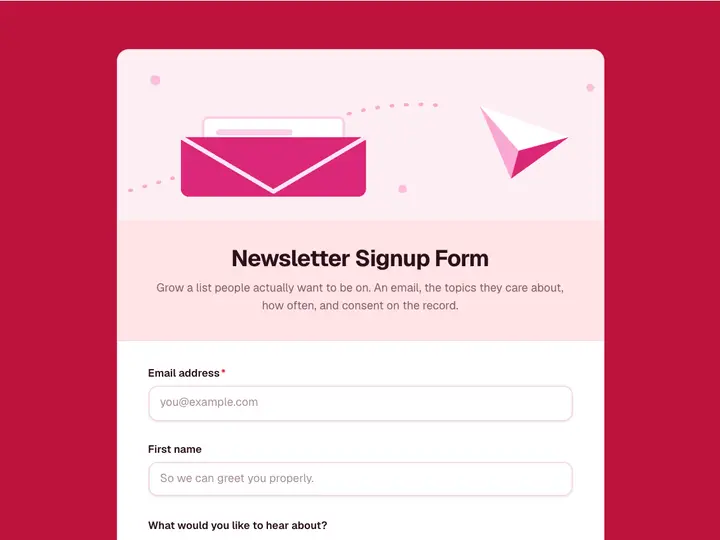 Newsletter Signup Form
Grow a list people actually want to be on. An email, the topics they care about, how often, and consent on the record.
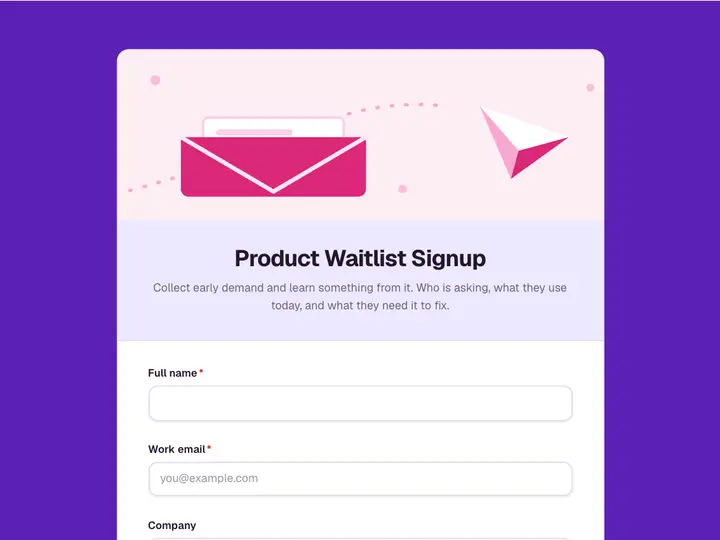 Product Waitlist Signup
Collect early demand and learn something from it. Who is asking, what they use today, and what they need it to fix.
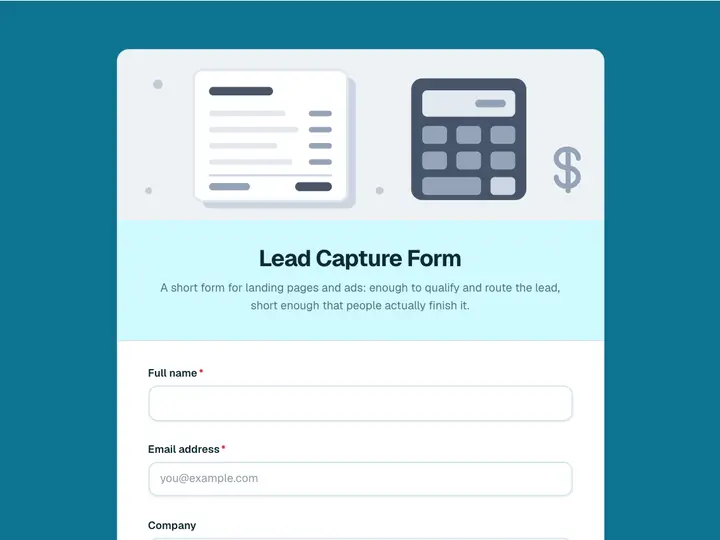 Lead Capture Form
A short form for landing pages and ads: enough to qualify and route the lead, short enough that people actually finish it.
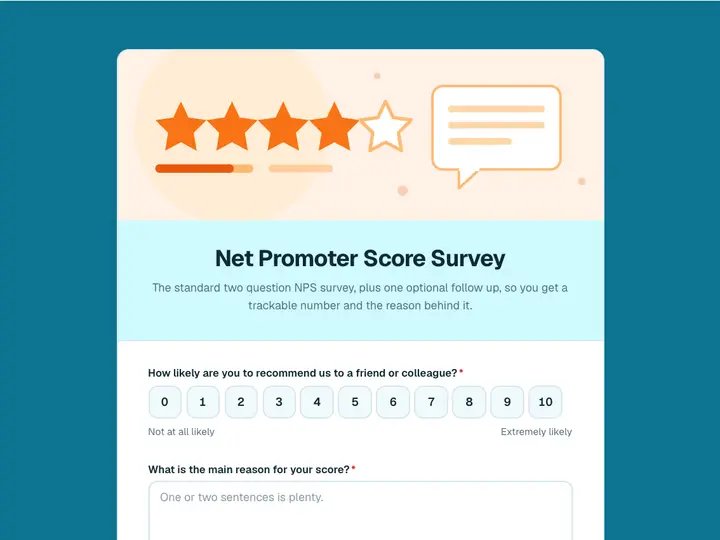 Net Promoter Score Survey
The standard two question NPS survey, plus one optional follow up, so you get a trackable number and the reason behind it.
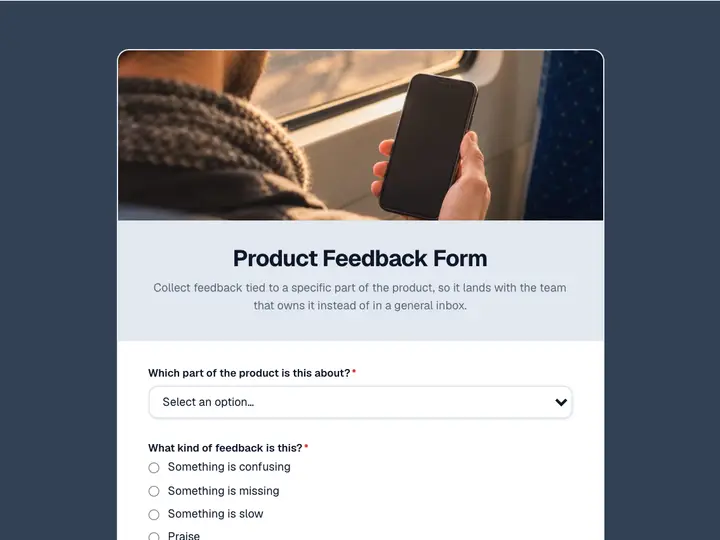 Product Feedback Form
Collect feedback tied to a specific part of the product, so it lands with the team that owns it instead of in a general inbox.
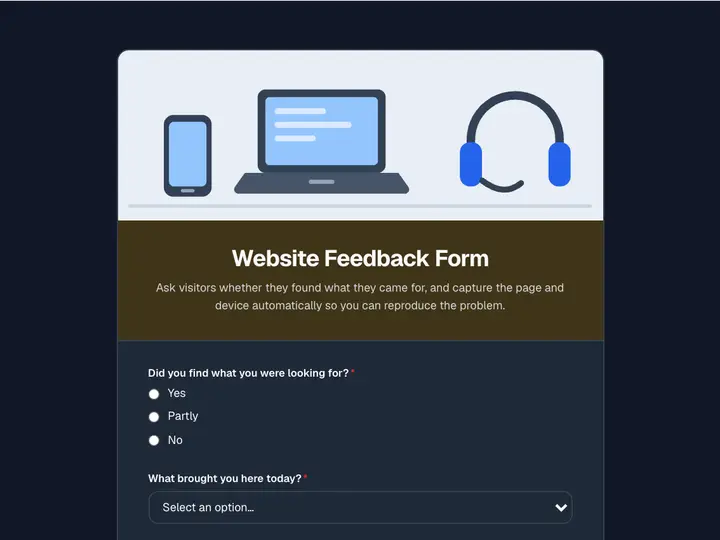 Website Feedback Form
Ask visitors whether they found what they came for, and capture the page and device automatically so you can reproduce the problem.